Describe the failure before changing the design
Start with the exact file or physical copy that caused the problem. Do not substitute a fresh editor preview, because the fault may have appeared during printing, resizing or installation. Note the phone, location, distance and what the camera actually displayed.
| Observed symptom | First check | What it isolates |
|---|---|---|
| No camera prompt | Try a plain export and another phone | Symbol or viewing conditions |
| Address appears, page fails | Open that address as a normal link | Connectivity or destination |
| Wrong content opens | Inspect the encoded route and resource | Incorrect or old artwork |
| Wi-Fi prompt appears, join fails | Check network name and credentials | Native data or network setup |
| Only the printed copy fails | Compare print with the original export | Output, material or size |
If the camera sees nothing, simplify the encounter
Make the surface easy to inspect: remove glare, flatten a loose label and let the camera focus on the whole symbol. Compare the installed copy with the original export. DENSO WAVE notes that transparent, reflective and distorted surfaces can make reading difficult.
Check the four-module quiet zone around every side of the standard symbol. If text or a frame has entered this margin, move it out and reprint a proof. Try a plain dark-on-light design without a logo to isolate decorative changes. Test at the intended size rather than zooming a tiny print until it succeeds.
If the screen works and the print fails, inspect the output
Check whether the document was reduced to fit a page, stretched unevenly or exported through a low-resolution screenshot. A denser code needs its modules to remain distinct after printing. DENSO WAVE’s sizing guidance considers both the printer and the reader, so a single universal minimum dimension cannot settle the diagnosis.
Return to the original exported file, reserve more physical space and make another proof. Keep the paper, laminate and placement consistent during the comparison. If changing several things at once makes the code work, you still will not know which specification to preserve for the next batch.
If an address opens, follow it as a link
Copy or inspect the offered address and compare it with the intended resource. Open the same route normally to separate camera recognition from page availability. Check the phone’s connection, then the resource’s status and access. A paused, draft, dormant or deleted destination needs attention beyond QR appearance settings.
For an external website, continue to the final destination and check that it still exists. For a protected page, verify the expected access method. For native Wi-Fi, confirm the network name, password and security choice; a previously printed code retains the old credentials even after you edit the saved resource.
Confirm the fix on the original use case
After changing something, repeat the test that originally failed. A new export working on your laptop is useful, but it does not establish that the replacement sign works in the dim entrance where guests encountered the problem. Test the complete journey through the main action.
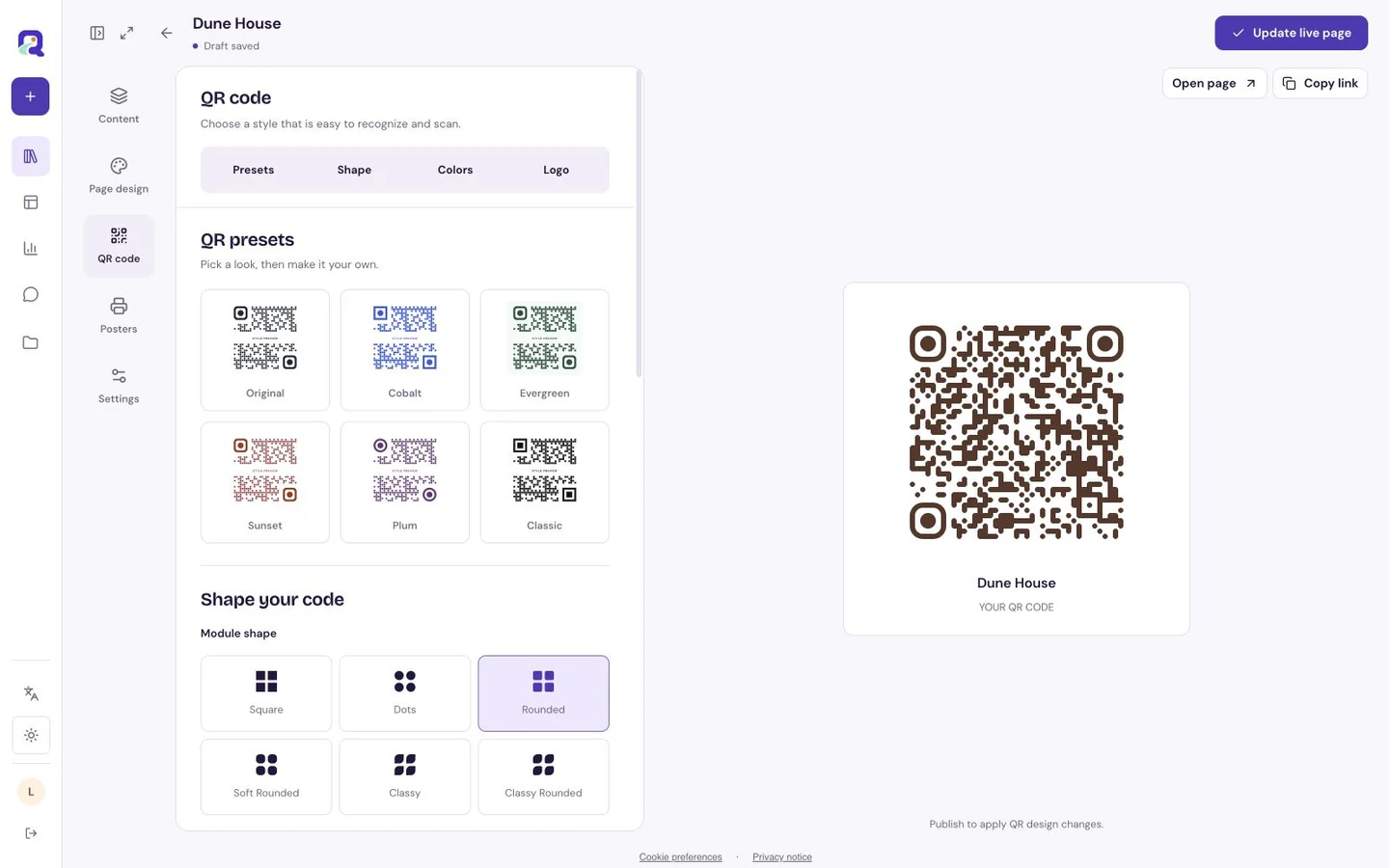
Use QRTech’s appearance editor to revise the design, or edit the existing resource when the problem is its content. Keeping those decisions separate helps avoid unnecessary reprinting.
- Reproduce the failure with the affected copy.
- Change one likely cause and record what changed.
- Test the new copy in the original position.
- Try another phone and a realistic viewing distance.
- Replace every affected print and save the approved file.
Questions, answered.
Will increasing error correction fix every scan problem?
No. It will not fix a missing quiet zone, poor physical output or an unavailable destination. Identify the failure stage before changing the correction setting.
Why does an old Wi-Fi code fail after a password change?
The printed symbol still contains the earlier credentials. Generate a new native Wi-Fi code and replace the old copies.