Choose the question behind the object
Begin with the object or exhibit name, then answer something a visitor is likely to wonder: how it was made, what a detail means or where it fits in a wider story. Give the first paragraph enough substance to reward a quick visit, with further context underneath.
Keep names, dates, attribution and image credits clear. An image block can show an alternate view or a detail with explanatory text nearby. The page should make sense to someone looking up and down between the screen and the object.
Offer listening alongside readable context
Premium audio blocks support uploaded audio; Spotify is another Premium listening option when it suits the material. Use supported YouTube content for video. Describe what the media contains before someone chooses to play it.
Provide a readable account of the important information alongside recorded narration, and make the listening duration clear in your description. Suggest headphones where appropriate for the gallery. Media depends on the visitor’s device, connectivity and the chosen source; a concise text introduction remains useful.
Design for brief attention and small screens
Use a quiet reading area, comfortable text size and a strong title. One carefully chosen image can explain more than several decorative photographs. Longer interpretation benefits from short sections that allow visitors to stop reading without losing the main point.
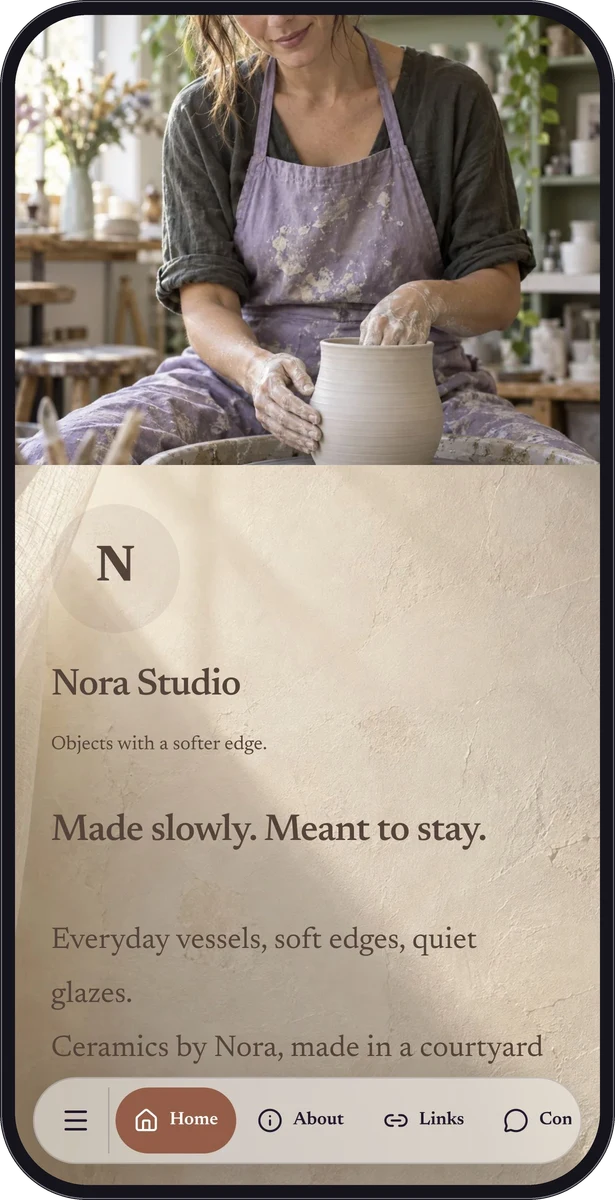
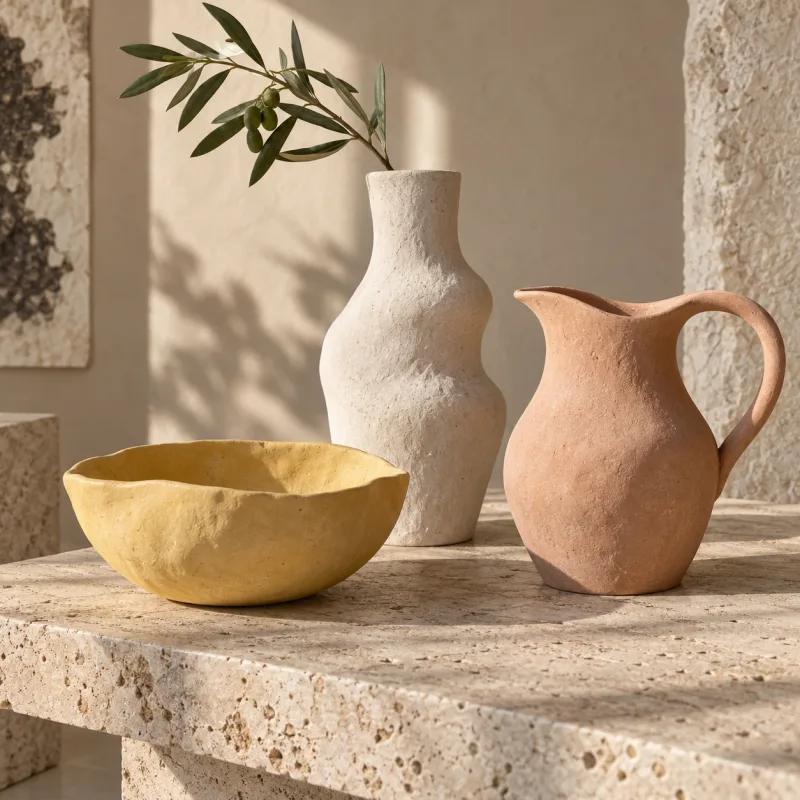
The ceramic imagery shown here belongs to the fictional Nora Studio creator sample. It demonstrates image presentation and an artist’s context. It is a representative demonstration concept for museum interpretation, not a purpose-built museum sample or evidence of a museum deployment.
Make the label explain what happens after scanning
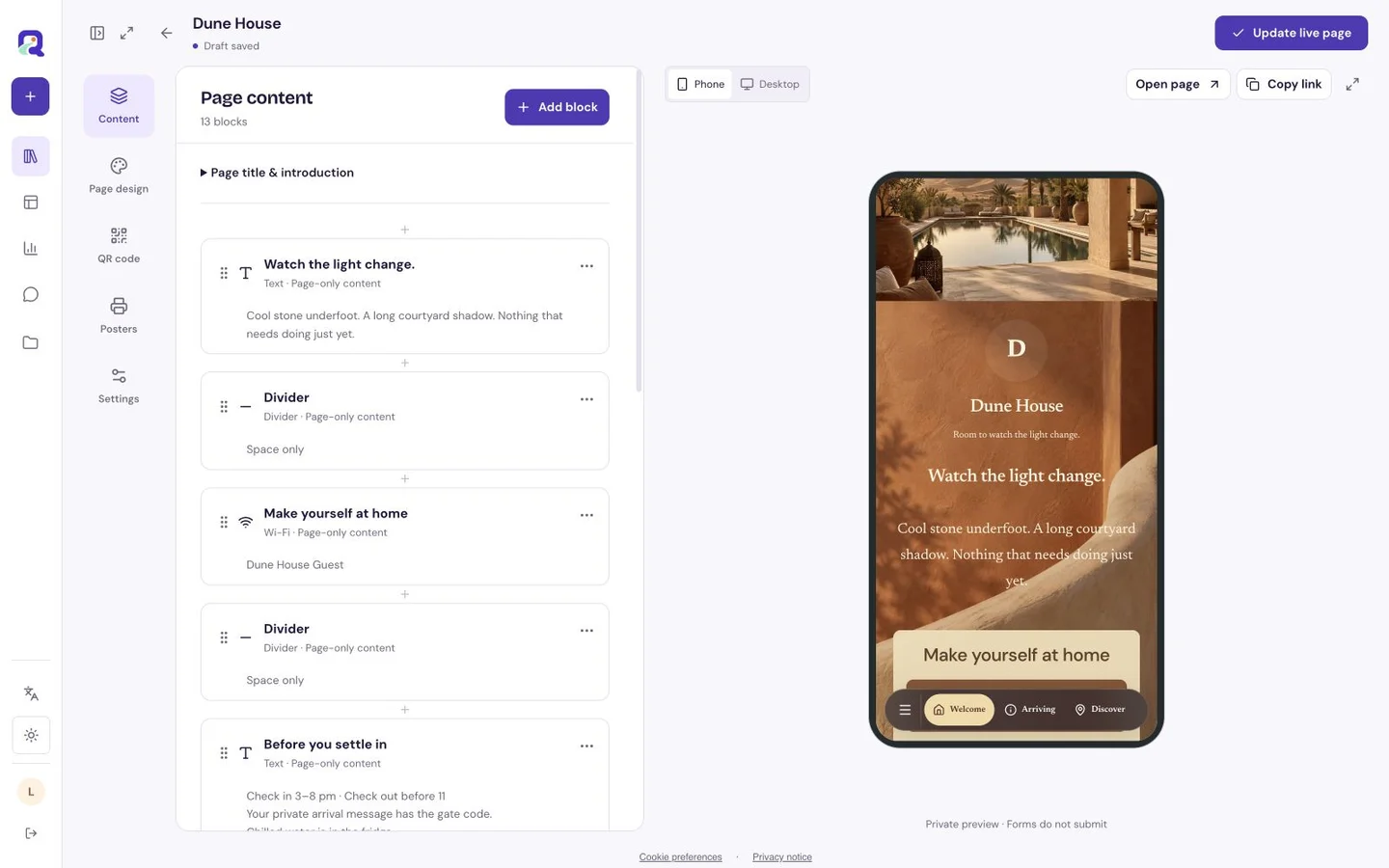
Use a caption such as “Read the story behind this object” or “Listen to the short introduction.” Include a readable page link when space permits. Position the code where visitors can approach it comfortably without obscuring the exhibit or its essential label.
Print a proof and test it under the display lighting and through any protective surface. The hosted page needs an internet connection. If visitor Wi-Fi is available, explain how to join it separately and keep essential identification readable on the physical label.
Give each published story an owner
Prepare the text, permissions and media before assembling the page. Check the visitor view against the approved exhibit information, including credits and pronunciation guidance in any narration. Use a separate page when an individual label needs a distinct destination, and account for the plan’s resource and storage limits.
Eligible text and image blocks can support a Free interpretation page. Audio and other Premium blocks can extend it. Keep existing links pointing to maintained pages, review them when displays change and replace outdated interpretation before the next group of visitors arrives.
Questions, answered.
Does the camera recognise an artwork?
No. Visitors scan a QR code that opens the page you have linked to it. QRTech does not identify objects or artworks from a camera image.
Is this a collection-management or guided-tour system?
It provides pages and supported media blocks. Collection records, ticketing, visitor tracking through galleries and managed tour routes require your existing tools or processes.