Does the answer live here or somewhere else?
A link page works well when your best content already lives elsewhere: a shop, a portfolio, a booking service and a social profile. The page gives those destinations understandable names and a useful order. Its main editorial task is choosing what deserves attention today.
A custom page can deliver the answer itself. It might explain a workshop, show the timetable and collect a question without sending the visitor through several websites. Use that extra flexibility when it reduces effort for the reader, rather than because there are more blocks available.
Compare the visitor journey
Imagine the first minute after someone opens the page. The better structure is usually the one with fewer unexplained decisions. These examples are starting points; the content you already maintain should guide the final choice.
- One urgent action can sit above less urgent links.
- Remove duplicate destinations with different labels.
- Keep archived projects away from the main action unless they help the decision.
| Situation | Useful starting point | Reason |
|---|---|---|
| Several finished destinations to share | Link page | Visitors can choose and continue |
| Instructions people need to read | Custom page | The answer appears directly |
| A portfolio with project context | Custom page | Images and text explain the work |
| A release, shop and booking link | Link page | A short list makes priorities visible |
| Guest information and a feedback form | Custom page | Different tasks fit on one page |
Make destination labels do useful work
“Explore” is difficult to choose when several buttons say it. “Browse available prints” tells the visitor what they will find. “Request a portrait session” is clearer than “Contact” when that is the actual purpose. Use specific labels and avoid promising an immediate booking if the destination only takes enquiries.
For an illustrator, the order might be a new collection, selected work, commission enquiries and social profiles. A musician may put the current release before older performances. Revisit the order when your priority changes; a page that tries to promote everything equally becomes harder to scan.
Use custom blocks to answer the missing questions
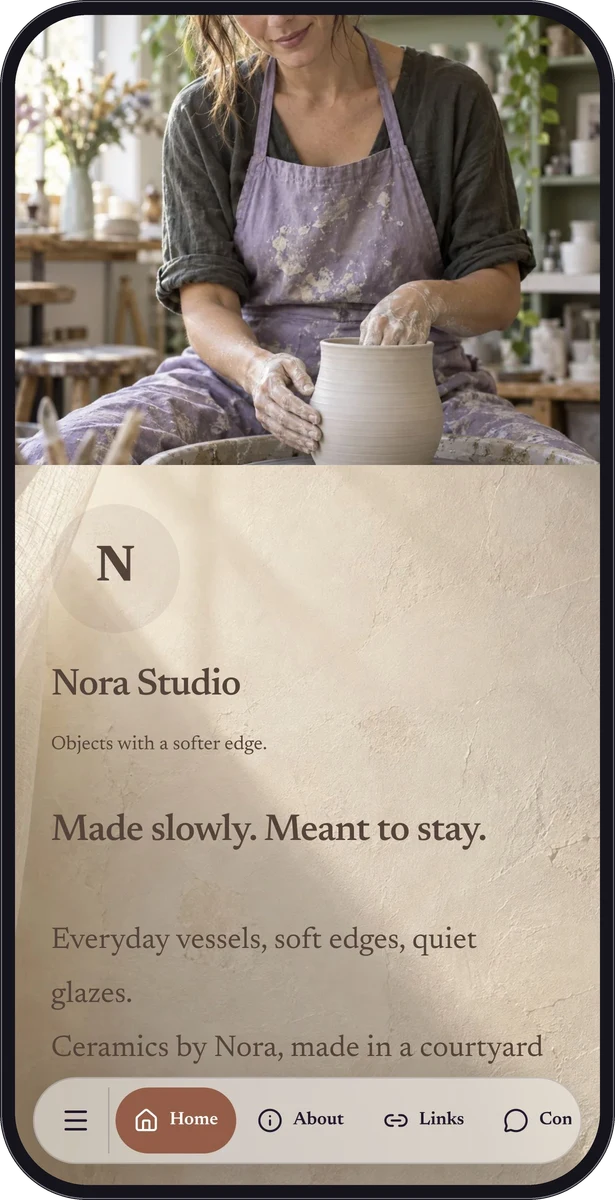
Before adding a block, name the question it resolves. A short text section can explain turnaround time. An image can show the scale of a ceramic piece. A form can ask for the details required to respond. A social strip can gather profile links without turning the whole page into a long directory.
QRTech custom pages allow up to 40 blocks. That is a capacity limit, not a target length. Group related material beneath clear headings, use consistent styling and remove sections that repeat what the visitor already knows. A concise page is easier to maintain as your work changes.
Choose the content first, then the plan
QRTech link pages and link-list blocks require Premium. A social strip is a different feature and remains available on Free, alongside eligible custom-page blocks. Menus, forms, audio, Spotify, location and calendar blocks also require Premium. Resource and storage limits apply to both plans.
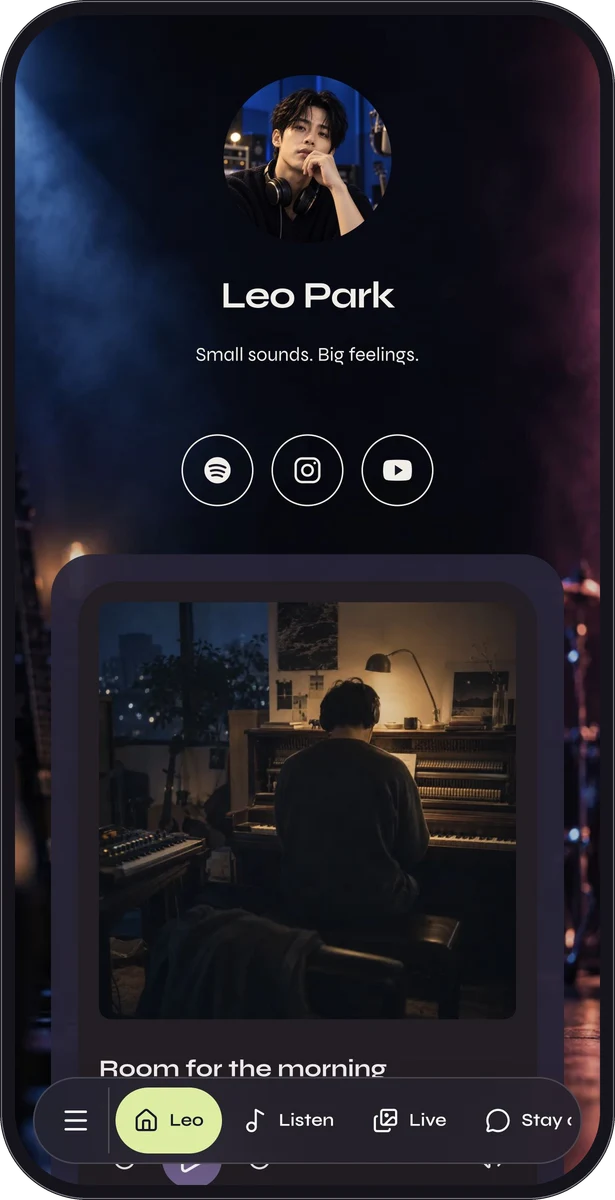
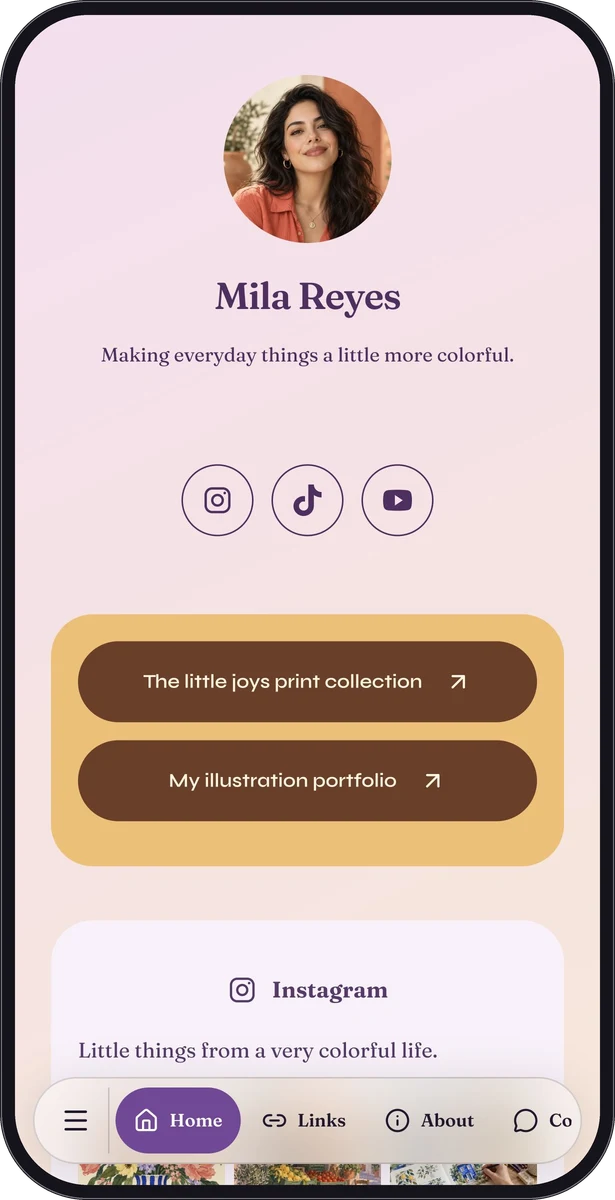
Start with the route that matches your outline. The custom-page editor is the starting point for a page combining several content types. The link-page start suits a focused destination list. Look at Mila Reyes and Leo Park for fictional examples of different priorities within a creator page.
Questions, answered.
Can a custom page also contain links?
Yes. Premium link-list blocks can sit alongside other content. Free social strips provide a separate way to group supported social profiles.
Should I choose the shortest possible page?
Choose the shortest page that answers the visitor’s questions. Removing essential context can create more work than a slightly longer, well-organized page.