Show the location. Explain the arrival.
A map helps orient the visitor, but a written address and a short arrival note often answer the question it cannot. Mention the correct entrance, meeting point or access route when that information matters.
Location pages and blocks provide supported map and directions experiences. The visitor may continue in an external map service, whose availability and routing behavior remain outside QRTech’s control.
Put directions beside the reason for visiting.
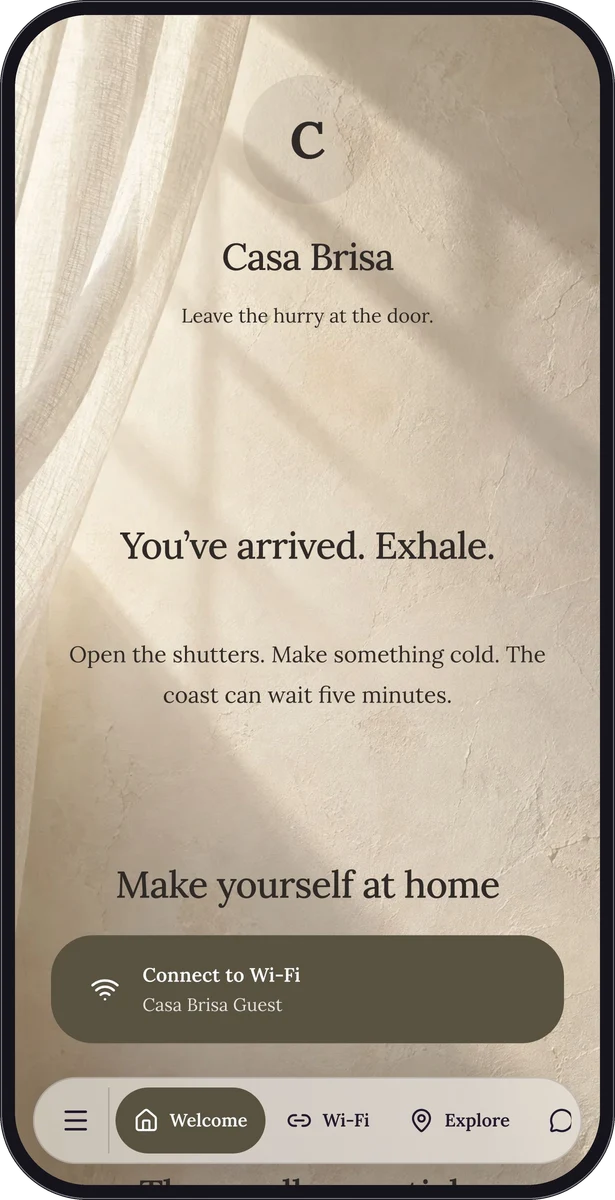
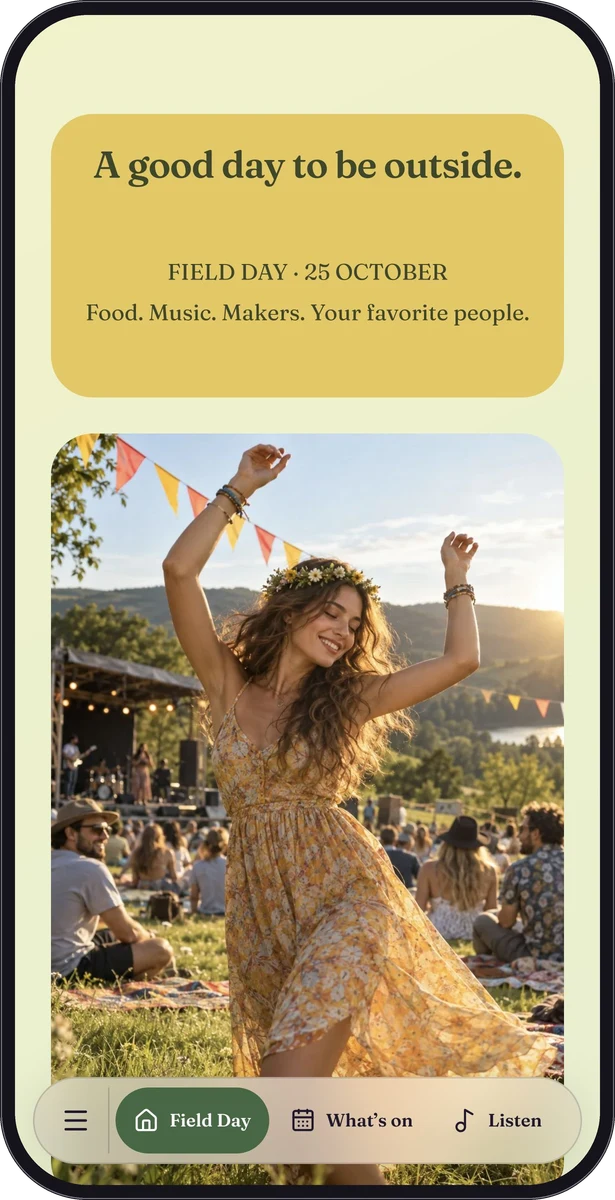
A restaurant can place its location below the menu and opening information. An event page can put it near the date and programme. A guest guide can distinguish the property address from the meeting point or parking instructions.
In a custom page, give the location block a clear section label so floating navigation can take people directly to it. Design the block to fit the page while keeping the map and written information readable.
Make the page useful even before the map loads.
External maps may depend on consent, connectivity or service availability. Keep essential arrival instructions in text so visitors are not forced to load an embedded map to understand where to go.
Choose a map view that shows meaningful surroundings rather than an unhelpfully close crop. Confirm the pin, label and directions destination against the actual place you intend to share. Demo locations in QRTech’s samples are illustrative.
Check it from the visitor’s point of view.
Use an unfamiliar phone or a private browser window to inspect the public page. Confirm that any external directions action leads to the right destination rather than simply trusting how it looks in the editor.
- Create a location page or add a location block to a custom page.
- Set the correct location and add a readable address.
- Write the arrival details a visitor would otherwise have to ask for.
- Test the page, map consent state and directions link before sharing.
Questions, answered.
Are location pages available on Free?
Location pages and blocks require Premium. You can still include eligible text content in a Free custom page, subject to its plan limits.
Does this manage a building or property?
No. QRTech shares visitor information and supported directions. It is not a property-management, access-control or maintenance system.