Match the route to the moment
A link in an email can be opened directly. Asking that reader to scan a code on the same phone adds an unnecessary step. On a table sign, the code can save typing; the nearby shortlink still helps a visitor who prefers another route.
Think about what people are holding and where they are looking. A presentation slide can support a code while you speak, with the normal link included in the follow-up message. A social profile needs a tappable destination and a description that makes the benefit of opening it clear.
Give each placement a practical purpose
Start with a few places your audience already uses. Consistent wording helps a visitor recognize that the link or code belongs to the business, event or person they expected.
- Replace a raw “click here” with a label naming the destination.
- Place the link where it will survive copying or forwarding.
- Check how a profile or messaging service displays the destination.
| Placement | Share this | Explain the benefit |
|---|---|---|
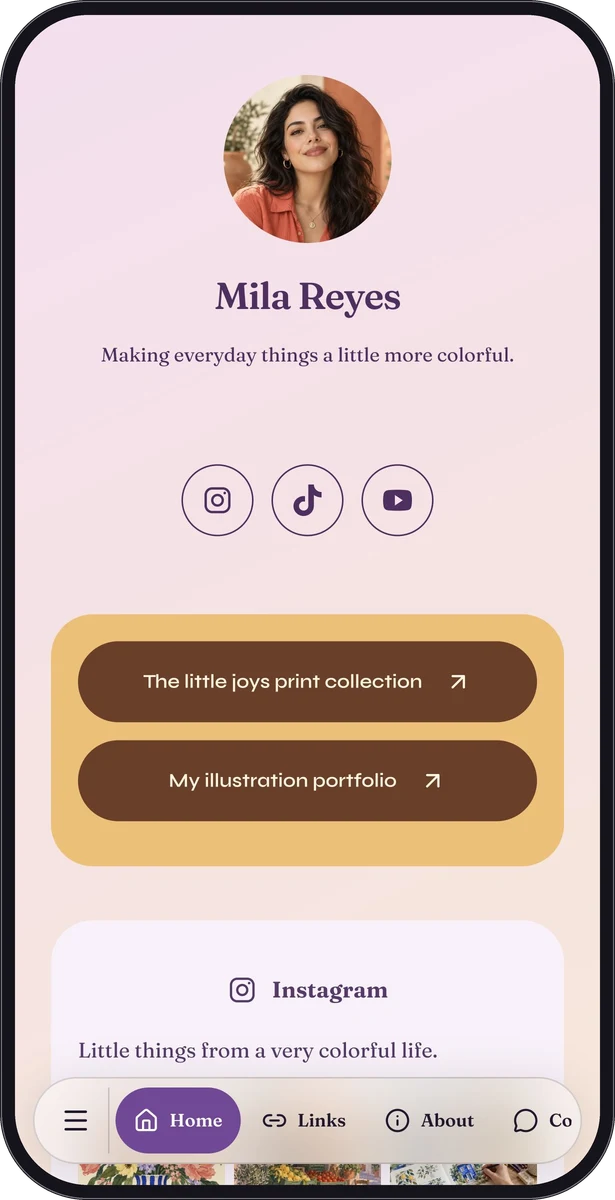
| Profile biography | Normal shortlink | Selected work and current enquiries |
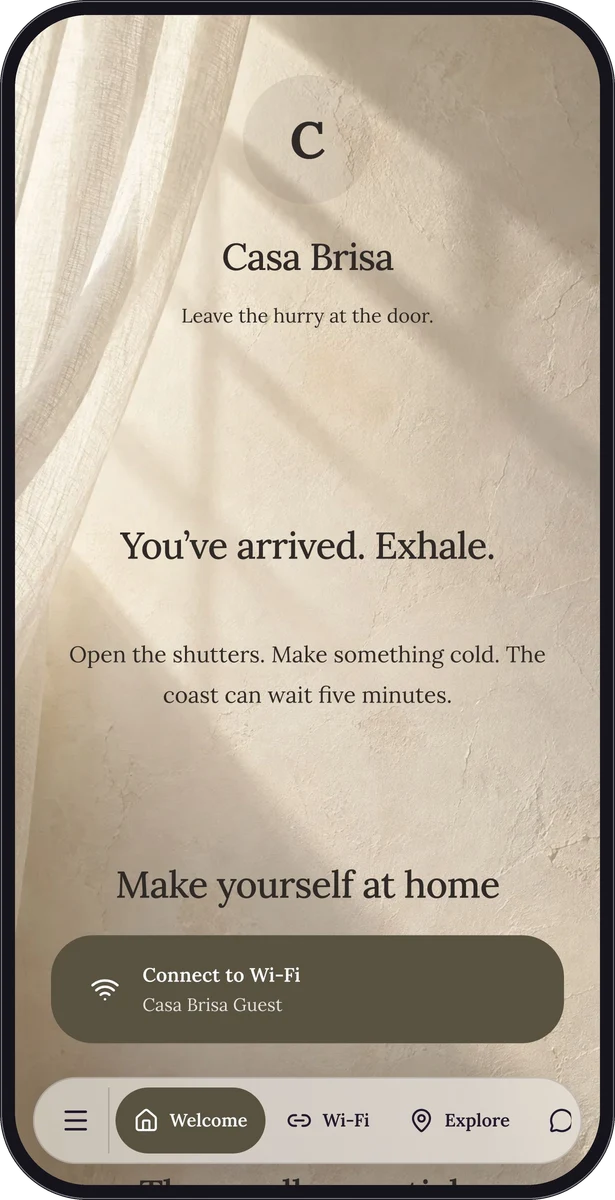
| Arrival message | Normal shortlink | Directions and everything for your stay |
| Restaurant table | QR code plus readable link | Today’s menu and useful kitchen notes |
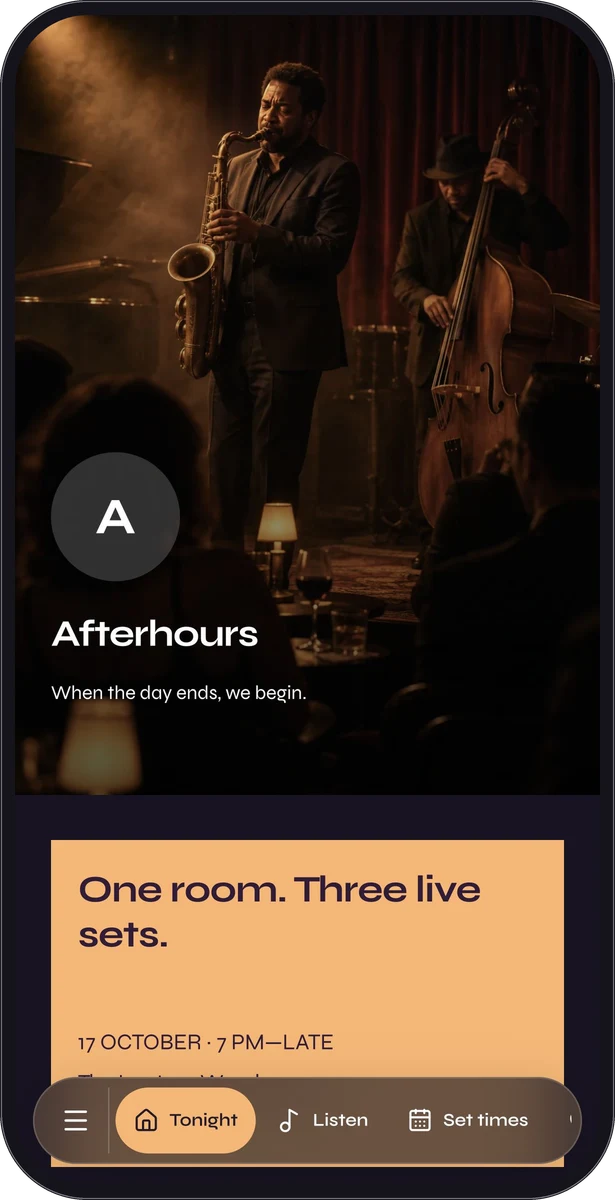
| Event poster | QR code plus readable link | Programme, access and venue details |
| Email signature | A labelled normal link | Services and contact information |
Make the page fulfil the promise
If a sign says “See today’s menu,” the menu should be easy to reach after opening. If a message promises check-in details, the page should not begin with several unrelated recommendations. Match the destination’s first useful section to the reason for sharing it.
For a campaign, choose one primary next step and include only the context needed to take it. For an everyday information page, prioritize the most common questions. Before distribution, open the exact copied link and compare the page title, main action and content with the wording on the placement.
Treat print as a separate proof
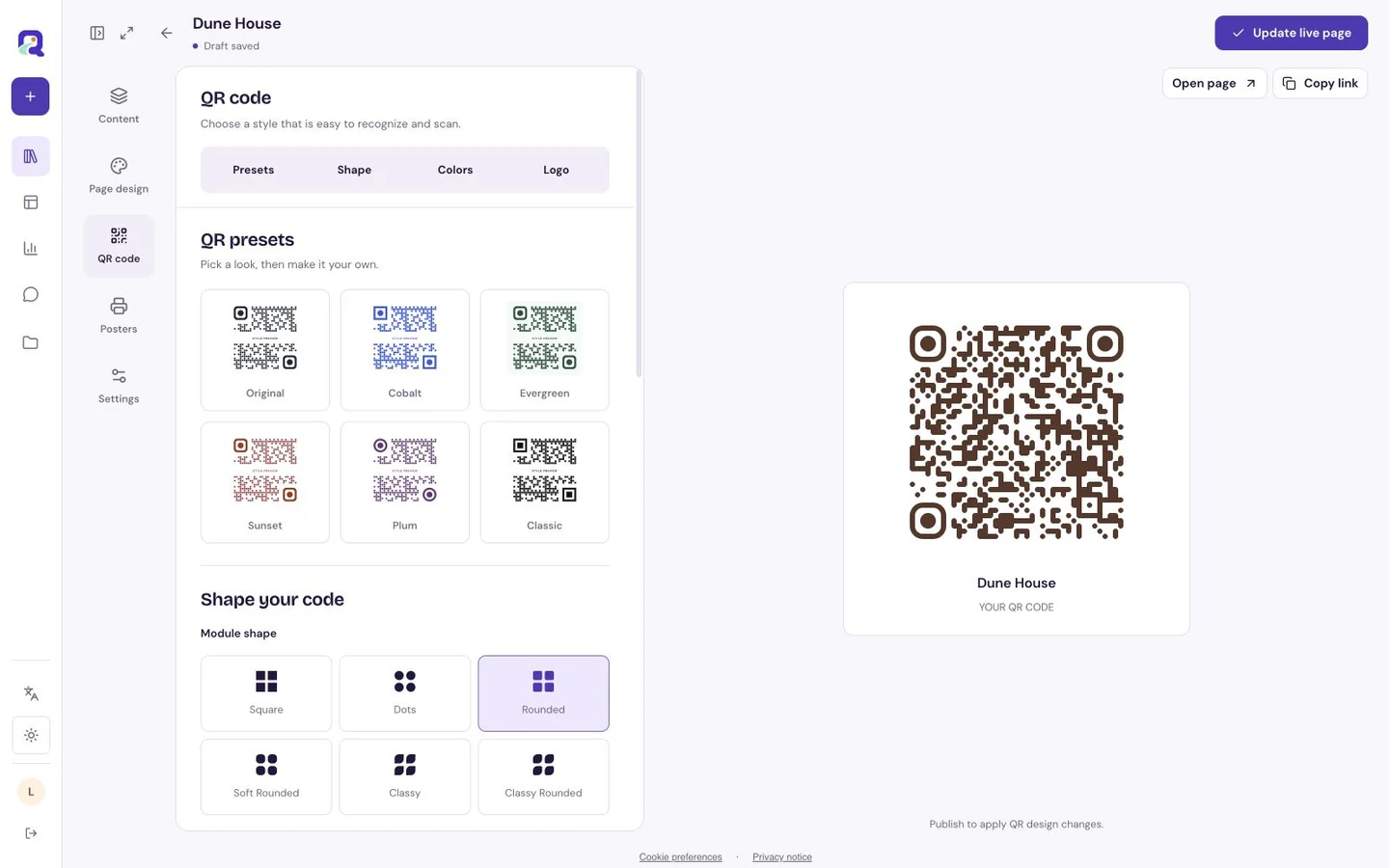
A code that looks fine in an editor still needs testing on the finished material. Keep the standard four-module quiet zone clear on every side; a module is one small square in the code. Place the caption and readable link outside that margin.
Choose a physical size for the reading distance and the actual print process, then test a proof. A label seen in someone’s hand and a sign across a room are different jobs. Keep the final export with your artwork so future reprints use the same tested destination.
Keep the shared resource and understand its channels
QRTech’s hosted page and redirect codes use retained URLs, so you can update the existing content without replacing every shared copy. Resource status, plan access and retention rules still matter. Native Wi-Fi codes store credentials directly and need replacement when those credentials change.
Use the normal shortlink for digital distribution and the downloaded QR code for scan placements. QRTech reports labelled QR and link activity, but those labels describe the route used, not a verified physical placement. Copying a QR-labelled URL into a message can preserve that label. Check the analytics guide before interpreting a campaign comparison.
Questions, answered.
Can I share the same page in several places?
Yes. Use the normal link where people can tap and the code where scanning helps. The page should still answer the promise made by each placement.
Can someone forward the page?
A person with the link can share it. If you use a shared page password, that password can also be forwarded; choose what you publish accordingly.