Give people a link they can recognize.
Choose an available custom path on the QRTech platform domain. A descriptive path is easier to recognize in a message or on a small sign than an opaque destination URL. The shortlink can lead to your hosted page or a supported external destination.
This is a platform-domain link. QRTech does not currently provide customer-owned short domains. The exact base address follows the configured platform deployment; a custom path does not mean a custom domain.
Send it wherever the conversation is happening.
Share a guest guide before arrival, a portfolio after a conversation, or an event page in a community group. The useful part is what the visitor finds when they open it. A shortlink can do that job without involving a scanner.
Add the same normal link to your email signature or social bio. If you later make a table sign or poster, use the QR export for that channel while keeping the normal shortlink for clickable surfaces.
| Where people find you | A useful way in |
|---|---|
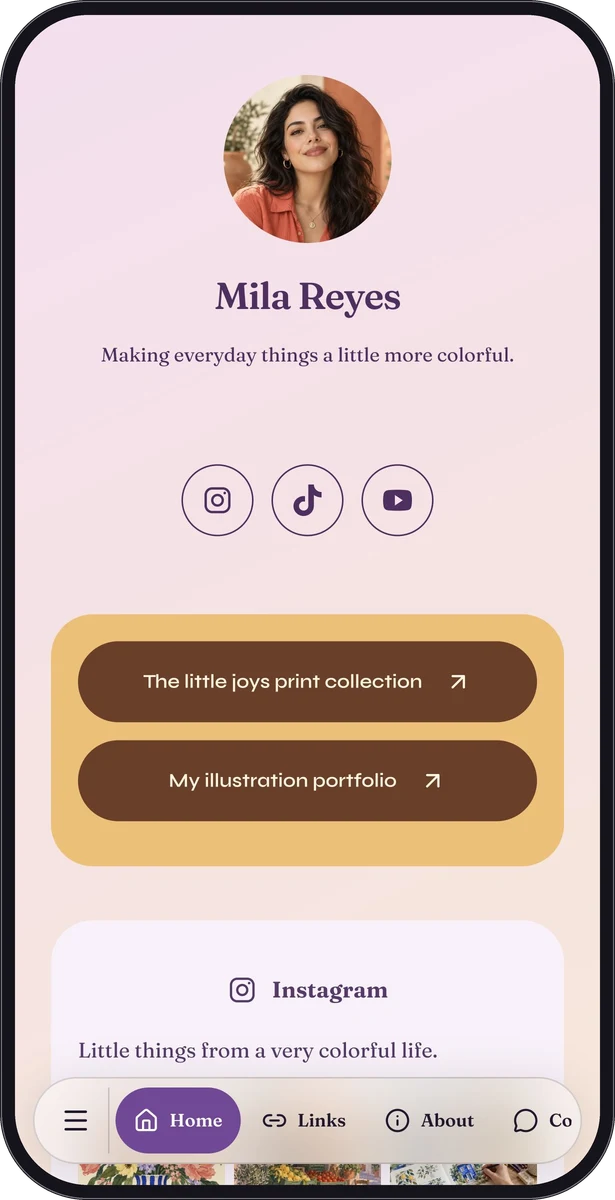
| Social bio | A normal clickable link to your creator page |
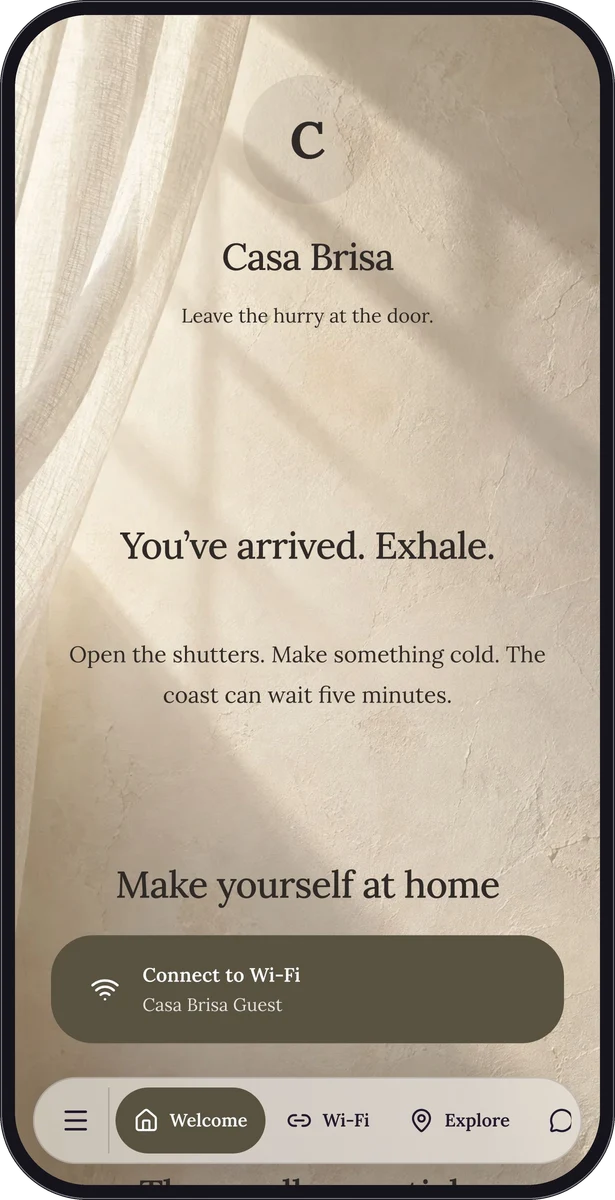
| Guest message | A welcome page sent before arrival |
| Email signature | A business card or services page |
| Printed sign | A QR code plus a readable link as an alternative |
Keep the invitation. Update what is behind it.
Publish revised hosted information or update a supported destination as the details change. Existing platform aliases are retained by the product so shared paths can continue resolving. Keep the resource active and covered by your plan.
A shortlink is not a bypass around plan limits or password protection. Dormant or protected destinations still follow their access rules. Native Wi-Fi QR credentials are also a separate, offline format rather than a changeable shortlink payload.
A small setup, with a clear destination.
Start with an external website URL if you already have a destination, or build a page when you want to bring information together inside QRTech.
- Create the supported destination or page.
- Choose an available shortlink path in the editor.
- Open the normal link and confirm the visitor experience.
- Copy it into the message, bio or email where people need it.
See how people found their way in.
QRTech separates normal shortlink visits from visits carrying the QR-channel marker. You can also inspect page-link clicks and form responses where those features are used. These measurements answer different questions; none should be treated as an automatic count of unique people.
A person can share a QR-tagged link in a message, and that visit can still appear in the QR channel. Browser privacy preferences and filtering also affect what is recorded. Use the channel comparison as context, not as proof of a particular physical action.
Questions, answered.
Do I have to make a QR code?
No. You can create a supported page or destination and share its normal shortlink directly.
Can I use my own short domain?
Custom paths on the platform domain are supported. Customer-owned short domains are not currently a QRTech feature.
Are custom shortlinks included on Free?
Yes, for resources available within your Free allowance. Premium page types and blocks still require Premium.