Explain the space before the visitor scrolls
Start with a clear property name or location description and a short explanation of the offer. Select a cover photograph that represents the space honestly. Keep essential facts in text so someone can find them again without studying an image.
Follow with the details relevant to your situation: room arrangement, notable features, outdoor space and the surrounding area. Use precise descriptions and confirm the facts with the person responsible for the property before publishing.
Give the photographs a useful sequence
A custom page can combine image and text blocks into a simple walkthrough. Begin with the main living space, then show the rooms and features that need explanation. Short captions can clarify which part of the property appears in each photograph.
Keep the page comfortable on a phone. Use a consistent reading font, clear headings and a background that lets photographs remain the focus. If a room needs a longer description, place it beside its place in the sequence rather than repeating all descriptions at the bottom.
- Choose photographs that add new information with each image.
- Explain shared areas, entrances and relevant access arrangements.
- Remove out-of-date photographs when the space changes.
- Keep a visible route to ask about details the page cannot answer.
Make the next conversation specific
A contact block can offer the phone or email route you use for property enquiries. A Premium form can ask for a visitor’s name, reply address and question, while a Premium location block can help explain where to go. Describe the purpose of the form so people know they are making an enquiry.
If viewing arrangements are handled elsewhere, link to that existing service. Confirm appointments through your normal process. A page submission does not reserve a viewing slot or establish that the property is still available.
Borrow the mood, write your own property story
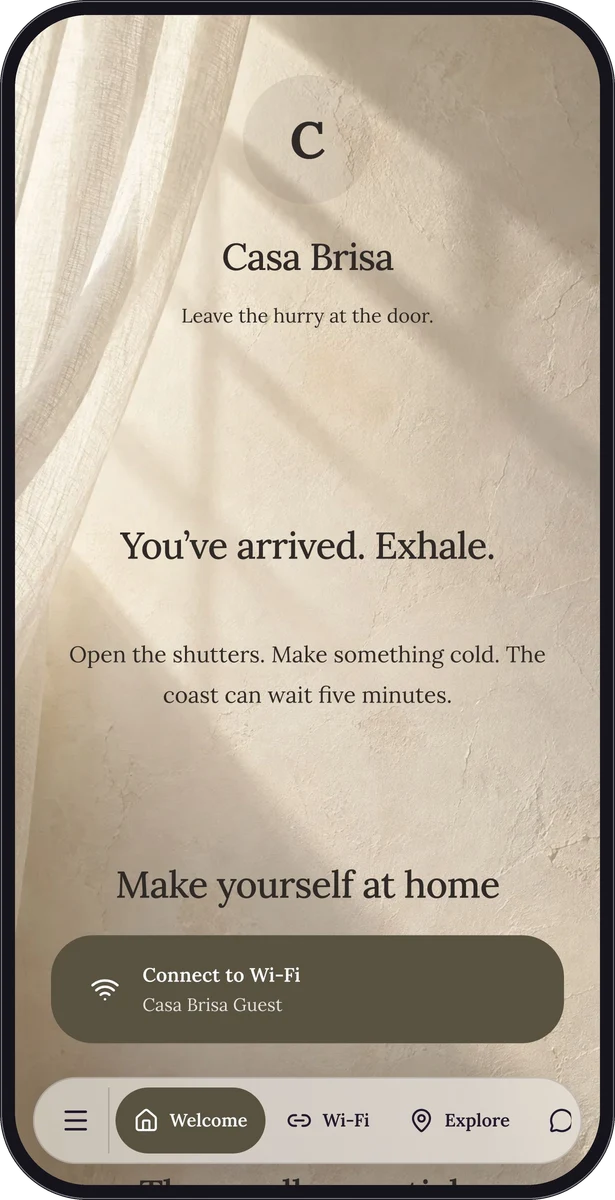
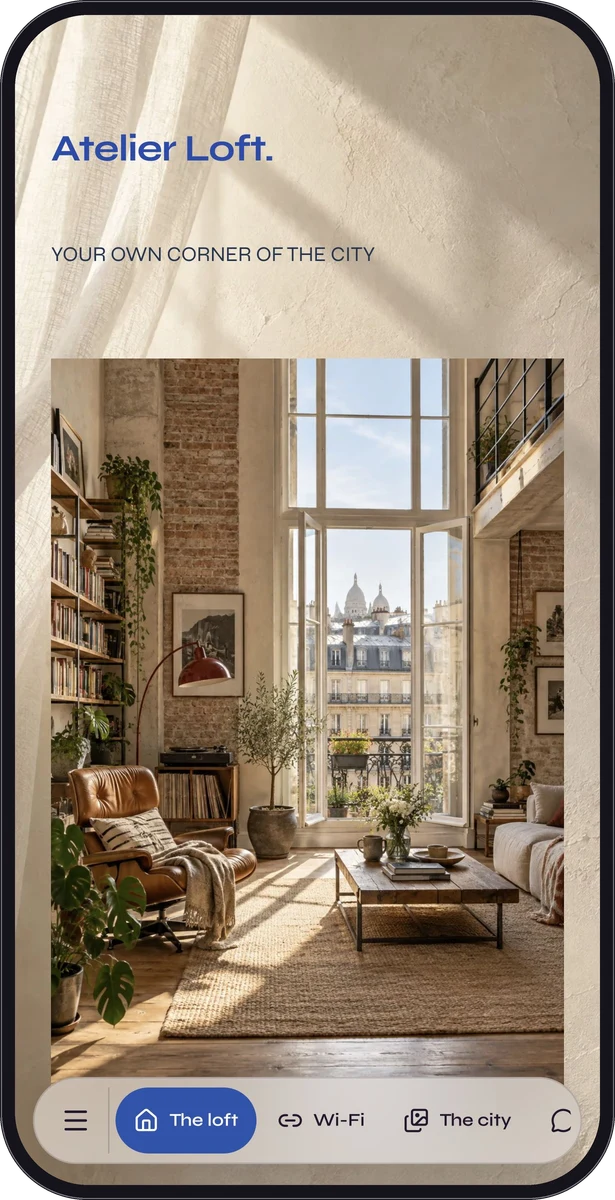
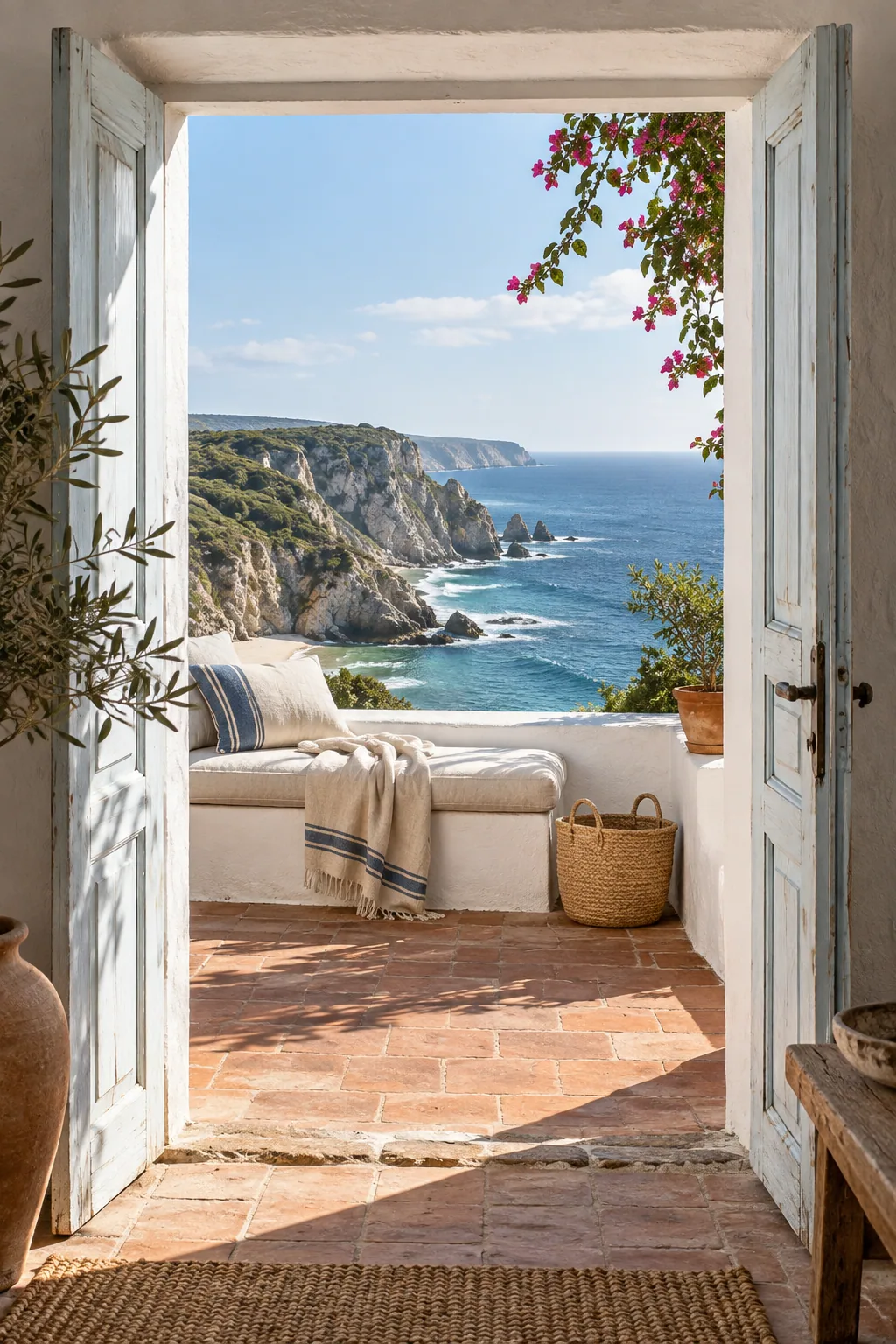
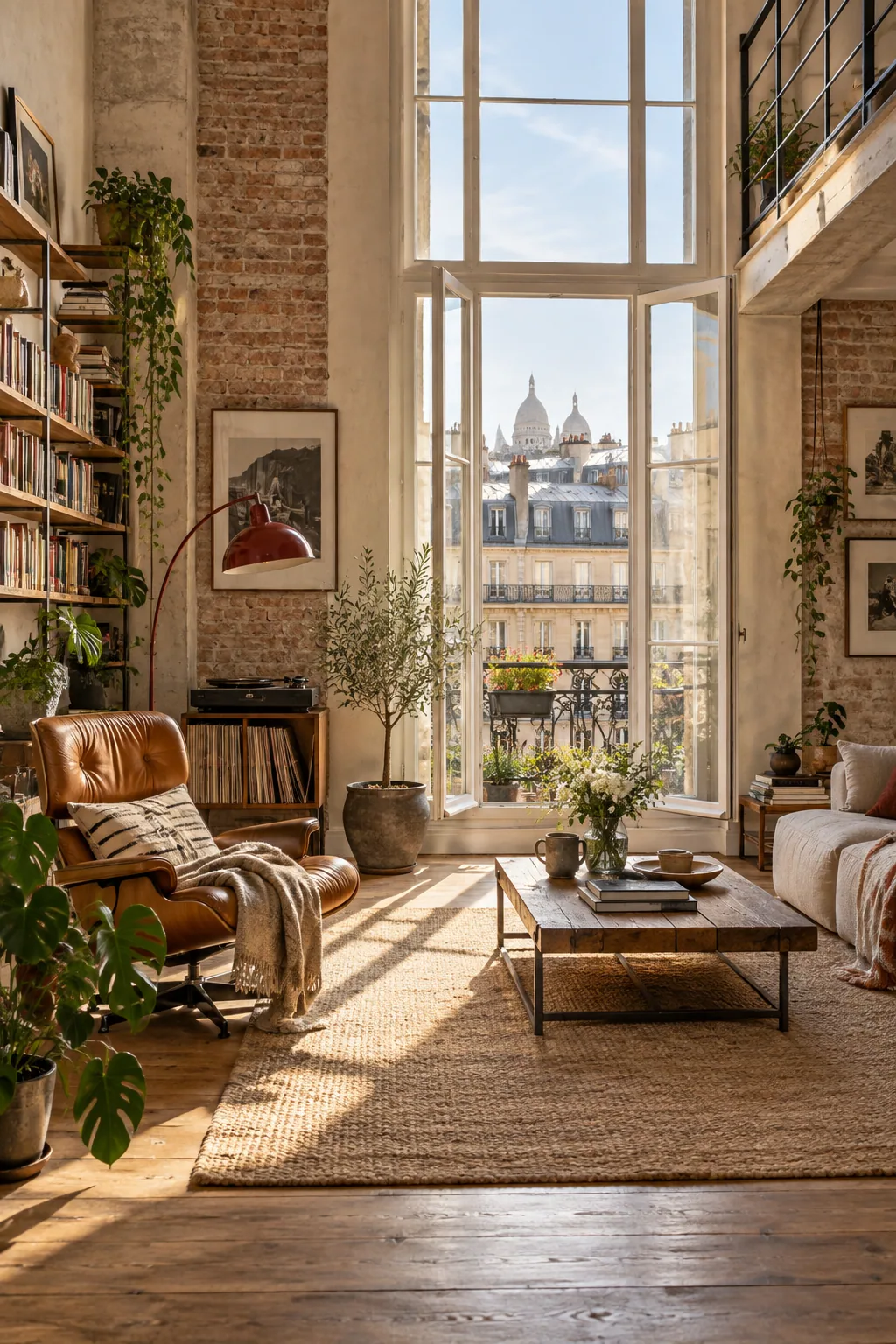
Casa Brisa demonstrates a warm photographic page for a fictional guest stay. Its images and reading rhythm are useful inspiration for introducing a property, but its native sample remains a guest guide with stay information. Atelier Loft offers another fictional guest-guide direction for a city interior.
Treat these as representative design demonstrations rather than ready-made property listings. Create your own page with the correct photographs, description, contact details and terms for the space you are presenting.
Keep the shared destination current
Share the normal page link in a follow-up message and place its QR code on a brochure or sign. Explain what a scan will show and include a readable shortlink. Test a printed proof from the distance and lighting in which people will encounter it.
Start with a Free custom page using eligible text, images and contact blocks; add Premium forms, link lists or location content when needed. Review the page whenever availability or property details change, and update the hosted destination behind the existing shared link.
Questions, answered.
Does QRTech publish listings to property portals?
No. It hosts the page you create. Portal distribution, listing feeds, property inventory and transaction processes remain with your existing services.
Can I use the page as a client portal?
This is an information and contact page. It does not provide individual client accounts, document workflows, property management or appointment inventory.