Start with the question your visitor brings
A person opening a restaurant page may want the menu before anything else. A guest arriving at a house needs the address and entry instructions. Someone discovering an illustrator needs enough work to decide whether to follow or enquire. The size of the business matters less than the size of that immediate question.
Write one sentence before adding content: “This page helps my visitor do this.” If every section supports that sentence, a small page can feel complete. If the sentence contains several unrelated audiences and tasks, split the information or use a larger website.
Build a small, complete answer
Think of a page as a short conversation. Introduce the place or person, answer the obvious questions and offer a clearly named next action. Supporting details should make that action easier to choose.
- Use the name people already recognize from the sign, message or profile.
- Put changing information into editable text instead of burying it inside an image.
- Give every button a label that describes what opens.
| Page job | Information to include | Useful next step |
|---|---|---|
| Introduce a studio | Selected work, services, availability | Discuss a project |
| Welcome a guest | Arrival, Wi-Fi, house notes, contact | Open directions |
| Explain a gathering | Date, place, programme, access | Read booking details |
| Help a diner | Menu, opening hours, dietary notes | Contact the restaurant |
Choose a page when context helps
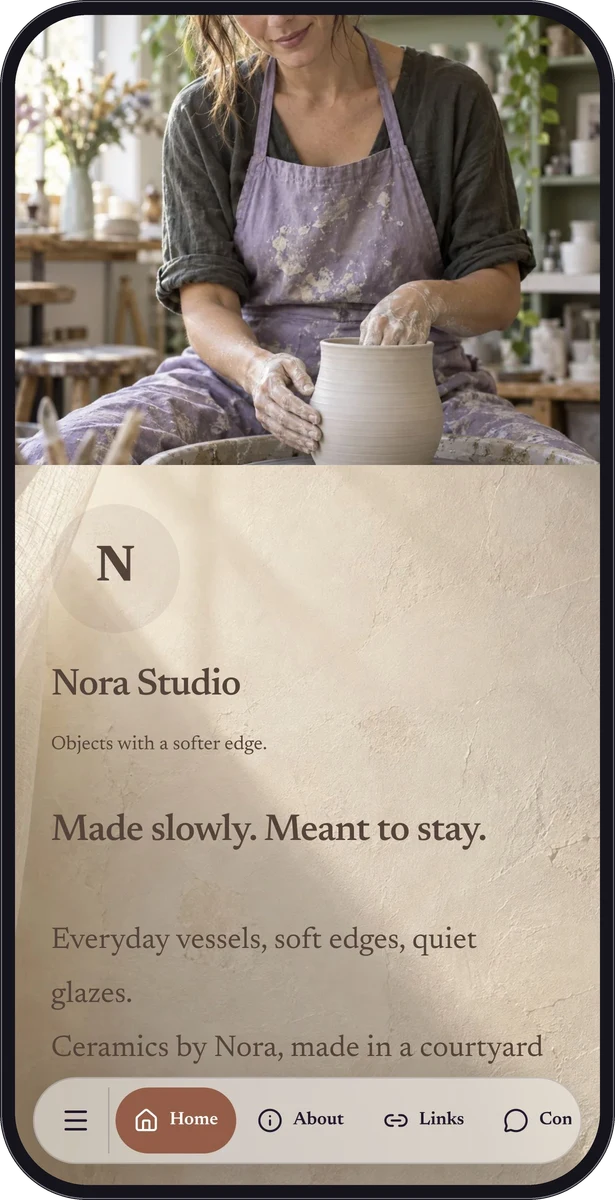
A direct website link is enough when the destination already answers the question. A page adds value when you need to gather several answers or explain why a destination matters. For example, a studio can show a photograph and describe commission timing before inviting an enquiry.
A mini website does not need to replace your main site. It can be the focused companion to an exhibition, a short stay or a seasonal campaign. Keep detailed policies, a full store or a large editorial archive in the system that already maintains them, then direct visitors there when needed.
Design for a person holding a phone
Place the main answer near the top, with a short heading and readable text. Use photographs to explain the experience, then leave enough visual space for instructions and buttons. A visitor should not have to decipher a decorative background to find the check-in time.
Read the page on an actual phone before sharing. Try it one-handed, scroll to the end and follow every action. Ask someone unfamiliar with your project to find one specific answer. Their hesitation is useful evidence about the order or wording, even when the page looks polished to you.
Turn the outline into a QRTech page
Start a custom page and add only the blocks your outline needs. Eligible text, image, contact and social-strip content can form a Free page; link lists, menus, forms, audio, Spotify, location and calendar blocks require Premium. A custom page supports up to 40 blocks, with resource and storage limits also applying.
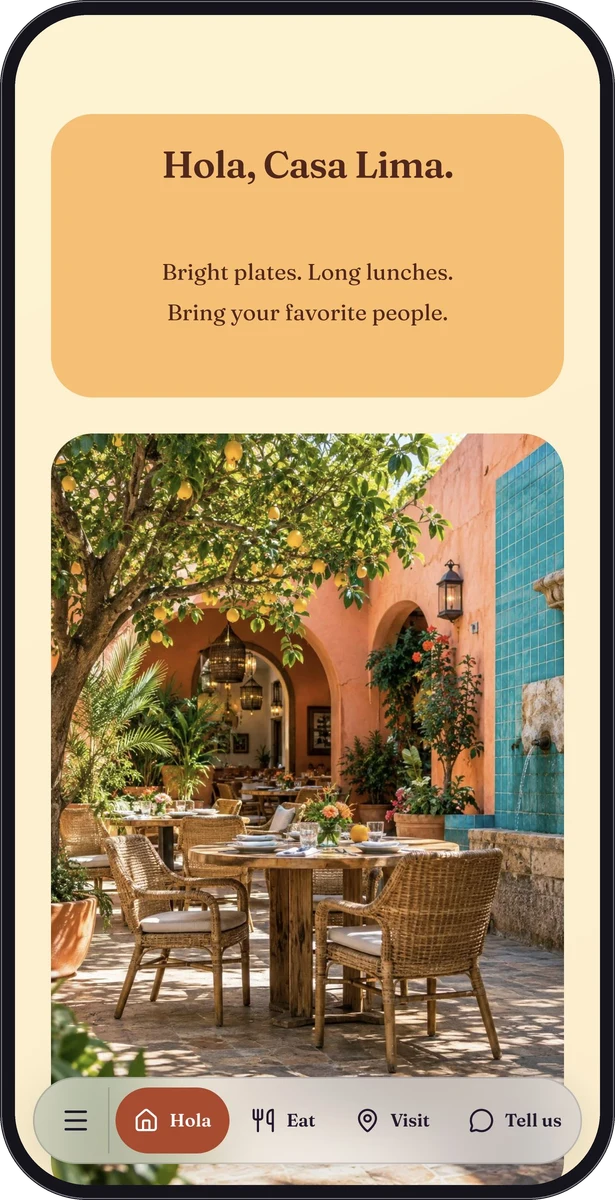
Share the normal page link in a message or profile, and use its QR code wherever people encounter it in print. Keep the existing resource when updating the page. The Casa Lima sample is a fictional example of how practical information and personality can live together.
Questions, answered.
Do people need an app to view a page?
The page opens in a web browser. An action leading to another service may open that service’s app or website, depending on the visitor’s device.
Does a mini website have to use a QR code?
No. The normal link works in a profile, message or email. A QR code is an additional way to reach the same shared information.