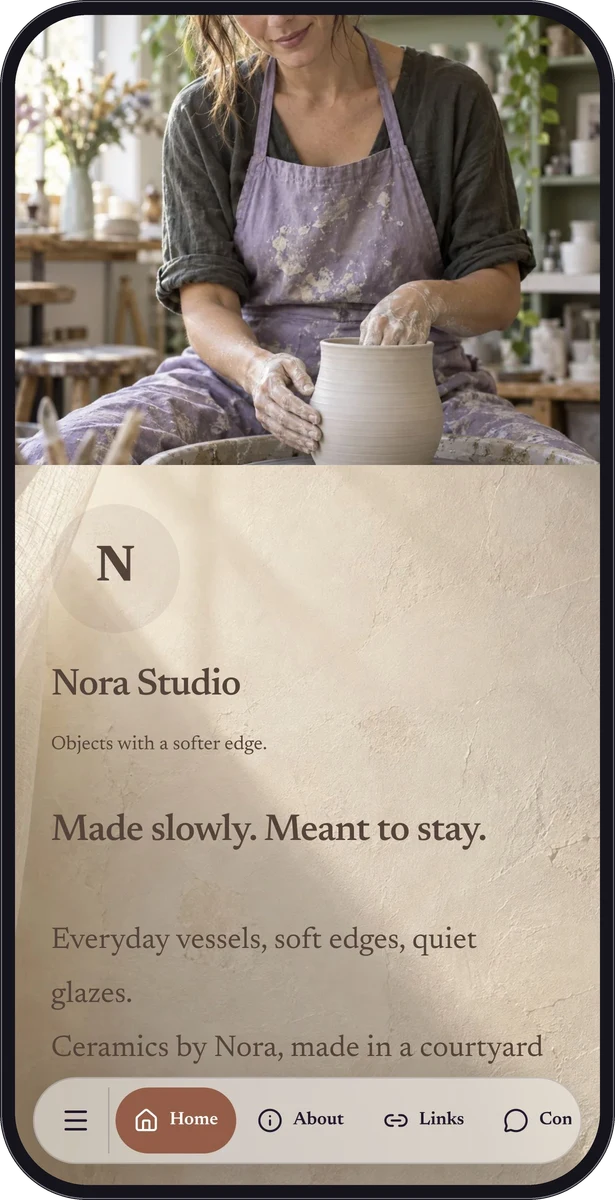
A business card that fits in their phone.
Use a business-card page to present your name, company, contact information and an introduction. A vCard download lets a visitor import the details into a compatible contacts application. The visitor chooses whether to save it.
It is a useful follow-up to a conversation, a compact addition to an email signature, or the destination for a printed card. A clear portrait or logo and a short explanation of your work help someone remember why they opened it.
When one action is enough, keep it simple.
Direct-action starts make sense when the person already knows what they want. Calling opens a supported dialer; email opens a supported mail application; SMS prepares a message; WhatsApp uses the supplied number and optional message. The visitor remains in control of sending or calling.
| Action | Useful for | Creation flow |
|---|---|---|
| Business card / vCard | Save your professional details | Business card |
| Begin a conversation about a visit or service | ||
| Phone call | Reach a reception desk or business line | Phone call |
| Ask a longer question with a prepared subject | ||
| SMS | Start a short text message | SMS |
Different people prefer different ways to reach you.
A custom page can combine a business card, phone, email and WhatsApp blocks with images or a description of your services. Keep the first action clear instead of presenting a long undifferentiated list.
These actions and eligible free blocks can form a useful Free page. General-purpose link lists and forms require Premium. A form collects structured enquiries, but it is not a full customer relationship management system.
Check the details on another device.
Use a complete phone number with its country code and check the address or message text. Download the vCard into a test address book and confirm the fields are placed correctly.
For public business pages, share contact details you intend to make public. A page URL can be forwarded, and device behavior varies depending on the installed applications.
- Choose a business card or the action your visitor needs.
- Enter accurate contact information and a short introduction.
- Test the action and vCard on a phone.
- Share the link or connect it to printed artwork.
Questions, answered.
Does the contact action send a message automatically?
No. The visitor’s device opens the supported application or action. The visitor decides whether to place the call or send the message.
Can I create separate private client accounts?
No. QRTech contact and page features are not individual-account client portals. Premium shared-password pages use a common page password.