Start at the point of arrival
Write for someone who may be tired, carrying bags and using a small screen outdoors. Lead with the property name, the correct address, arrival window and a way to contact the host. Explain the last few metres: which gate, which entrance and where parking is permitted.
A map pin alone may point to the centre of a building rather than the entrance. Add a short landmark description and, when useful, an entrance photo. Send private door or key-box details through the appropriate guest channel. Do not publish them merely because the rest of the guide is convenient to share.
Cover the stay in the order it happens
Use this checklist to draft headings before writing paragraphs. A clear answer can be one sentence. The guide does not need an essay for every appliance.
- Put locally appropriate emergency information in an easy-to-find section.
- Explain unusual equipment with a short sequence and a clear photo.
- Give a contact route for problems the guide cannot resolve.
| Moment | Include | Make specific |
|---|---|---|
| Before arrival | Address, times, parking, contact | Which entrance to use |
| First ten minutes | Wi-Fi, lights, temperature controls | Where the controls are |
| During the stay | Kitchen, waste, shared spaces, quiet hours | What goes in each bin |
| Exploring nearby | A few useful places and routes | Distance, direction and why go |
| Departure | Checkout time, keys, final tasks | Exactly where keys should be left |
Make Wi-Fi convenient without exposing more than needed
Use a guest network when one is available, and check that the network name and password match the router. QRTech’s native Wi-Fi QR code stores connection details directly. If those credentials change, regenerate the code and replace printed copies; editing a page does not rewrite the old printed symbol.
A Wi-Fi block can sit within a guest page, while the dedicated Wi-Fi code serves the immediate connection task. Keep account passwords, alarm details and other private information out of a public guide. QRTech shared page passwords require Premium and are shared access controls, rather than individual guest accounts.
Replace vague instructions with observable actions
“Use the heating carefully” leaves the guest guessing. “Turn the dial beside the kitchen door to the marked setting, then allow the room to warm up” is something they can follow. Describe your actual equipment accurately, and keep specialist safety instructions with the manufacturer’s material or an appropriate local professional.
For checkout, list only the tasks you expect guests to perform. A long departure list can hide the important items. For local recommendations, select a few dependable options and note when information was last checked. A nearby breakfast place, grocery shop and transport stop often help more than a large unedited directory.
Test it as a guest, then keep one current version
Open the guide away from your own signed-in workspace. Follow the directions, check contact actions and try the Wi-Fi from a device that is not already connected. Ask someone unfamiliar with the property to find checkout information without help.
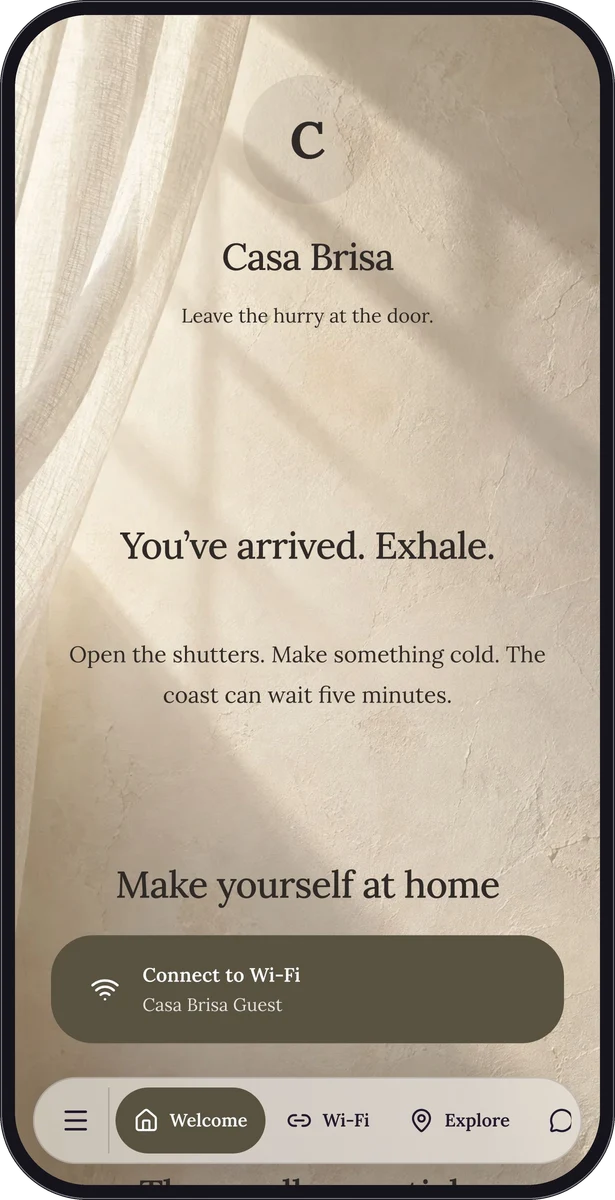
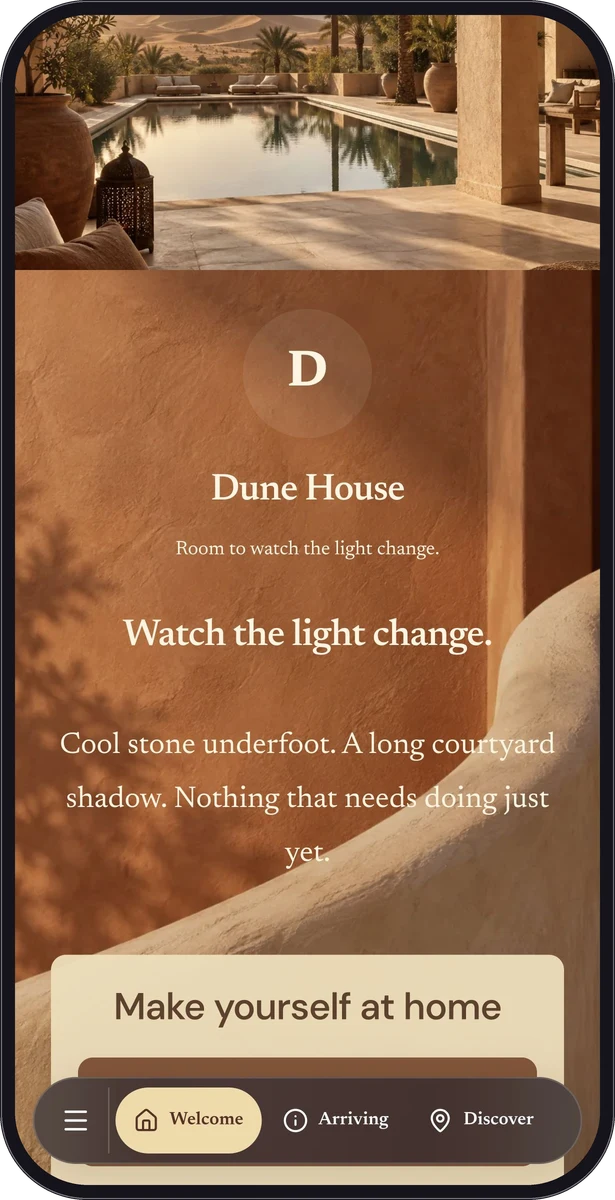
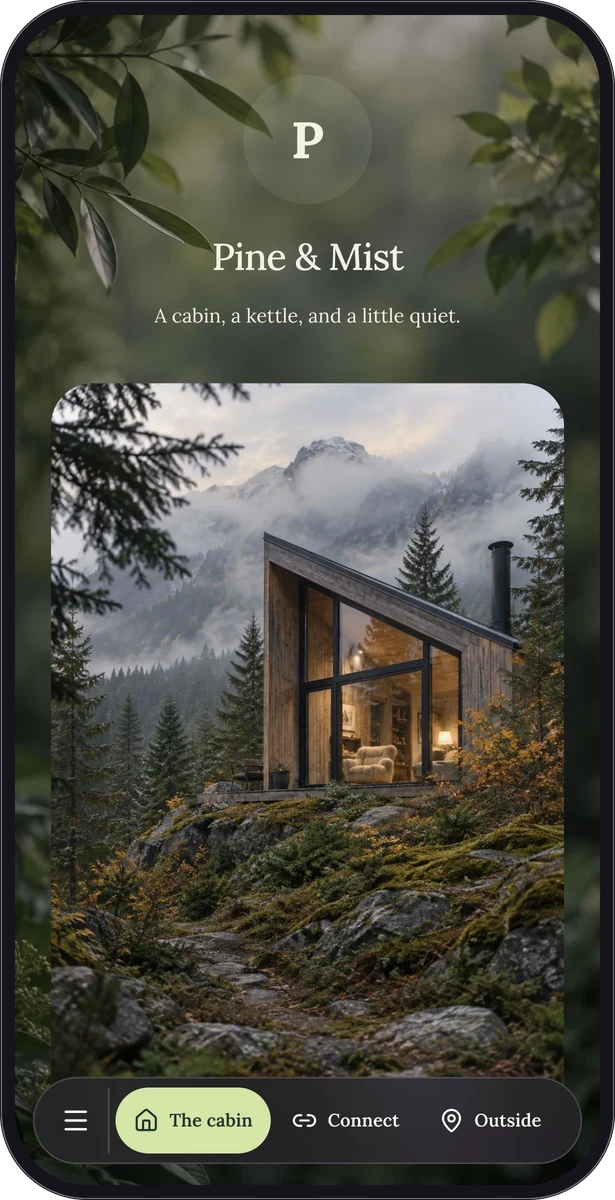
Build the page with eligible Free blocks, adding Premium location, form or other blocks if useful. Resource, storage and retention rules still apply. Keep the existing shared page when changing house notes, and review it whenever equipment or access arrangements change. Pine & Mist and Casa Brisa are fictional examples to borrow structure from.
Questions, answered.
Should the guide replace the arrival message?
Use the arrival message to highlight time-sensitive and private details. The guide can hold the everyday information guests may return to during their stay.
Can one page serve every property?
Shared general advice is useful, but each property needs accurate address, access and equipment details. Separate pages reduce the chance of sending a guest to the wrong place.