
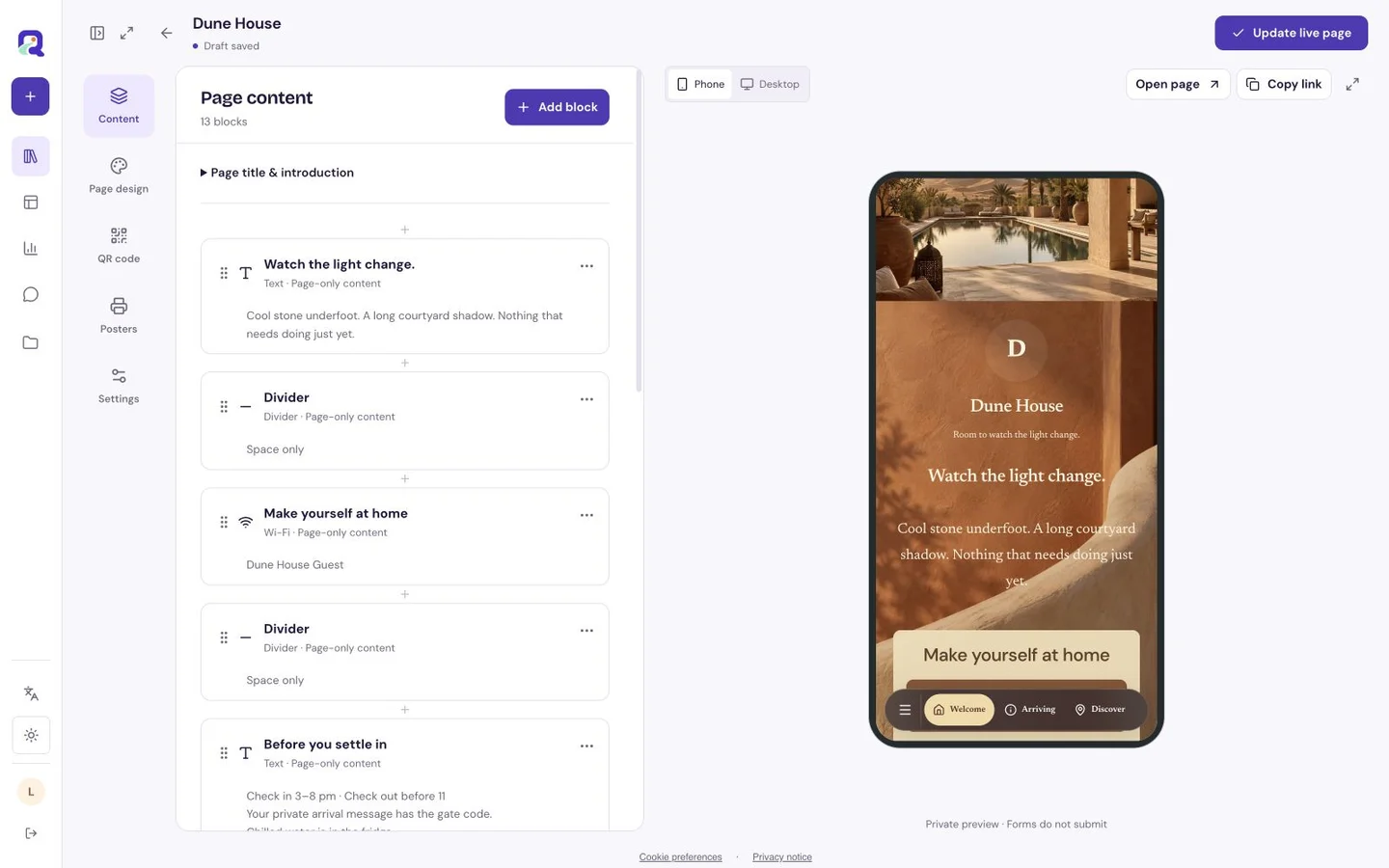
A practical example
A fictional makerspace could put “See how this press works” beside a machine display and link to its own short demonstration video. A sentence on the page could explain what the visitor is about to watch.
Make the scan useful
Paste a supported YouTube video, Shorts or live link and use a title that makes sense without the thumbnail. Check that the video is public and usable on the devices your visitors use.
- Add the YouTube link and a useful title.
- Preview the hosted page with external media preferences in mind.
- Scan the final code and test playback and the source link.
What to check before sharing
YouTube controls playback, availability, ads, captions and sign-in requirements. External media may wait for visitor consent; provide enough text for the page to remain useful when the player does not load.
Does QRTech host my video file?
No. This page presents supported YouTube content. General video-file upload is not a current new-resource type.
Will the video autoplay after a scan?
Do not rely on autoplay. The visitor chooses whether to play, and device, browser and YouTube rules affect playback.