Start at the moment after opening
Imagine the product in someone’s hands. They may need to assemble it, wash it before use or understand a feature. Put the first useful action near the top, with the product name and an image that confirms they have reached the right page.
A good heading is specific: “Care for your ceramic cup” gives a clearer promise than “Learn more.” If several versions need different instructions, make the page’s product description precise enough for a customer to check that it applies.
Separate practical help from the brand story
Use text blocks for short instructions and image blocks for steps that benefit from a visual explanation. Keep the order consistent with the way someone will use the product. Add a contact route for questions you cannot cover in a concise guide.
Place the fuller story further down: materials, the maker’s process or the inspiration for the collection. Supported YouTube content can show a demonstration. A Premium link list can send customers to existing support, shop or reference pages.
| Useful first | Useful next |
|---|---|
| Identify the product and explain first use. | Describe the materials or making process. |
| Give clear care and storage instructions. | Show related work or your social profiles. |
| Provide a way to ask for help. | Link to an existing destination for another purchase. |
Let the label and page recognise each other
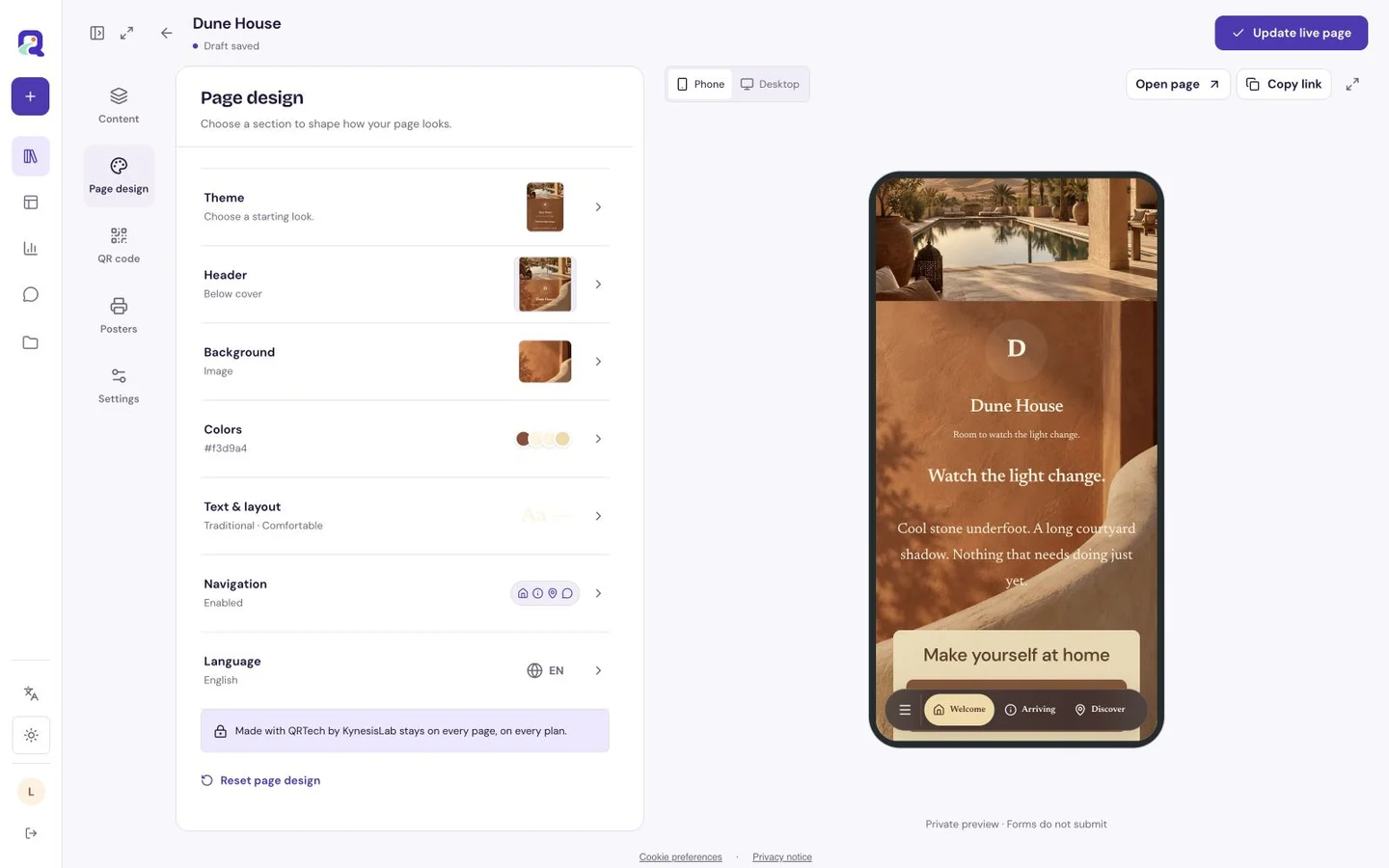
Carry a distinctive color or image from the packaging into the page. Keep instructional text on a clear surface with generous spacing. Label diagrams and photographs in nearby text so a customer can understand the step on a small screen.
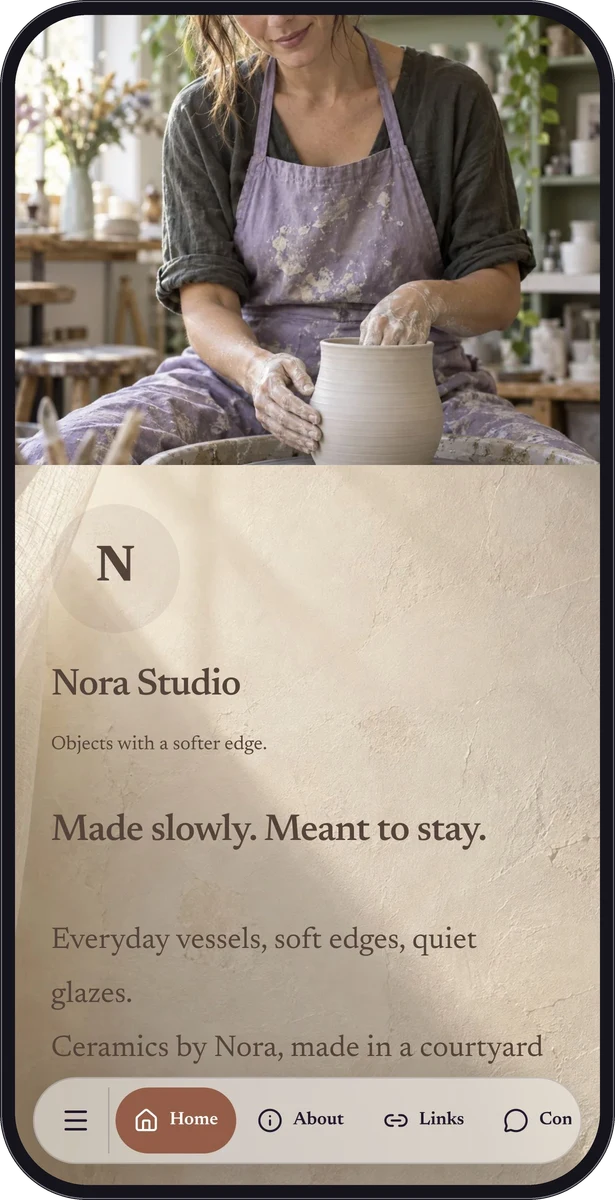
Nora Studio is a fictional ceramic-artist sample, shown as representative visual inspiration. It demonstrates product photographs and maker context; it is not a dedicated packaging template or a record of a brand using QRTech on its products.
Test the real surface before a production run
Place a clear invitation next to the QR code and print a readable page link when space allows. Check a physical proof on the final material: folds, curves, glossy finishes and small labels can all change how comfortably a code scans. Test the package as a customer will hold it.
A hosted page destination lets you update the content without changing a printed code that already points there. Keep required information on the physical product wherever it belongs; a linked page can add useful context without carrying every responsibility of a label.
Treat care information as something you maintain
Create a Free custom page with eligible text, images and contact blocks. Premium can add link lists, audio or a feedback form when those help the product journey. Account for your plan’s page resources and storage before building many product-specific pages.
Before publishing an edit, confirm which product versions it applies to. Avoid silently replacing instructions needed by earlier customers. Reopen the link printed on the package after changes, and keep the page’s contact route current for the life of the information you are offering.
Questions, answered.
Can a scan verify that a product is authentic?
A QR code opens its configured destination. QRTech does not provide product authentication, serial-number verification, stock tracking or supply-chain records.
Does the page process returns or repeat orders?
You can explain the process and link to your existing support or shop destination. Order management, payments and returns remain in those services.