
Create a little page
for your world.
Share it with a link, a QR code or something beautifully printed.
A table worth finding. A place to feel at home. Everything you make, together. Find your next idea here.
Create your page Find your kind of page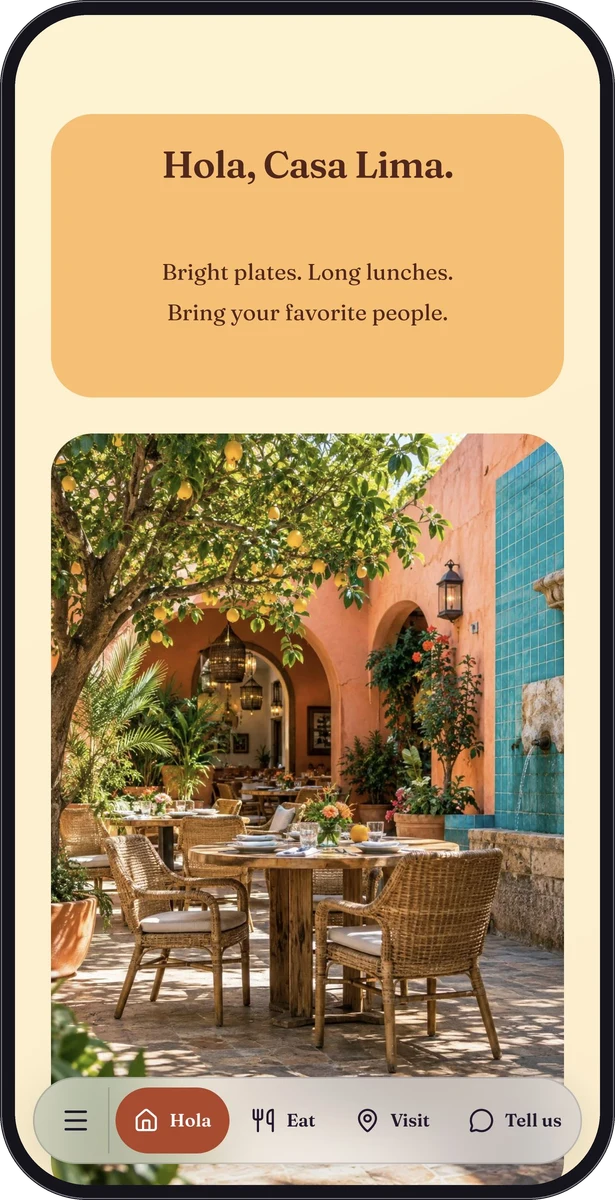
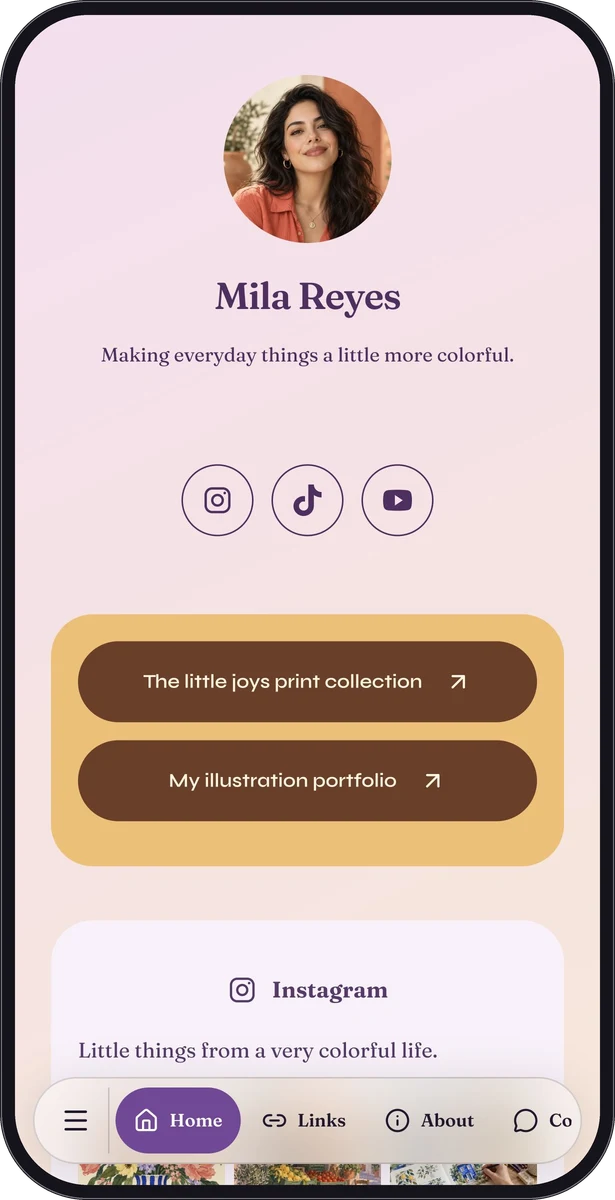
Build a page
Make a useful place to land.
Share a link
No print required.
Make a code
An invitation to open it.
Put it in print
Bring the page into their world.
What does your world look like?
Start with the people you want to welcome.
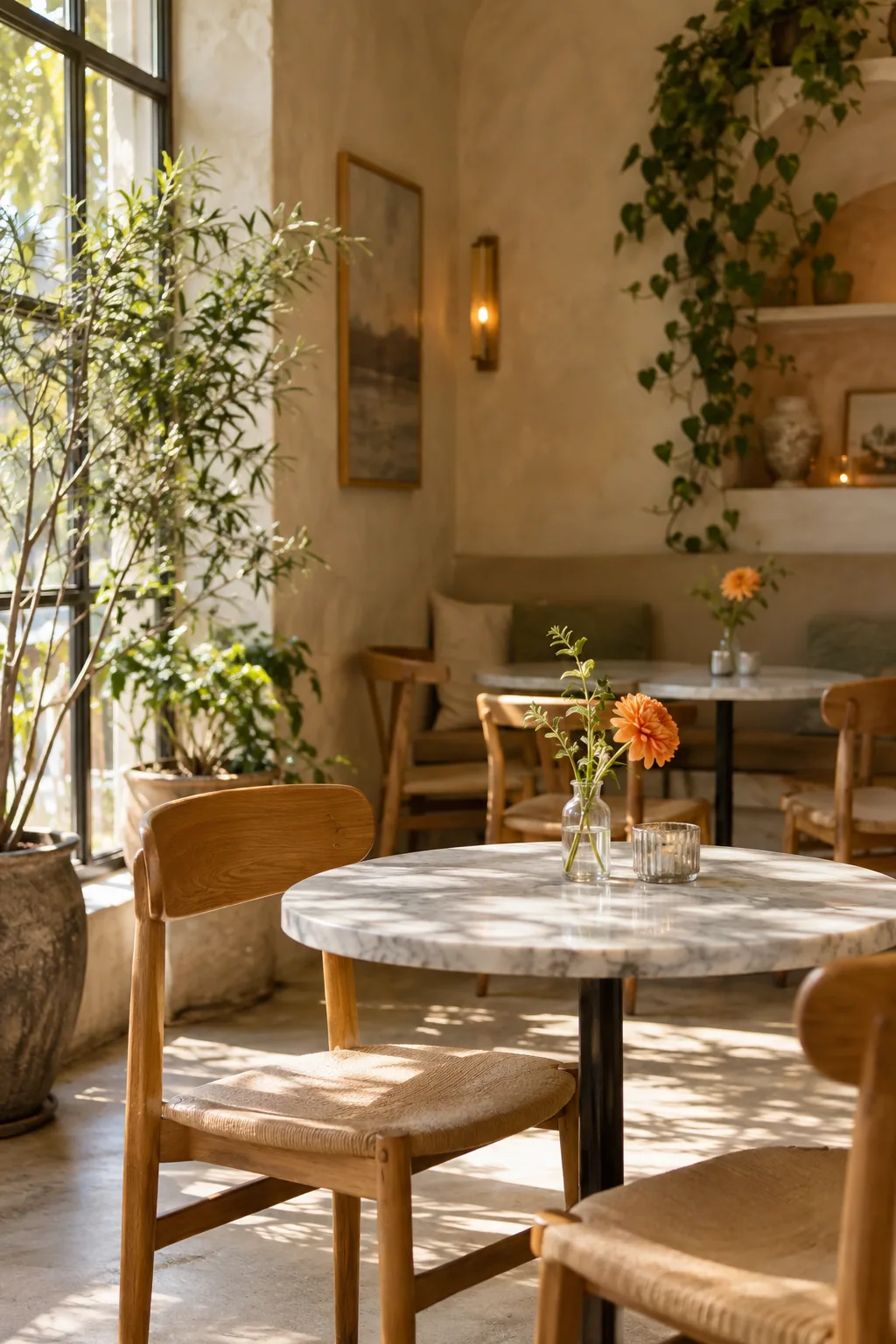
A little page. A better welcome to the table.
Give diners a readable menu, useful visiting information and a clear next step from a table code or a normal link.
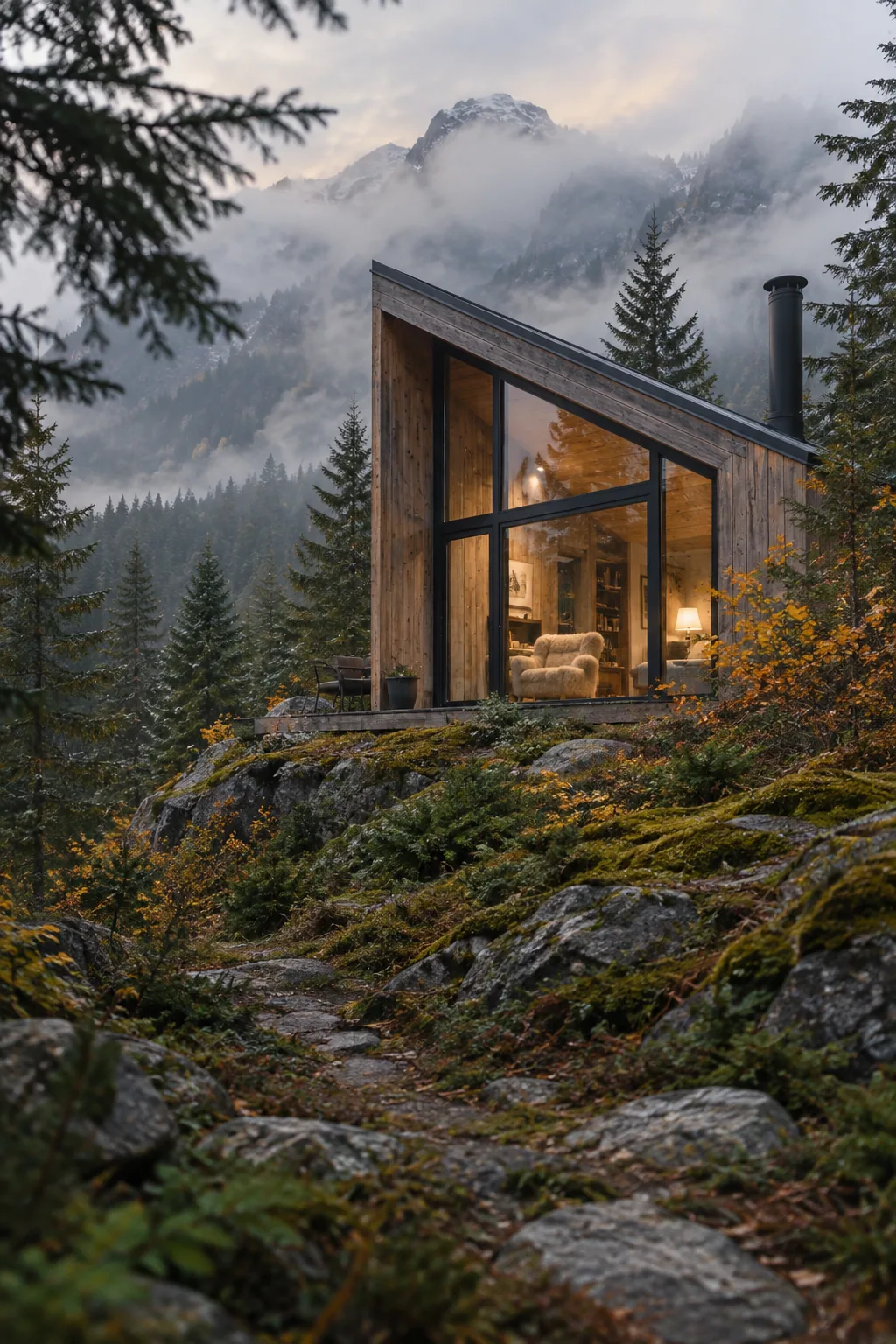
Help guests feel at home before they unpack.
Build a practical guest page with arrival instructions, Wi-Fi, house information, local recommendations and a way to contact the host.

Make the next thing you share feel like you.
Bring selected work, social profiles, releases and contact details into a mobile page you can share from your bio or in person.

Make the visit easy to picture.
Help guests find the date, venue, programme and useful visiting details from one event link or printed QR code.
Useful pieces.
Your point of view.
Bring native blocks together. Shape the header, change the typography, set a background and let each section do its job.
Get to know the page builder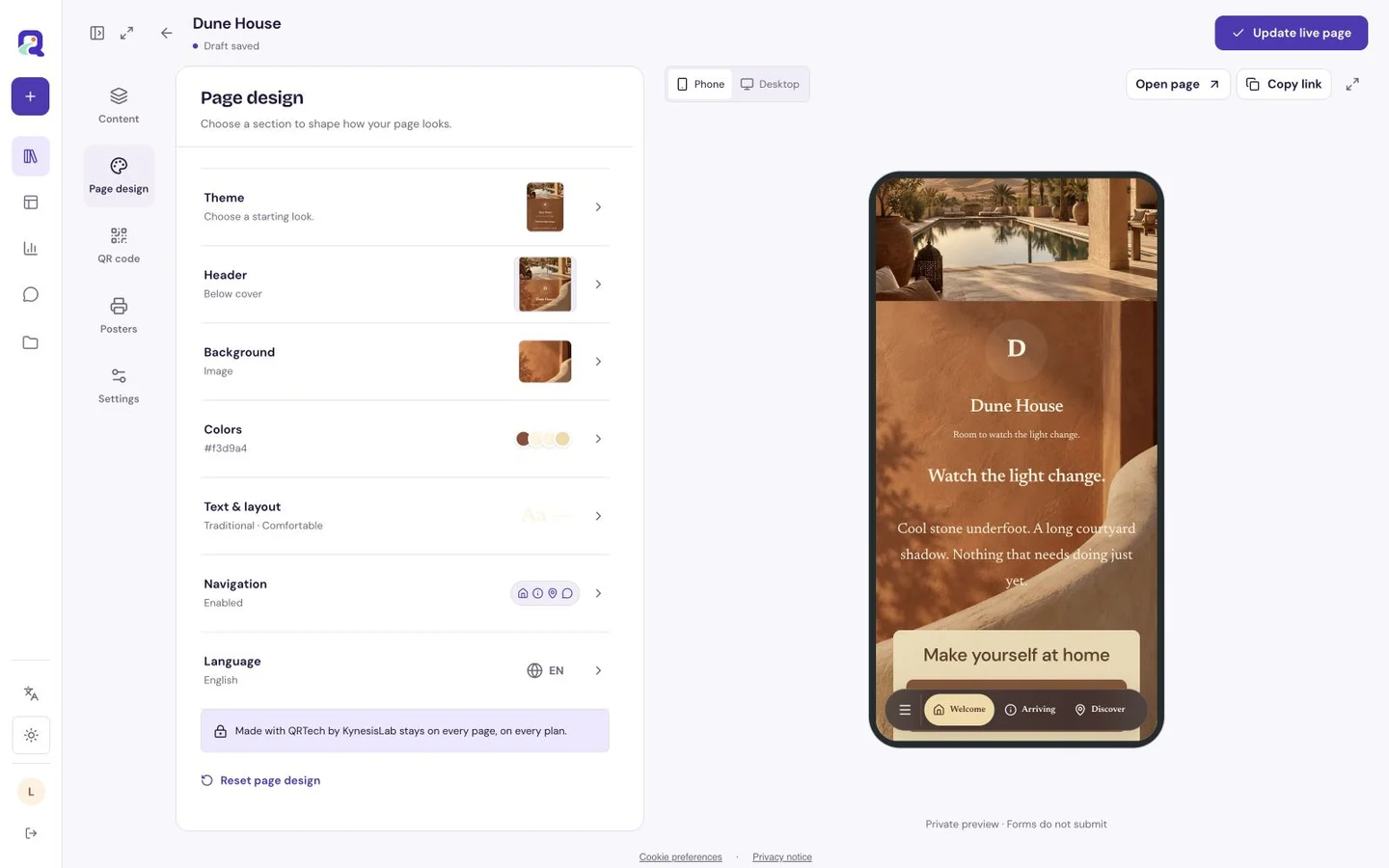
A little know-how goes a long way.
Good answers before you make your first page.
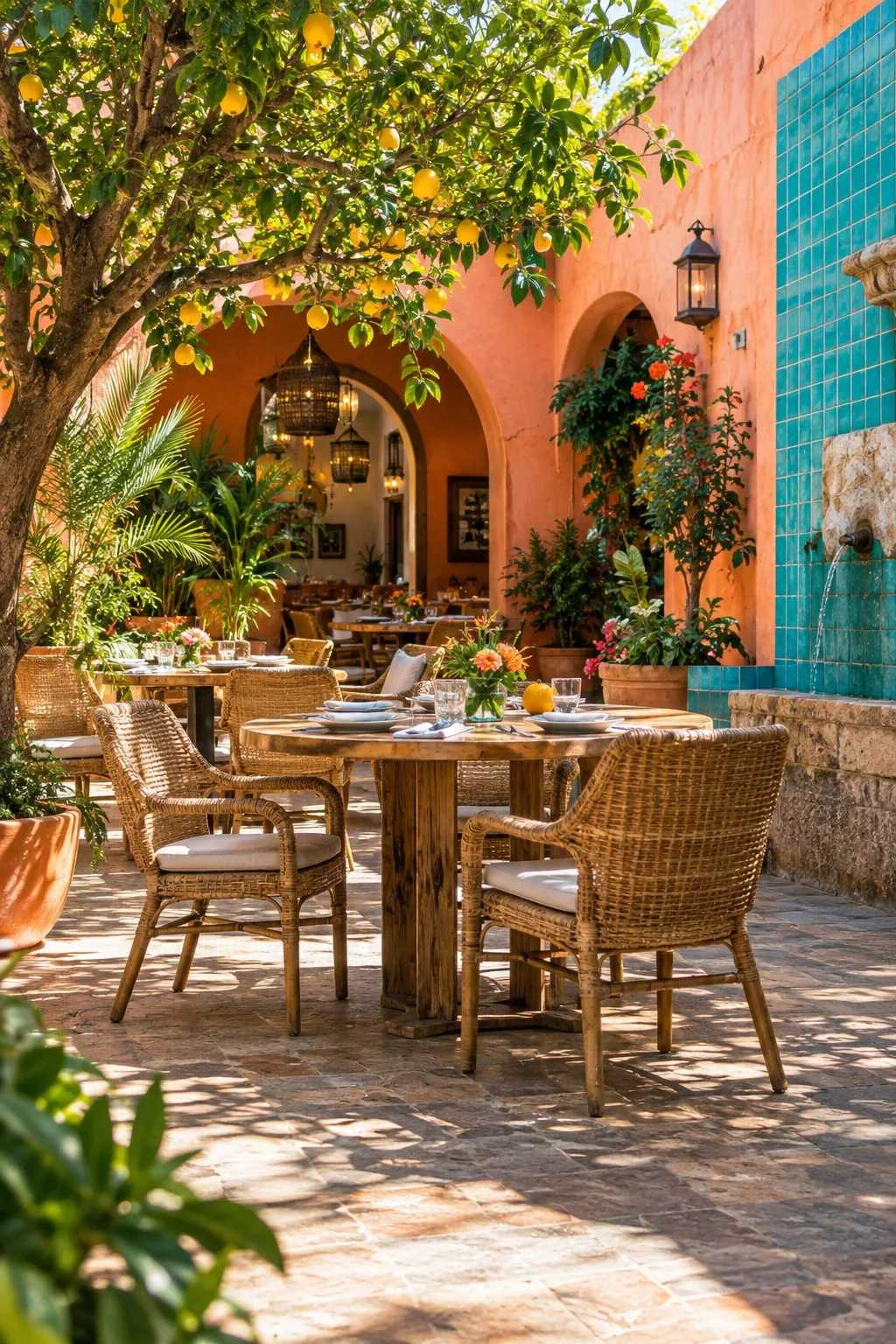
A useful little website starts with one clear job.
Understand when a simple mobile page is enough, what to put on it and how to share it.
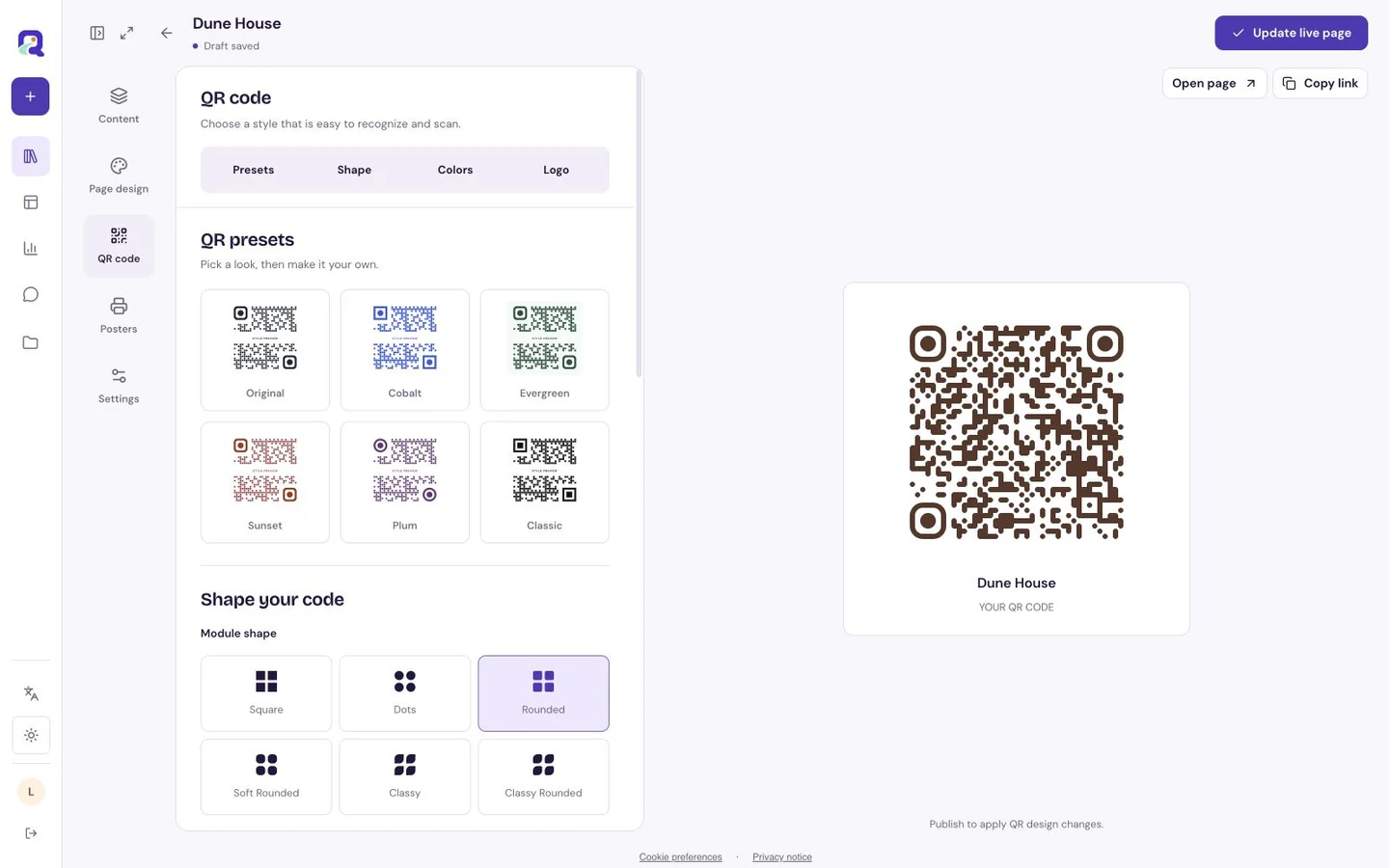
Use a link on a screen. Add a code where people can scan.
Choose the right sharing route for social profiles, emails, messages, printed signs and everyday customer encounters.
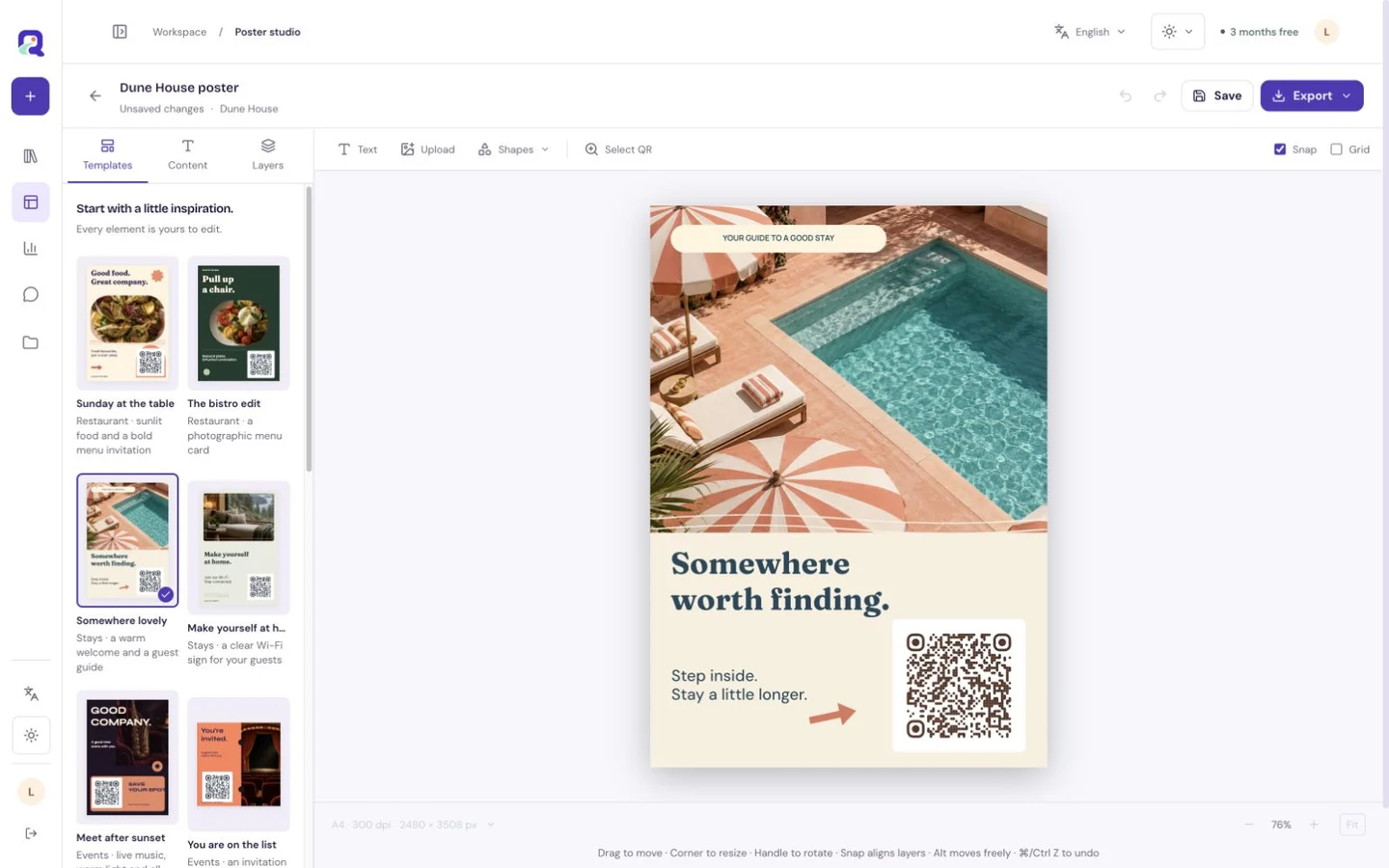
A print-ready code has been tested where it will be used.
Choose physical size, clear margins, contrast and placement, then test the final material before printing a batch.
Start small. Make room for more.
Mix free blocks with Premium features when your page needs more. 3 months of Premium are included at signup, with no payment card required.
See all plan detailsQRTech attribution stays on every page. After the trial, accounts move to Free unless covered by a paid or assigned plan. Content outside your plan becomes dormant; it can be recovered for 90 days before deletion under the retention policy. Storage overage blocks further uploads. Enterprise is available by agreement.
Keep exploring.
Every product, practical guide and page idea, in one place.
Product
For your world
- QR menus and pages for restaurants
- Digital guest guides for stays
- Creator pages for portfolios, music and social links
- Event pages for programmes and visitor information
- Digital business cards and service pages
- Wedding QR code and wedding page for your invitations | QRTech
- Mobile exhibit and museum visitor pages
- Property information pages and viewing links
- Product information pages for packaging QR codes
- Visitor information and arrival pages
- Pages for gyms, classes and studios
- Campaign landing pages, shortlinks and QR codes
Destinations
Practical guides
- Website QR code with an editable destination
- WhatsApp QR code for a first message
- Email QR code with a prepared subject
- SMS QR code for a short text
- Phone call QR code for a direct contact line
- Wi-Fi QR code for guest network access
- Google review QR page for customer feedback
- Digital business card QR page
- Text QR page for a clear message
- YouTube QR page for one video
- Instagram QR page for a public profile or post
- Facebook QR page for a public page or post
- X QR page for a public profile or post
- LinkedIn QR page for a professional profile
- TikTok QR page for a creator or video
- Location QR page with a map and directions
- Restaurant menu QR page for a browsable menu
- Link page QR code for several destinations
- Form QR page for a focused response
- Audio QR page for your own recording
- Spotify QR page for music or podcasts
- What is a mini website?
- Link page or custom page?
- A practical guest guide checklist
- Design a page that reads well on a phone
- How to share a page with a link or QR code
- What can change after you share a page?
- Understand page and QR analytics
- Static and dynamic QR codes explained
- How to add a logo to a QR code
- Prepare a QR code for print
- QR error correction: L, M, Q and H
- Why will my QR code not scan?
- SVG or PNG for QR artwork?
- Choose a QR sign, poster, table tent or sticker
- Create with your AI: connect QRTech with MCP
Collection
Individual examples
- Sunday Club: digital menus example
- Ember & Salt: digital menus example
- Casa Lima: digital menus example
- Nori Counter: digital menus example
- Casa Brisa: guest guides example
- Pine & Mist: guest guides example
- Atelier Loft: guest guides example
- Dune House: guest guides example
- Mila Reyes: creator pages example
- Leo Park: creator pages example
- Nora Studio: creator pages example
- Jules on Film: creator pages example
- Afterhours: event pages example
- Field Day: event pages example
- Paper Fair: event pages example
- Table Stories: event pages example
- Aanya & Kabir: event pages example
- Tolu & Ifeanyi: event pages example
- Mia & Theo: event pages example