Build it in QRTech
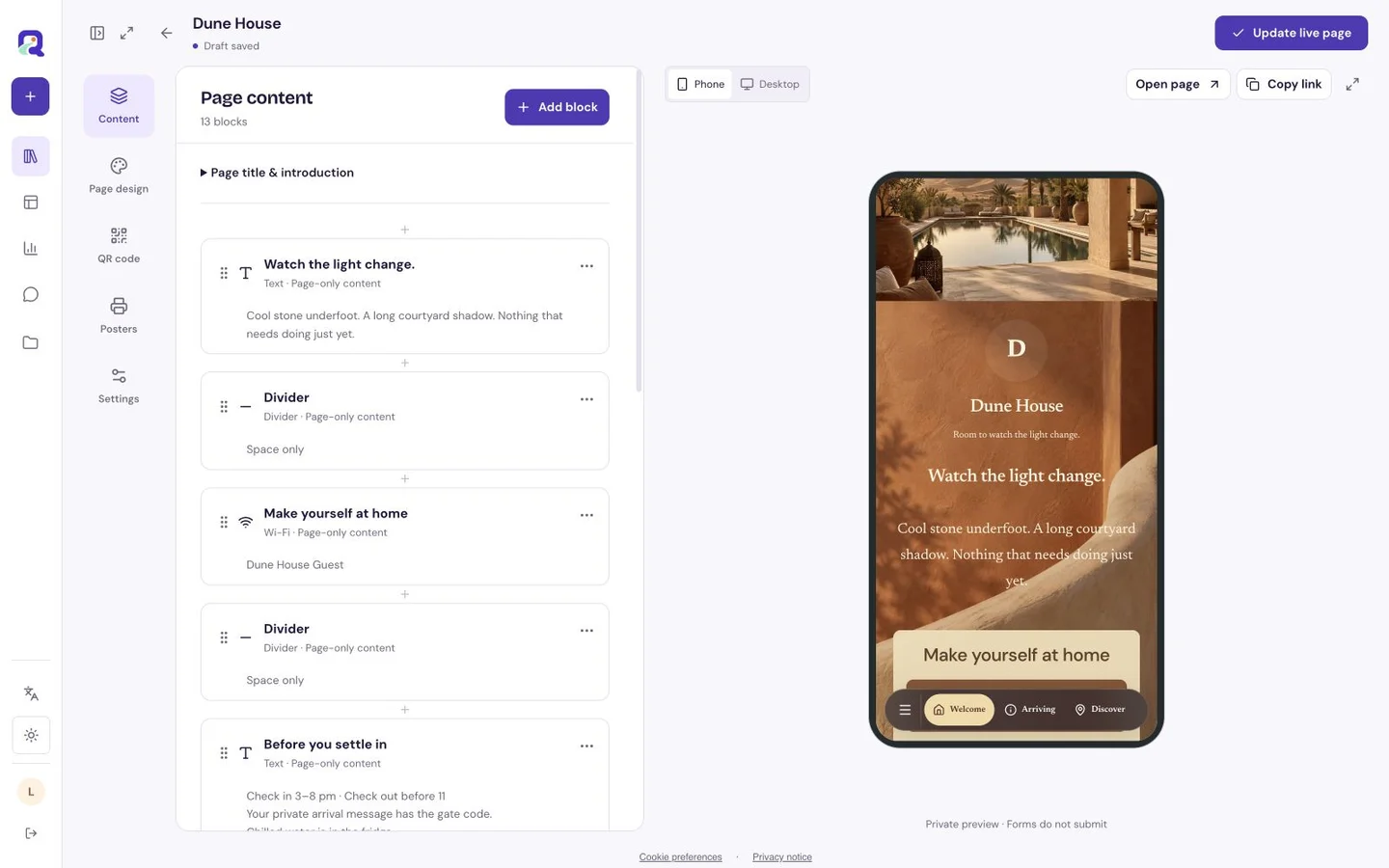
Start with your own content, then check the published page as a visitor. These steps use the current visual editor.
- Create a custom page with your name, introduction and selected images. Add a social strip for profiles or a Premium link list for other destinations.
- Put the current project first. Open every outgoing link on a phone and check that contact details are correct.
- Preview the mobile page, publish, and open its shortlink. For print, download the connected QR code or use Premium Poster Studio, then scan a physical proof.
Choose what deserves the first tap
If a new collection is the reason people are arriving, introduce it first. If the page is your everyday calling card, open with your name, what you do and a small selection of work. Give links useful labels such as “See the new print collection” or “Listen to the live session.”
Think about the promise of the link that brought someone here. A post about a release should lead to a page where that release is easy to find, even when the rest of your portfolio has grown.
A row of profiles or a fuller story
A social strip gathers supported social profile links into a compact block on a Free custom page. It is useful for the familiar places people already know how to use. A Premium link list gives you titled links to a wider set of destinations, from your shop to your press materials.
A custom page can go further with text and image blocks that show the work before sending visitors elsewhere. Add Premium uploaded audio or Spotify content for listening, or a supported YouTube block for video. You do not need to turn every destination into a separate button.
Let the work set the visual direction
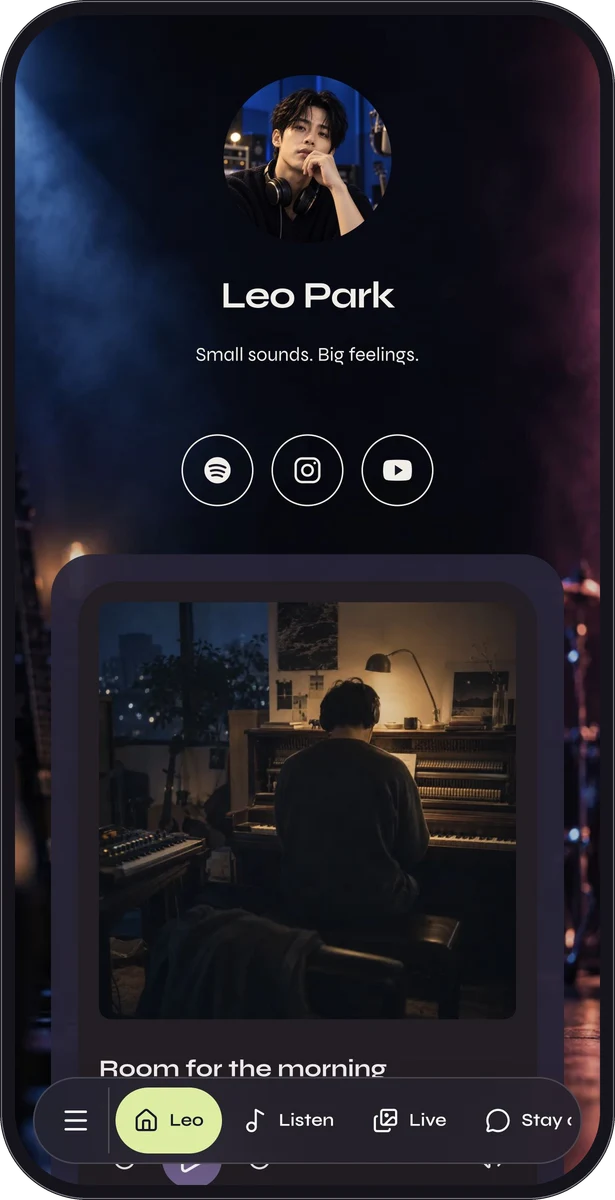
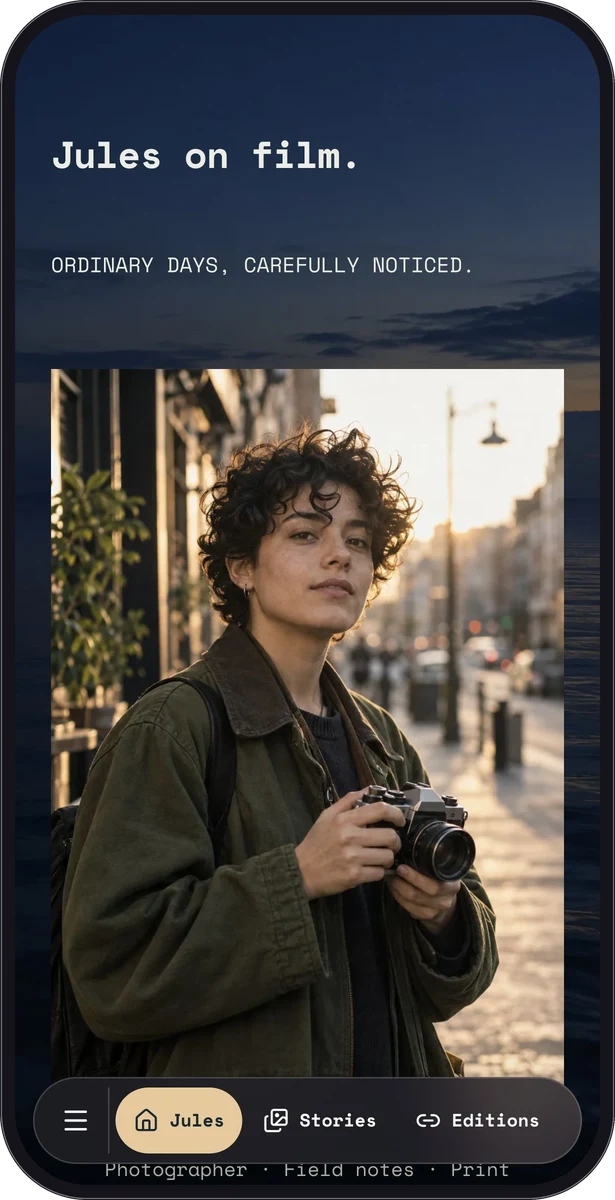
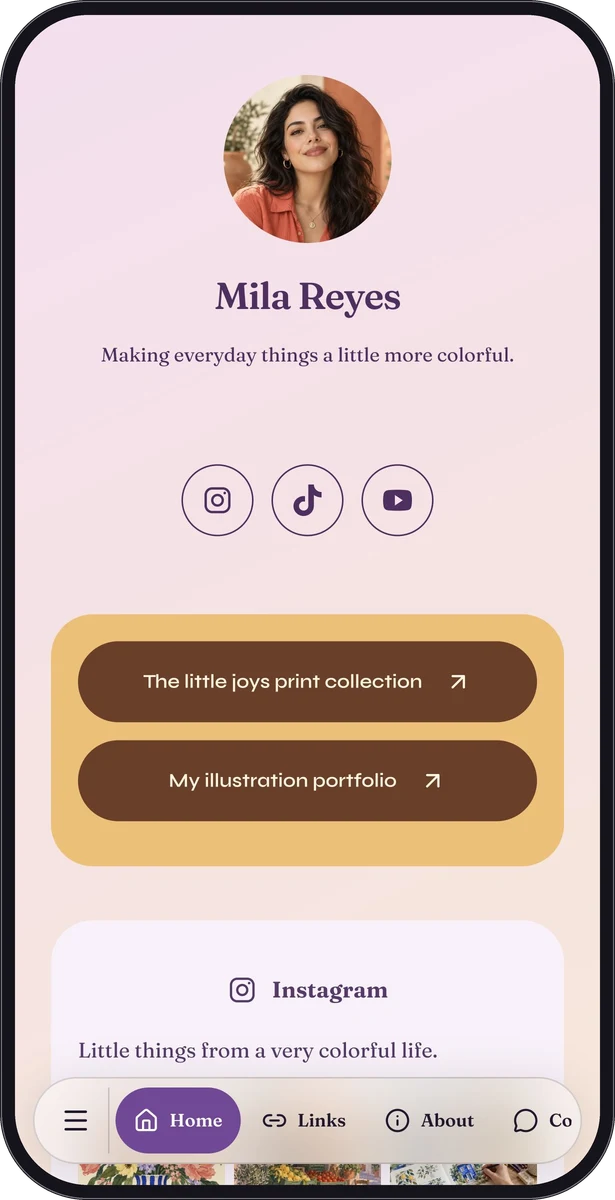
Mila Reyes uses a playful illustration-led identity. Leo Park shows a darker music direction, and Jules on Film gives photography room to breathe. These are fictional portfolio and profile demonstrations, not customer stories. Explore their native pages to see how very different work can fit a phone.
Use a consistent reading style around your artwork. Give images context with short descriptions, and make the most useful contact action easy to spot. A musician can place listening first; an illustrator may begin with selected images and a short description of available work.
Take your page beyond the bio
Use the normal link in a profile, email signature or project message. Add the QR code to a market stall, print insert or exhibition card with a reason to scan. A small caption such as “See the rest of the collection” explains the reward.
Premium Poster Studio offers downloadable artwork when you want a more considered printed introduction. Test the exported sign at its intended size, and include the readable page link so someone can reach it another way.
Give each release a small refresh
Move the current work into the opening position, update the description and check outbound destinations before sharing. The hosted page can keep its existing link while the content changes. Do the same after a release ends so old promotions do not remain the first thing a new visitor sees.
A Premium form can collect an enquiry or a request for updates. Explain what the visitor is sending and review submissions in your workflow. A form on the page does not itself run an email newsletter or sell your work.
Questions, answered.
Can I sell products or tickets here?
You can introduce the offer and link to your existing shop or ticket service. QRTech does not provide checkout, ticket fulfillment or merchandise inventory.
Can I upload a video directly?
Use supported YouTube content for video; direct video uploads are not available. Audio uploads and Spotify are separate Premium listening options.