Arrange the page around urgency
The first screen should identify the place or person, explain why the page is useful and show a sensible next step. A restaurant might lead with the menu; an event might lead with its date and venue. Do not make visitors pass a long welcome message to reach the information promised on the sign.
For longer pages, collect related content into sections with informative headings. “Getting here” is easier to locate than “Discover more.” Place an optional story or gallery after the practical information when the visitor’s immediate job is to arrive, connect or make a choice.
Give reading text a quieter job than the headline
Choose a display style for short headings and a comfortable reading style for instructions. Keep paragraphs focused on one point and avoid long lines of all capitals. If a heading needs several lines on a small phone, shorten the wording before shrinking the letters.
Use alignment consistently. Left-aligned paragraphs usually make practical information easy to follow in English. A centred introduction can work well for a creator profile, while a schedule needs a more predictable structure. Check the actual longest names, menu descriptions and button labels, rather than designing only around short sample text.
Use images without making text compete
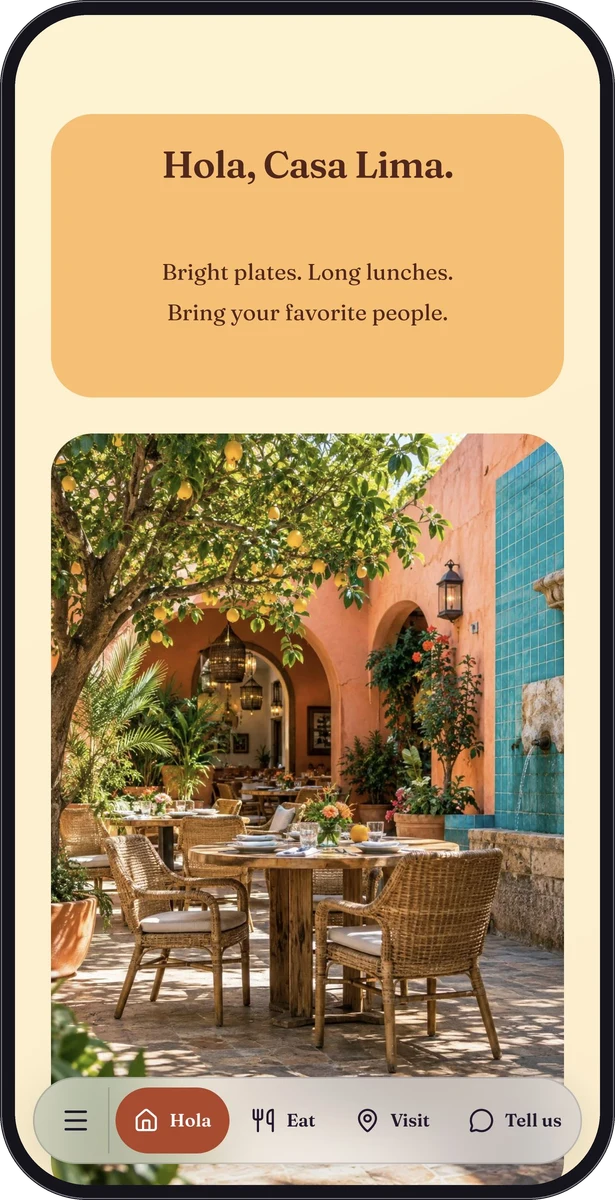
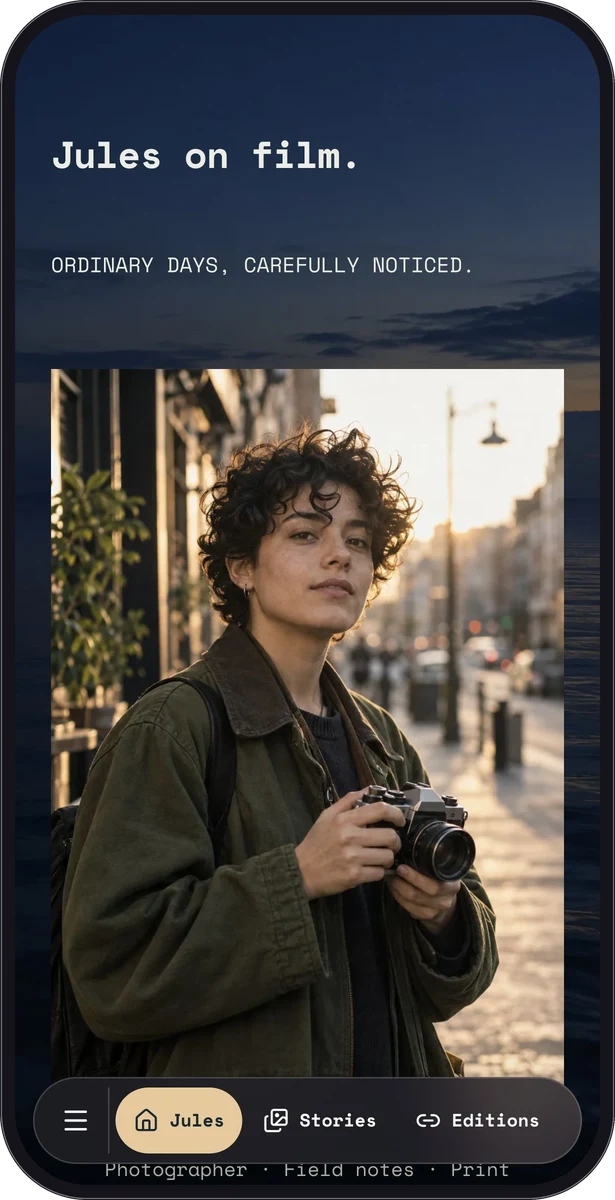
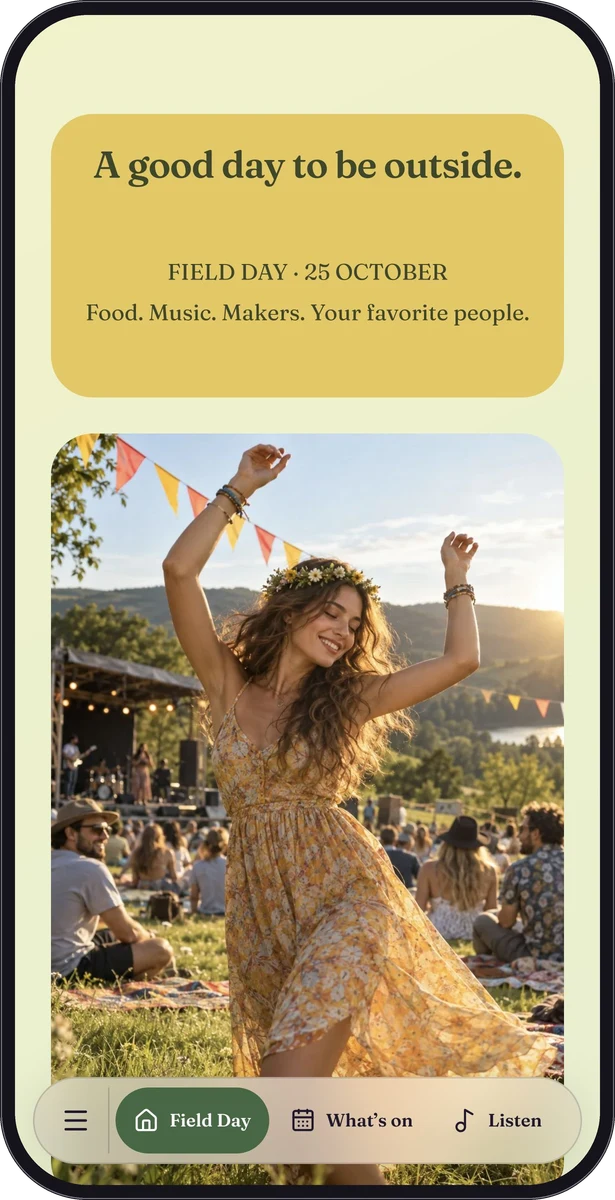
A cover photo can establish the atmosphere immediately. A full-page background affects every section, including the least decorative details. Check the lightest and busiest parts of the image behind text, then adjust shade, brightness or the content surface until the words remain clear.
- Keep essential instructions as text, not only inside a photograph.
- Give informative images a useful alternative description.
- Avoid placing a busy image behind a dense list of links.
| Design choice | Useful for | Check before sharing |
|---|---|---|
| Cover image | Introducing a place or portfolio | Important detail survives mobile cropping |
| Plain page background | Instructions and long reading | Text and buttons stand out |
| Background photograph | A strong visual atmosphere | Every section stays readable |
| Different block surface | Separating a task or special note | The meaning of the change is clear |
Review the whole journey on a small screen
Scroll from top to bottom without using the editor. Look for oversized empty spaces, cramped sections, hard-to-read backgrounds and repeated actions. Try the page in portrait orientation and check what happens when a label wraps. Give a friend one task and observe where they look first.
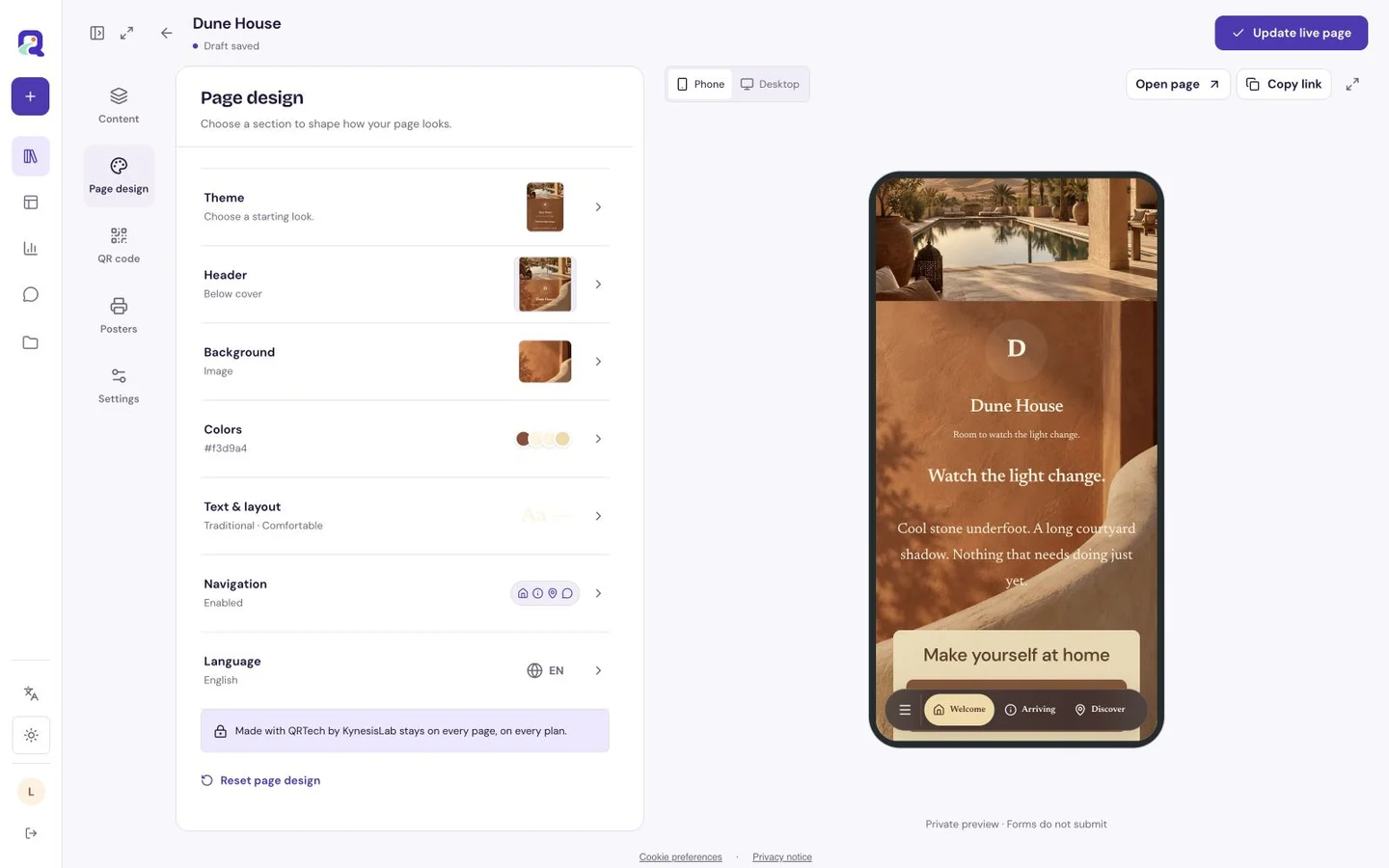
A QRTech custom page supports up to 40 blocks, but useful length depends on the job. Remove repeated information before adding more. Eligible blocks are available on Free; Premium content and resource or storage limits depend on the current plan. Start with the page editor and compare the fictional examples for different reading rhythms.
- Put one practical question at the top of your review list.
- Check all buttons and destinations on your phone.
- Read the least prominent text, including captions and instructions.
- Repeat the review after changing a page background or shared font.
Questions, answered.
Is a long mobile page always a problem?
No. A guest guide may need several sections. Clear headings, a useful order and concise answers matter more than forcing every page into the same length.
Should every block have a custom design?
Begin with inherited styling. Add exceptions only when they help a visitor distinguish a section or complete a particular task.