Write for the person who has never been
Open with the studio name, the kind of sessions you offer and a clear introduction for first-time visitors. Explain the entrance, when to arrive and who will welcome them. A short photograph-led introduction can help someone recognise the space.
Put preparation in plain language: clothing, equipment to bring, what is provided and where to leave belongings. Describe the session’s format so people can ask informed questions about participation. Keep personalised health or suitability discussions in the appropriate conversation with your team.
Describe the class before asking for a commitment
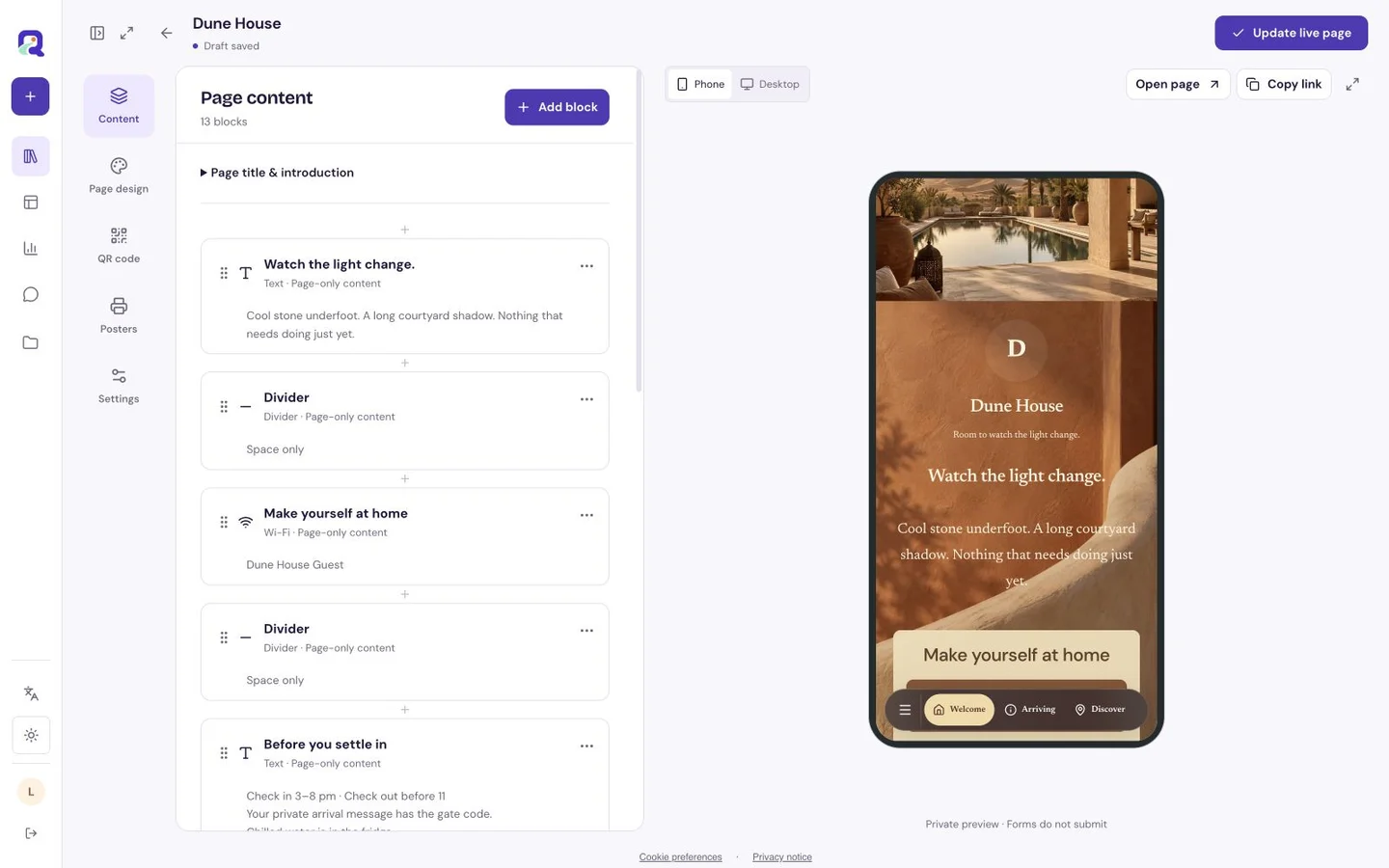
Use text blocks to set out the programme by day or class type. Give each session a name, duration and concise description. Show the date range a timetable applies to so visitors can recognise an old programme when they return.
A Premium calendar block on a custom page can offer the details of a particular session or event to save. A Premium location block can help with the journey. If you already use a booking service, a clearly labelled link can take visitors there.
| What to include | Why a visitor needs it |
|---|---|
| Class format and duration | To understand the shape of the session. |
| Date, time and applicable programme period | To plan the right visit. |
| Equipment and arrival guidance | To prepare without guessing. |
| Contact or existing booking destination | To ask a question or take the next step. |
Be welcoming without crowding the information
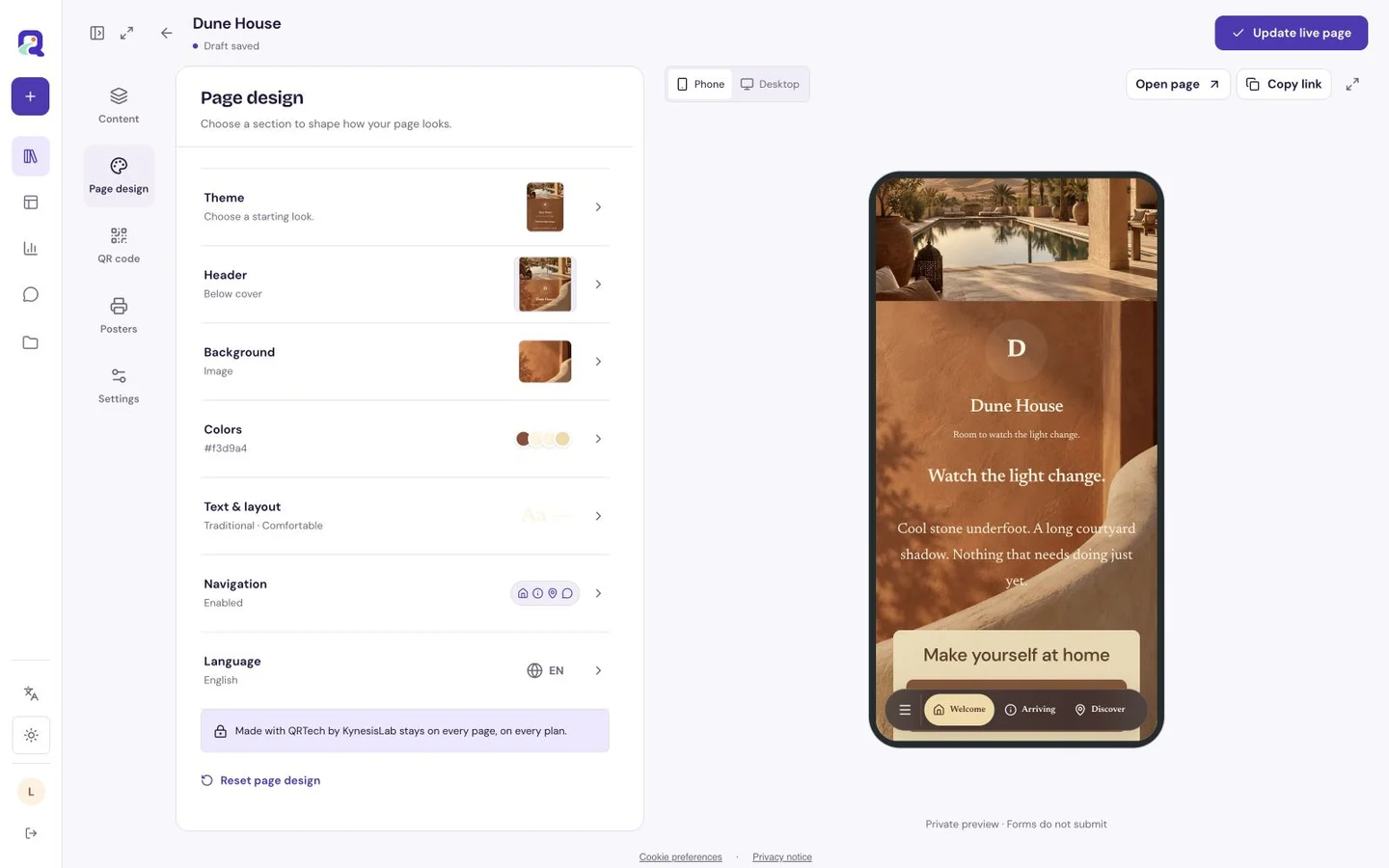
Let an opening photograph and a small color palette express the studio’s character. Give the programme a calm, consistent text style. Avoid placing the only timetable inside a promotional image; text is easier to skim on a phone and simpler to revise when a class moves.
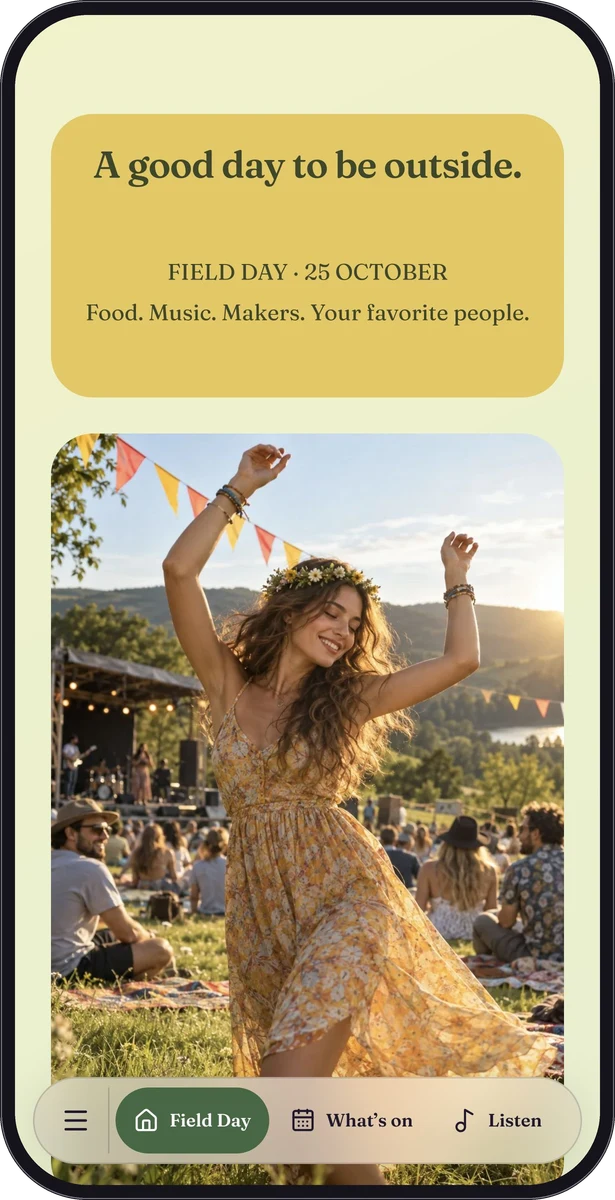
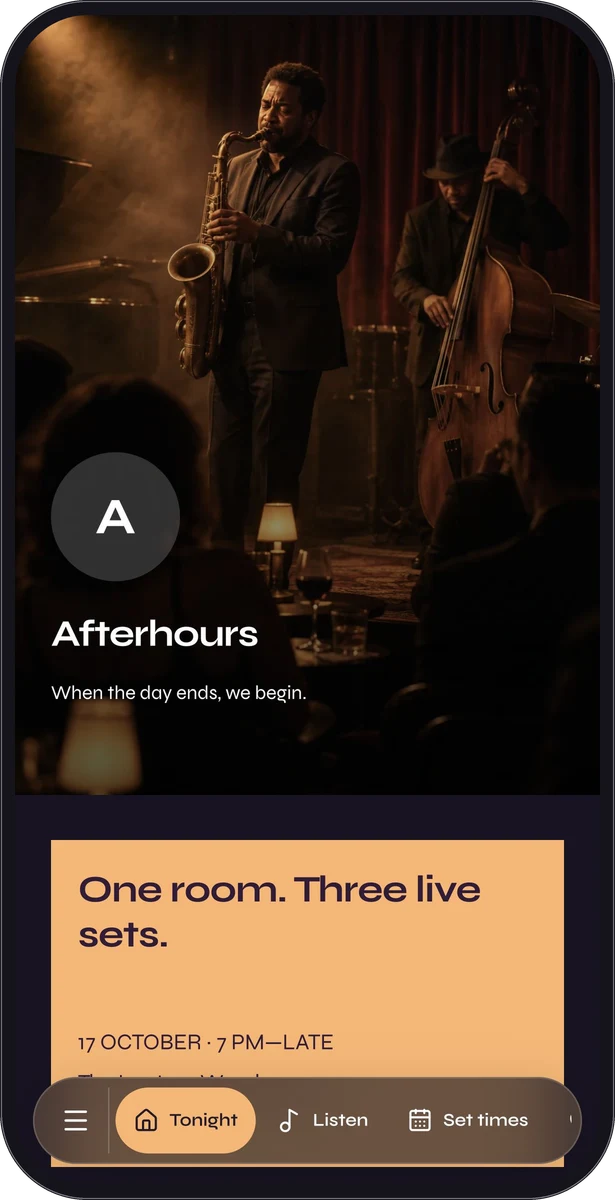
There is no dedicated gym sample in this library. Field Day and Afterhours are fictional events whose programmes demonstrate useful sequencing and practical visitor information. Use them as representative inspiration for organising a studio page, not as fitness customer examples.
Reach people before they stand outside
Put the page link in the messages you already send to new visitors and on your social profile. A QR code on a window or reception sign can give people a quick route to the current programme. Add a readable shortlink and say what the code opens.
Use Premium Poster Studio for downloadable promotional or information artwork when helpful. Test a physical proof through the window or under the reception lighting before printing more copies.
Keep the programme honest about what it shows
Create a Free custom page with eligible introduction, image, text and contact blocks. Add Premium calendar, form, link-list or location content as needed. A short enquiry form can collect questions about a first visit, with a clear explanation of how your team will respond.
Review the page whenever the timetable changes. Update cancelled or moved sessions on the hosted page and communicate changes through your existing process. A published timetable does not show remaining spaces unless your linked booking service provides that information.
Questions, answered.
Can the page sell memberships or reserve a class?
QRTech explains your studio and links to the next step. Membership billing, bookings, waiting lists and attendance records remain in your existing service.
Is a form submission a confirmed class place?
No. An enquiry form collects information. Use your normal booking and confirmation process to tell a visitor whether a space is reserved.