A place for audio you own or may share.
Audio pages can use uploaded or recorded audio with a title, artwork and supporting information. Editing controls include trimming, gain and fades; recordings processed through the audio editor have a five-minute limit. Account storage and supported-file checks still apply.
For a gallery visit, add a short spoken description alongside the artwork text. For a creator, give a track context and a useful next step. Upload only material you have permission to distribute.
Spotify and YouTube, in context.
Spotify pages and audio blocks provide supported Spotify playback experiences. YouTube pages can present supported YouTube content. The provider controls its player behavior, branding, availability and any sign-in requirements.
A native YouTube experience is not a promise that QRTech hosts arbitrary video files. The current creation flow supports YouTube, while general legacy video-upload types are not offered as a new page feature.
Let the visitor decide when to listen.
Keep playback controls discoverable and add a short text summary for visitors who cannot listen at that moment. A description also makes the page useful before an external player loads.
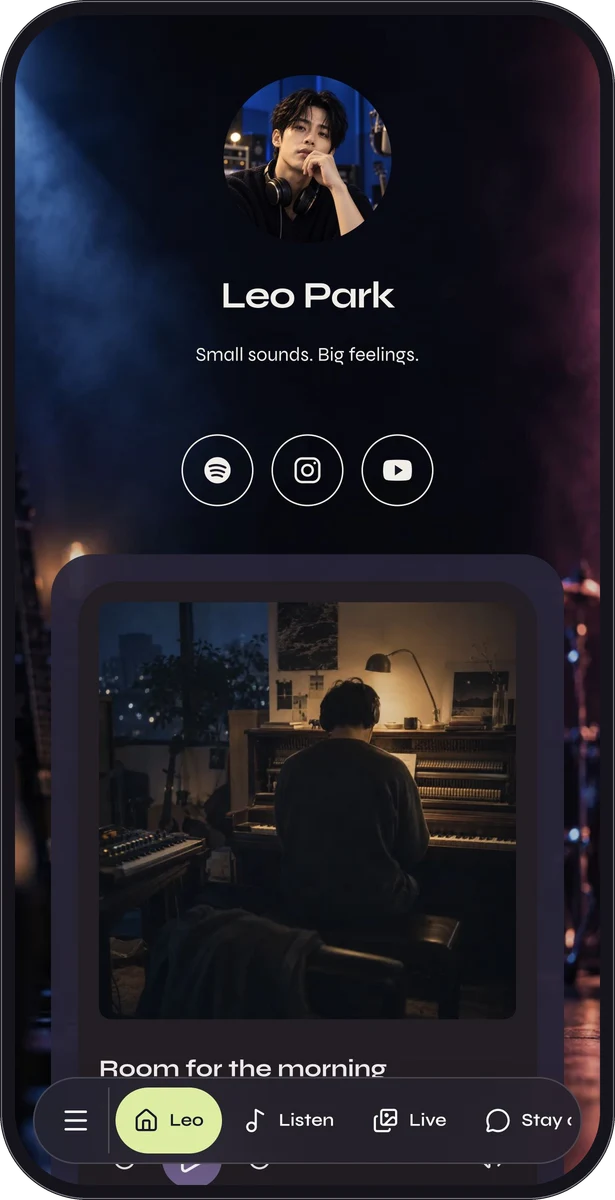
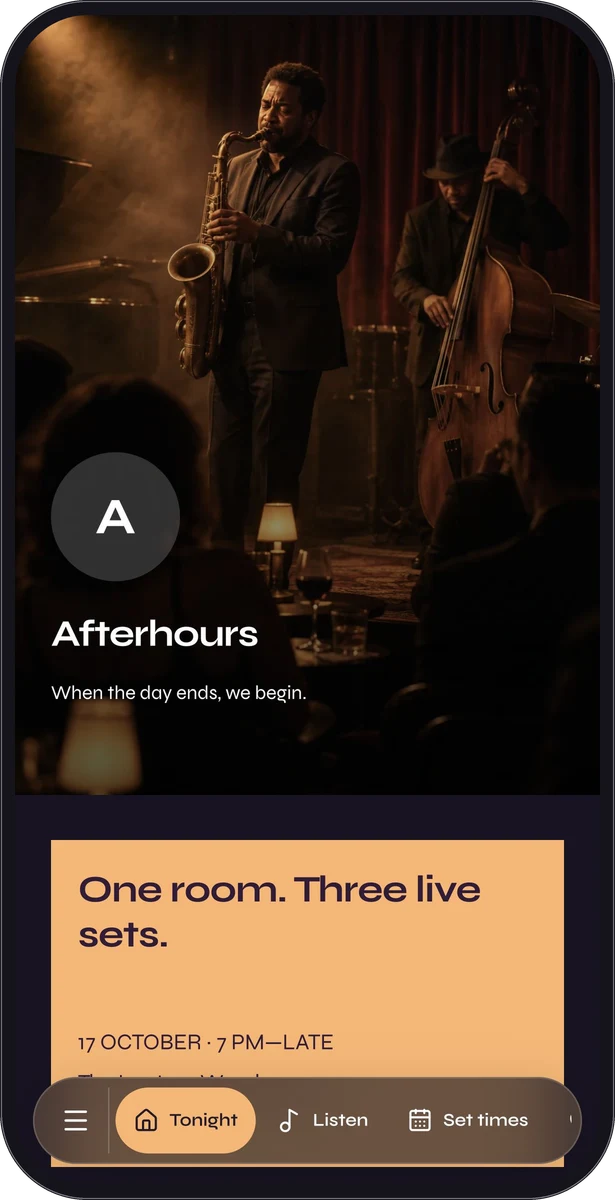
A custom page can combine images, text, a player and contact or social actions. Background photographs can set a mood, but foreground text and controls need enough contrast to remain usable.
Test the experience beyond your own device.
Try the page on a phone, including its player, destination links and privacy-consent state. Check the start and end of your audio and keep its volume comfortable.
- Choose audio, Spotify or YouTube according to the actual source.
- Add a descriptive title, artwork and useful written context.
- Preview playback and provider fallback behavior.
- Publish the page and share a normal link or QR code.
Questions, answered.
Which media features are Premium?
Uploaded audio and Spotify experiences are Premium. The supported YouTube page type is eligible on Free. Mixed custom pages follow the eligibility of their blocks.
Will external players always load?
No. Provider rules, content availability, browser settings and consent can affect playback. Include a clear description and a useful link where appropriate.