
A practical example
A fictional art studio could put a code beside a small sculpture label and share a concise account of the maker, materials and care. The physical label would still carry the essential identification.
Make the scan useful
Lead with a title that tells the reader why to stay. Break longer copy into short paragraphs and keep dates or practical instructions easy to find.
- Write a useful title and the text people came to read.
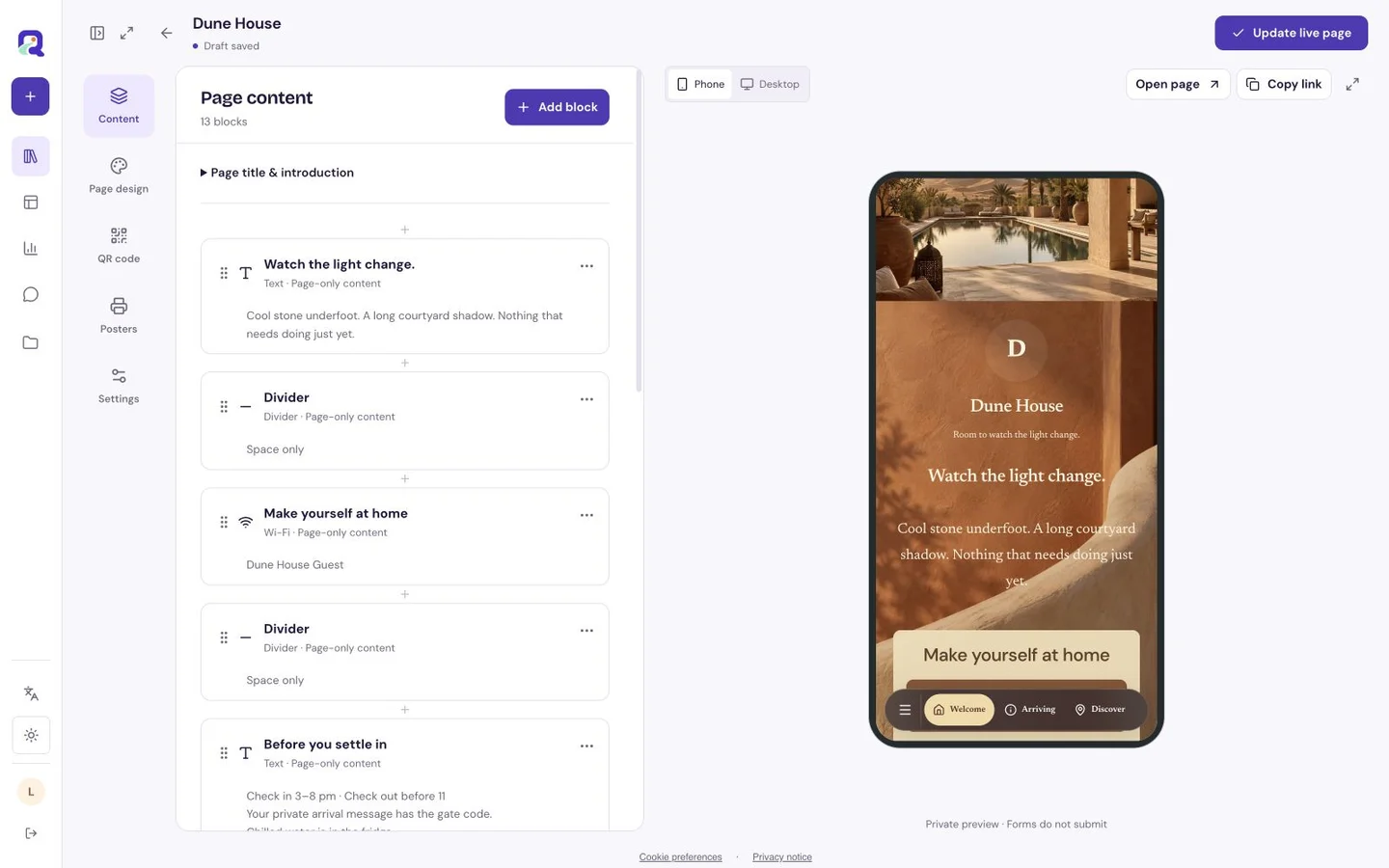
- Preview the phone layout and correct any dense paragraphs.
- Publish, then scan a printed proof at the intended location.
What to check before sharing
The hosted page needs network access. Important safety or access instructions should also appear in the physical space where visitors need them.
Is this the Custom Page builder?
No. Text is a focused single-purpose page. Use a Custom Page when you need several different block types together.
Can I revise the message?
You can edit the hosted text under your account’s normal save and publication rules. Check the public page after publishing changes.