Explain the last part of the journey
Lead with the place name and why someone is coming. Give the address, opening or arrival information and the entrance visitors should use. A photograph of that entrance can be more useful than a general building portrait.
Add details for the final approach: where to leave a bicycle, which gate is open or where an arranged group should meet. A Premium location block can help with directions. Written instructions should still explain anything a map pin cannot, such as an entrance on a different street.
Replace vague assurances with practical detail
Describe the facilities and access arrangements you have confirmed. Say where an entrance is, whether a lift serves the relevant floor and how someone can ask about a specific need. Concrete information lets visitors judge what works for them.
Use separate sections for arrival, facilities and getting help. Keep the phone or email action visible enough to find when a visitor is already nearby. If a route changes temporarily, put that information near the top with clear dates.
- Arrival: entrance, reception point and relevant times.
- Facilities: toilets, seating, water and other confirmed provision.
- Getting online: guest network information and where it is available.
- Help: the contact route or staffed point visitors should use.
Offer Wi-Fi at the right moment
A visitor can open the hosted page through a normal link or page QR when internet access is available. A Wi-Fi block can show network details within the page. For people who need to join the network first, a separate native Wi-Fi code can encode the credentials directly.
These two codes have different jobs. Label one “Visitor information” and the other “Join guest Wi-Fi” if you use both. Native Wi-Fi credentials are not a redirect to the visitor page and do not produce the same page-visit analytics.
Make the practical page comfortable to scan
Use short headings and keep the most immediate answers above background information about your organisation. A straightforward typeface and high contrast help when someone is reading outdoors or moving between spaces. Images should identify a place or explain a route.
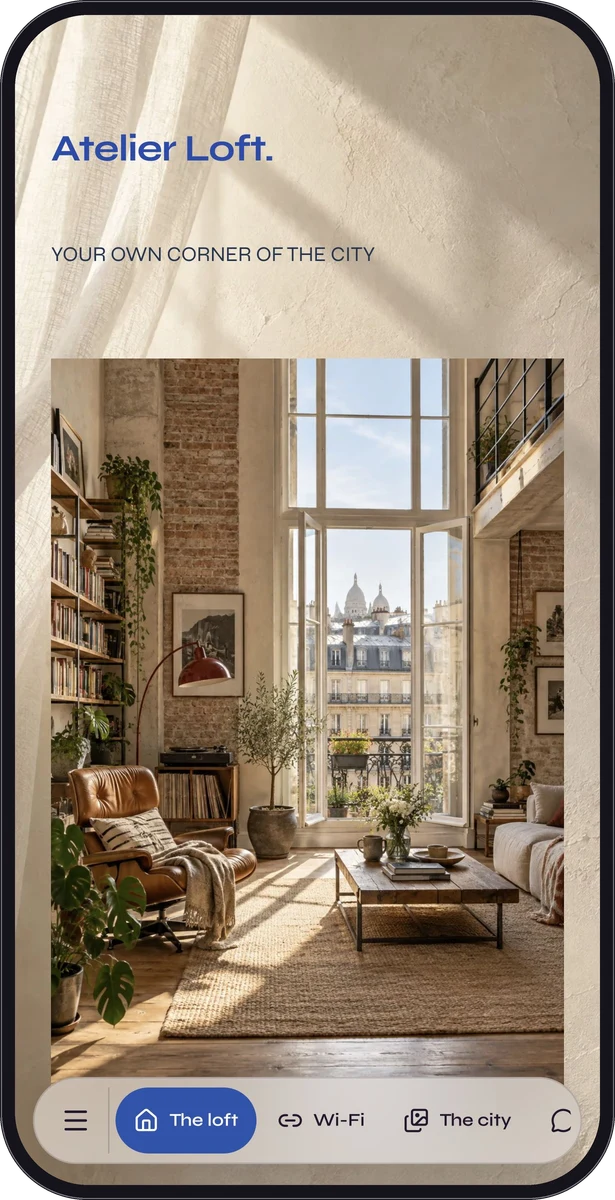
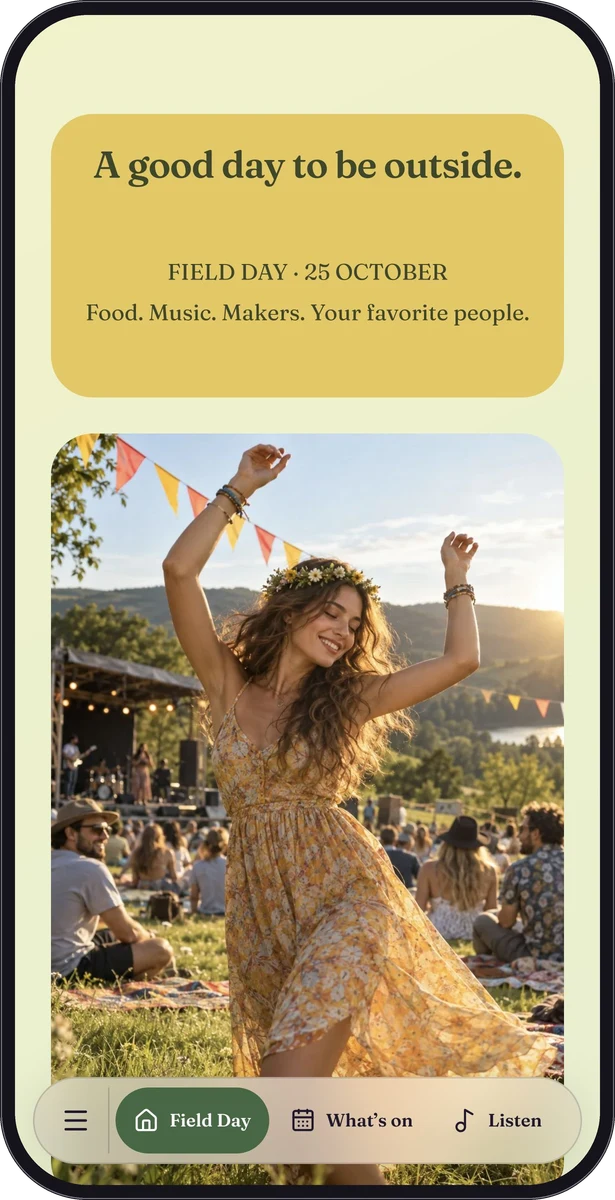
Atelier Loft and Field Day are fictional guest-guide and event samples. Their arrival and access sections are representative demonstrations of this approach, not dedicated visitor-centre templates or evidence of public-venue deployments.
Put updates in someone’s weekly routine
Share the page link in appointment messages or invitations and add its QR code to a reception sign. Include a readable shortlink and test the sign in place. Premium Poster Studio can provide downloadable artwork for signs you arrange to print.
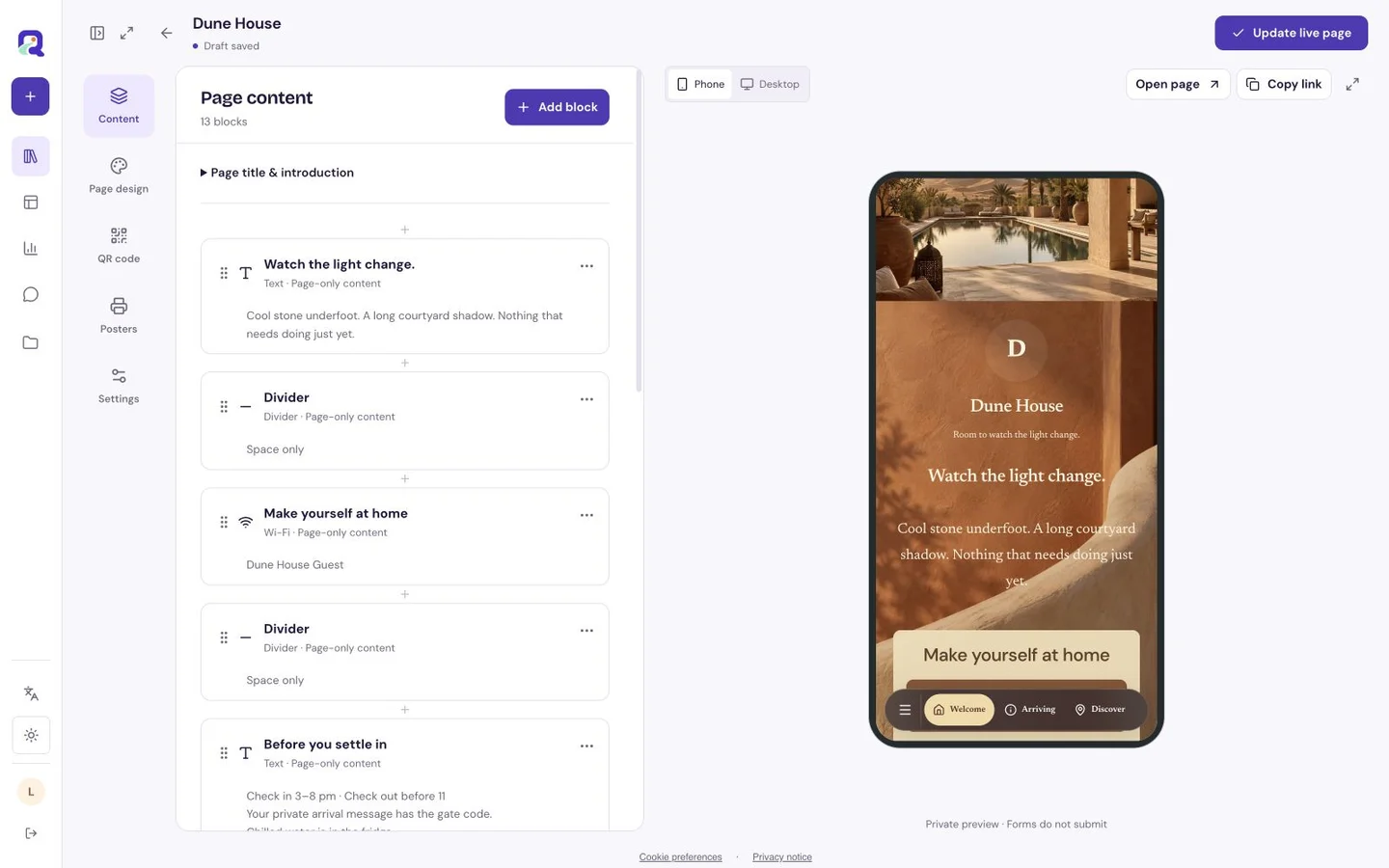
Free supports custom pages with eligible text, images, contact content and Wi-Fi. Premium adds location, link lists and other advanced blocks. Assign someone to check hours, entrances and contact details, and update the existing hosted page when temporary arrangements change.
Questions, answered.
Does the page provide indoor navigation?
It can display written directions, images and supported location content. It does not track a visitor’s position indoors or provide a managed indoor navigation system.
Can I make information available in more than one language?
You can write visitor-facing content in the languages you need. Prepare and review each version yourself; do not assume the page automatically translates arrival or access instructions.