
A practical example
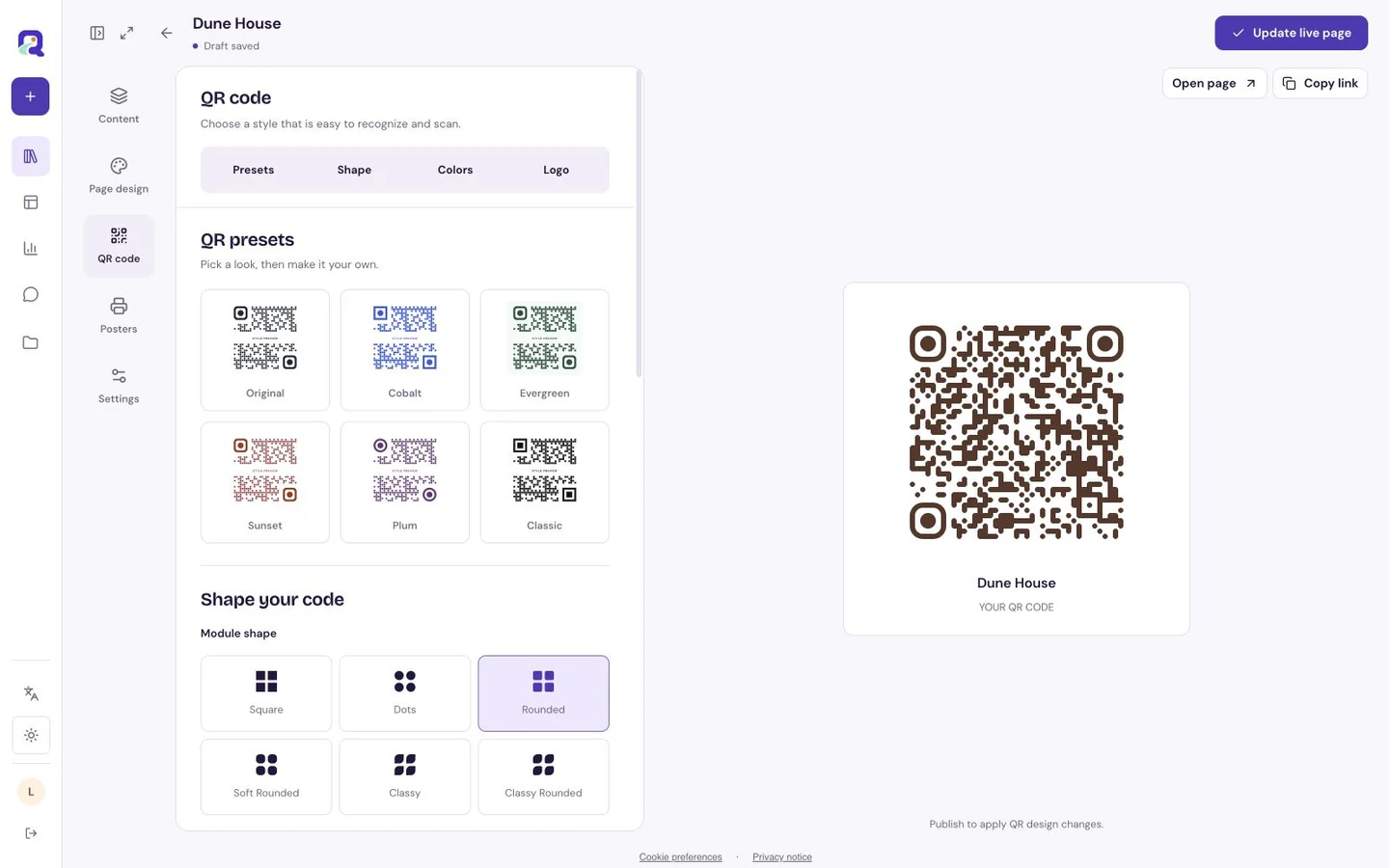
A fictional guesthouse could place “Call reception” beside a code in its lobby. The code would hold the reception line, while the printed number remains useful if scanning is inconvenient.
Make the scan useful
Use the full number, including country code where visitors may be international. Add opening hours or an alternative route if the line is not always staffed.
- Enter and check the number.
- Create the code and print the number beside it.
- Scan and tap Call now to confirm the dialer displays the intended line.
What to check before sharing
A phone must support calling, and carrier charges or roaming rules may apply. The QRTech page does not place a call or confirm the line was answered.
Will a scan start calling immediately?
No. The scan opens a QRTech action page. The visitor taps Call now and confirms the call on their device.
What if the visitor cannot use a phone dialer?
Print the number in readable text too, and offer another contact route if your audience needs one.