Build it in QRTech
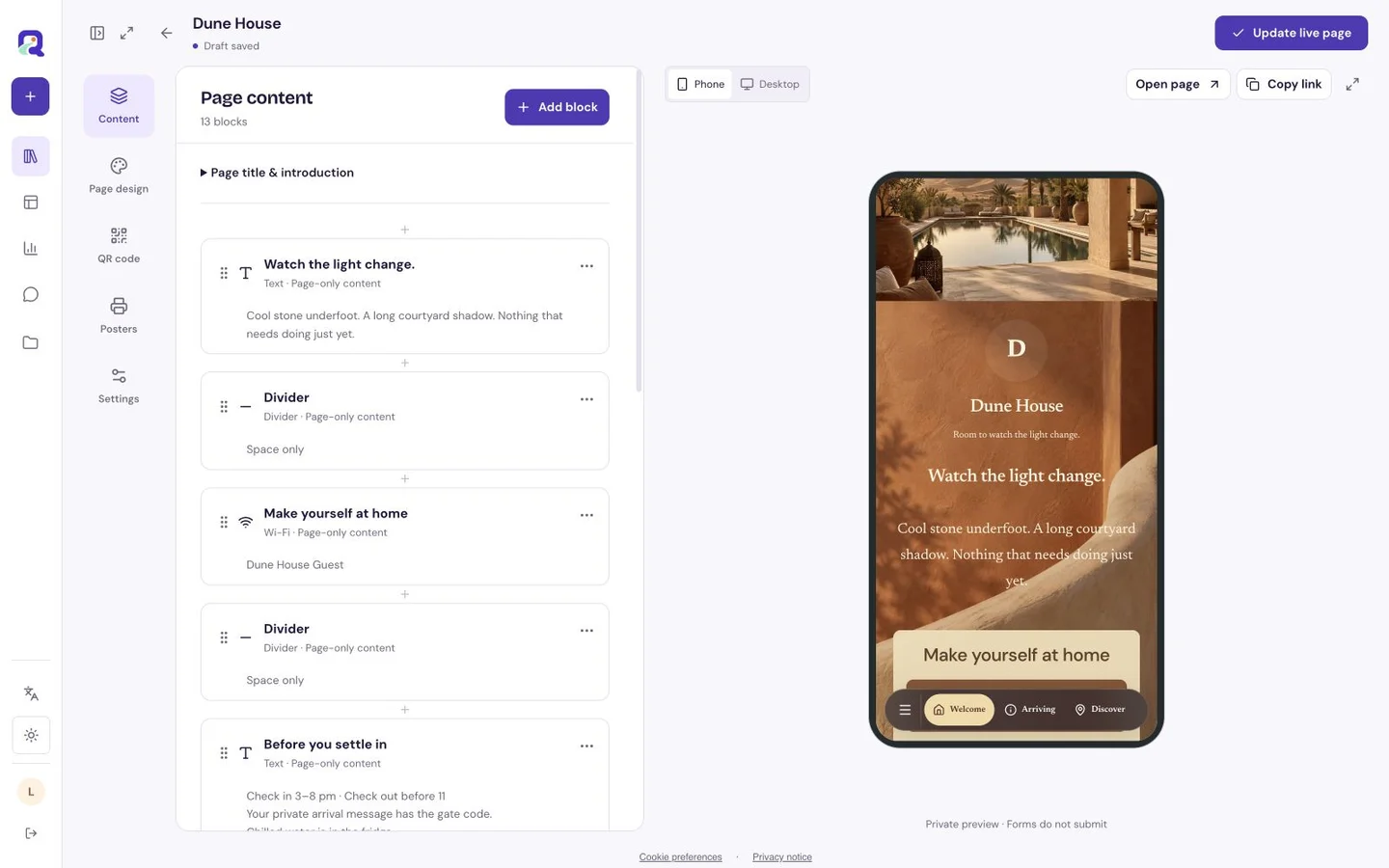
Start with your own content, then check the published page as a visitor. These steps use the current visual editor.
- Create a custom page. Add text and an entrance photograph for arrival, then Wi-Fi information and a contact action.
- Give the blocks clear headings and enable page navigation for a longer guide. Keep private door codes out of the public page.
- Preview the mobile page, publish, and open its shortlink. For print, download the connected QR code or use Premium Poster Studio, then scan a physical proof.
The first screen belongs to arrival
Lead with the property name and a brief welcome. Follow it with the address, arrival times, the entrance to look for and a contact action. Write the last few steps of the journey as if the reader is carrying a bag and looking at a small screen.
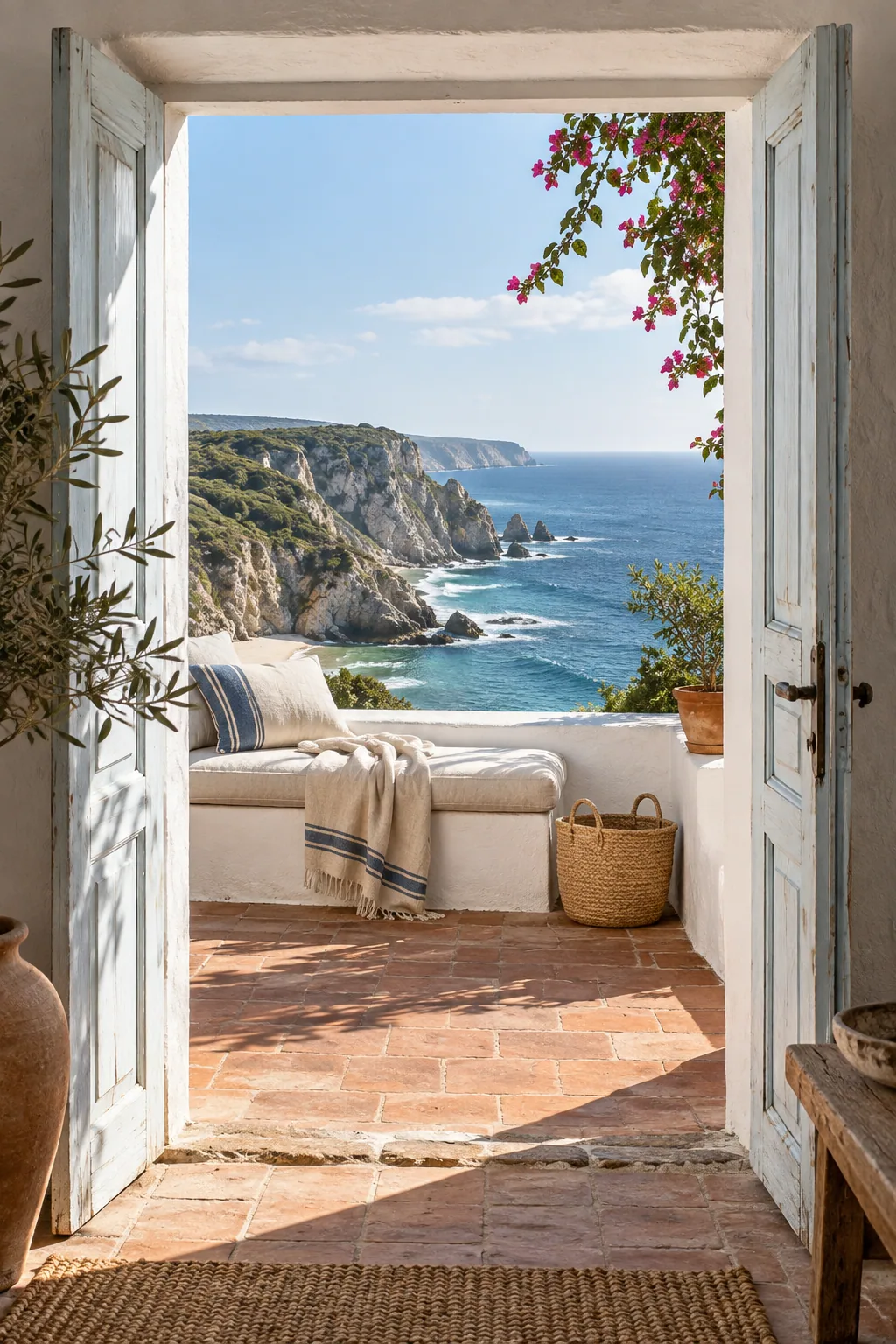
A useful arrival photograph shows the entrance a guest will actually use. Explain a side gate or shared driveway in plain language. A Premium location block can help with directions, while text remains useful for the final approach.
Then answer the questions inside the house
Keep Wi-Fi and the most frequently needed house instructions near the top. A Wi-Fi block can present the network information. A separate native Wi-Fi code can also be useful indoors; it encodes the credentials directly and is different from a code that opens your hosted guide.
- Describe the controls a guest will touch, such as the heating dial or hob.
- State departure time and the few actions needed before leaving.
- Put local suggestions after the essentials, with a reason to visit each place.
- Make the host contact easy to find again further down a longer guide.
Make the page feel like the place
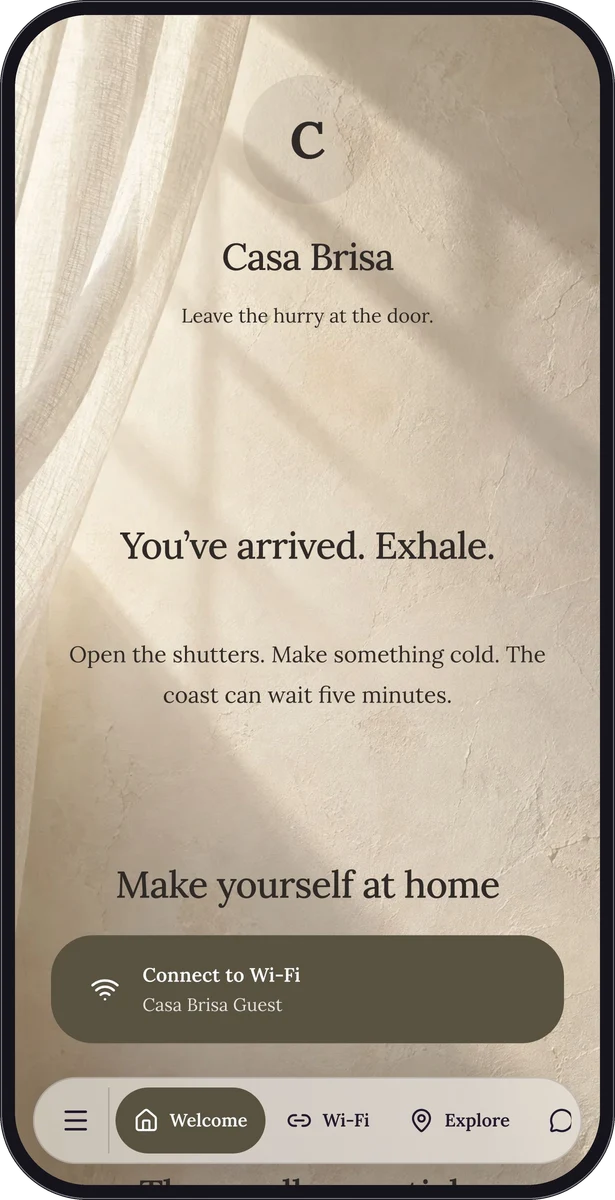
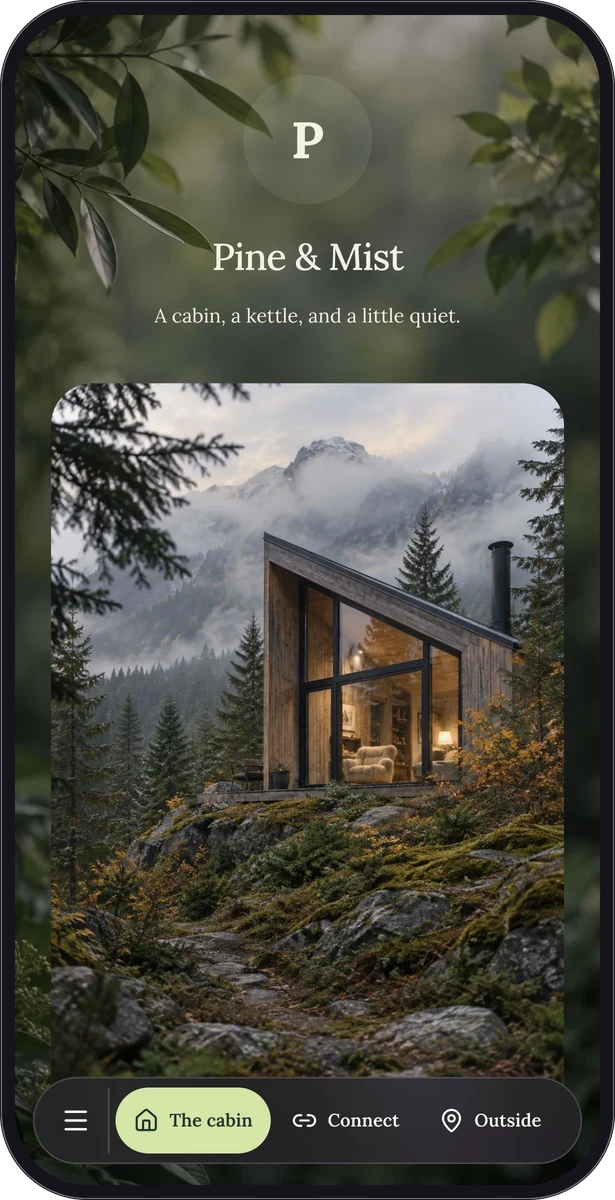
The fictional Pine & Mist guide has a woodland character; Casa Brisa takes a warmer coastal approach. Use them to explore the balance between an inviting cover and practical information. Their sample addresses, contacts and credentials are demonstration content.
Choose a readable body font and separate arrival, house information and local discoveries with clear headings. Use images to explain or set the scene. A wall of photographs above the arrival details makes the guest scroll before the guide starts helping.
Share it before the trip and in the room
Send the normal page link in your own arrival message so guests can read it before travelling. Place its QR code beside a shortlink inside the accommodation for a quick return to the guide. Print and scan a proof where the sign will sit.
Keep private access details in the appropriate guest communication. Premium shared passwords can restrict a hosted page, but everyone with that password shares the same access; it is not an individual guest account.
Review the guide between stays
Start a Free custom page with eligible text, images, Wi-Fi and contact content. Premium adds blocks such as location, link lists and feedback forms, plus shared passwords and Poster Studio. Pick the blocks that earn their place in the guest journey.
Before the next arrival, check changed instructions and local opening information. Keep one maintained page destination on your signs. If you replace a native Wi-Fi code because credentials changed, replace the printed code too; editing a hosted guide cannot rewrite credentials already encoded on paper.
Questions, answered.
Is this a booking or property management system?
No. The page explains a stay and helps guests contact you. Continue managing reservations, guest records and individual arrival arrangements through your existing process.
Will the guide work without mobile data?
A hosted guide needs internet access. Share essential arrival details directly before travel, and keep the network name and a practical contact method available in the accommodation.