Establish a readable version before adding the mark
Create the intended destination first and test a plain version of the code. Keep that version as a reference while you adjust the design. If the finished mark causes trouble, the reference helps distinguish a logo problem from a destination problem.
DENSO WAVE cautions that illustrations and deformation can reduce readability or make reading fail. Treat logo insertion as a design that needs proof, rather than a guarantee supplied by an editor setting. The practical goal is a mark someone recognizes quickly without needing a large area or fine detail.
Choose a compact, simple asset
A short symbol usually works better in a small central space than a long company name with a tagline. Remove tiny secondary lettering from the logo asset and let the surrounding sign carry the full brand name. Keep the original asset so you can produce future artwork consistently.
- Keep the label beside the code clear about the destination.
- Do not rely on the logo alone to explain what scanning does.
| Logo feature | Practical choice | Reason to check |
|---|---|---|
| Long wordmark | Use a compact approved brand mark | Small lettering may be unreadable |
| Fine internal detail | Choose a simpler approved variation | Details can disappear at print size |
| Busy surrounding artwork | Give the code its own plain surface | Recognition needs visual separation |
| Several decorative effects | Add and test one change at a time | A failure is easier to diagnose |
Keep the code’s structure and margin intact
Keep a four-module quiet zone on all sides of a standard QR code, outside the symbol itself. The logo belongs within the intentional design area, not in this clear margin. Captions, frames and nearby photographs should also stay outside the quiet zone.
Avoid placing additional artwork over the corner position markers or manually painting out parts of the exported symbol. Start from the editor’s generated design and judge the whole image at its actual physical size. For print layouts, give the code a stable, light surface so surrounding artwork does not vary behind it.
Use error correction without treating it as a logo allowance
Error correction adds recoverable data. The familiar L, M, Q and H percentages refer approximately to codewords that can be restored, not a percentage of image area you may cover. A larger logo can therefore fail even when the chosen level sounds generous.
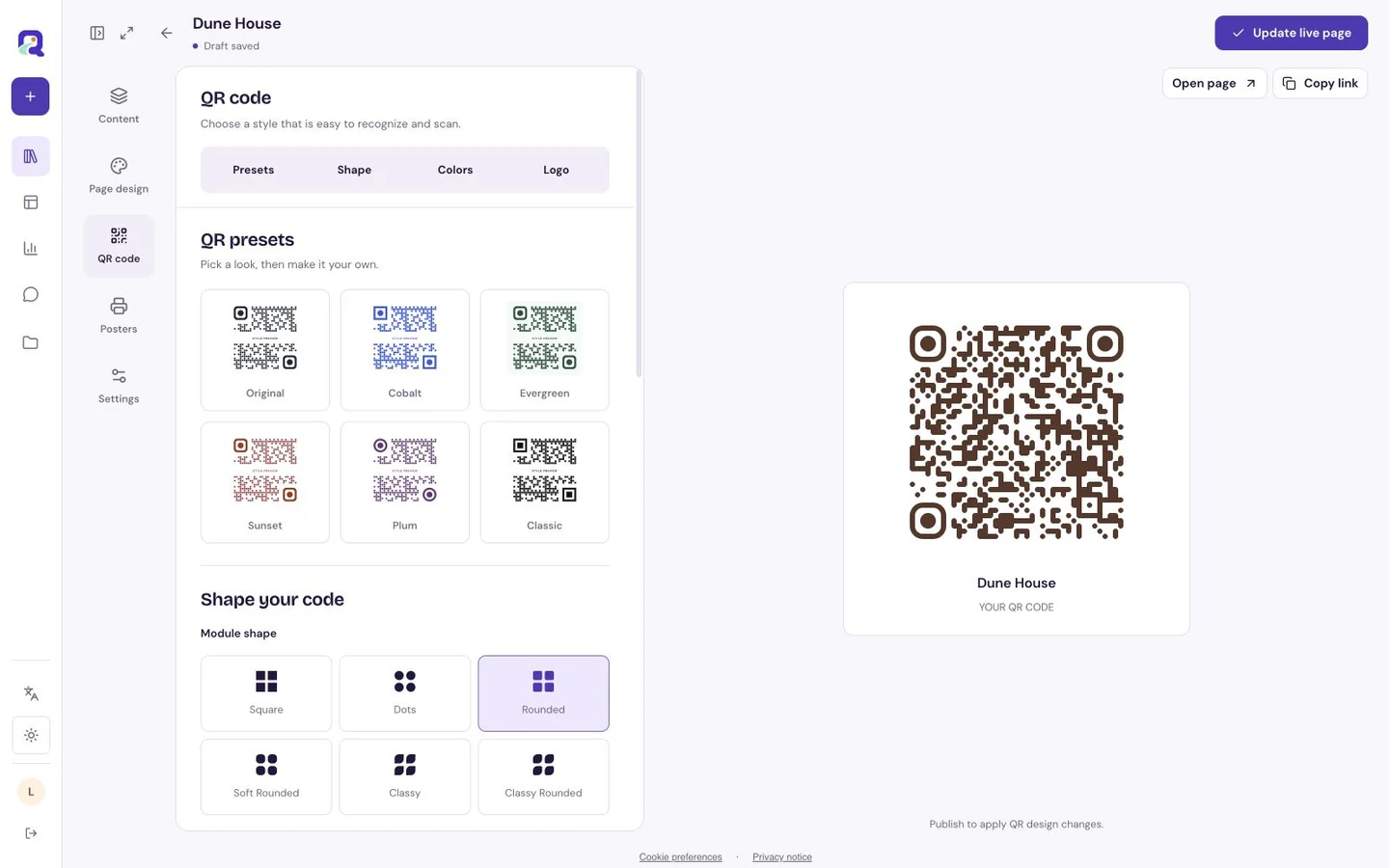
QRTech exposes the correction level alongside its visual controls. Increasing it can make a code denser, so compare the resulting export instead of assuming that the highest setting solves every design problem. If a version becomes difficult to read, first simplify the logo treatment and give the symbol more room.
Approve the exported artwork, then the physical proof
Scan the final file after applying the logo, colors and shapes. Then print a proof using the intended material and place it where it will be used. A successful preview on a bright monitor does not establish that a glossy table sign will be comfortable to scan.
- Compare the plain and branded versions with the same destination.
- Test more than one phone at the intended distance.
- Check the finished print under the lighting people will encounter.
- Reduce the logo or simplify styling if reading is inconsistent.
- Save the approved export and repeat testing after design changes.
Questions, answered.
How large can the logo be?
There is no universal safe percentage. Use a restrained mark and verify the actual symbol at its final size. Error-correction percentages are not a permitted covered-image area.
Does the logo change where the code goes?
Changing appearance does not change the existing resource’s intended destination. Still test the exported code to confirm both readability and the final page or action.