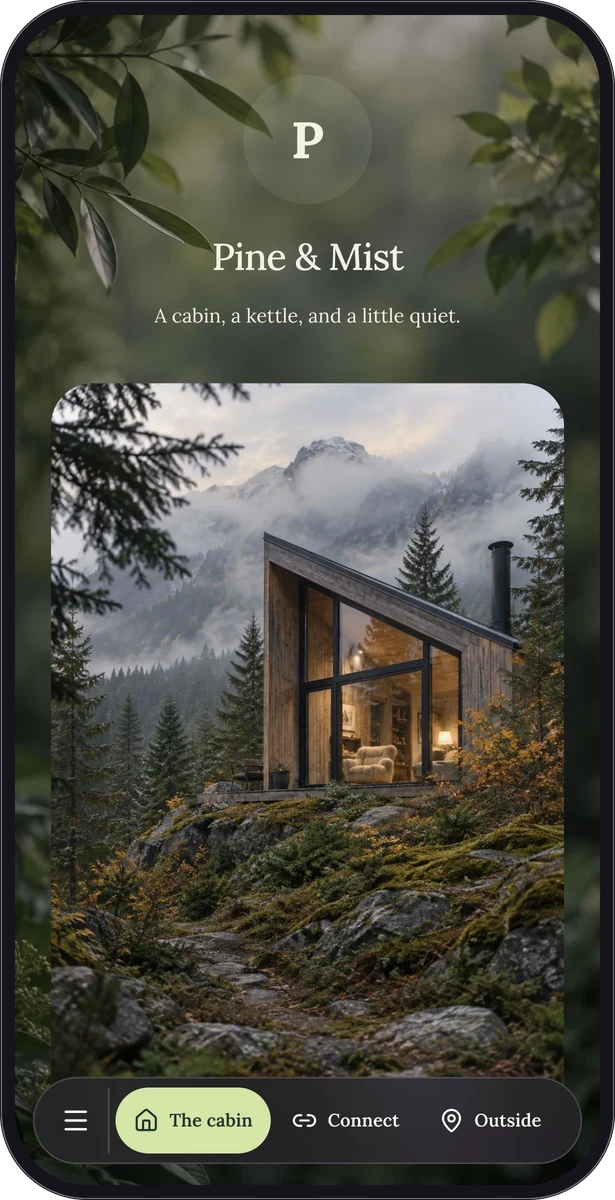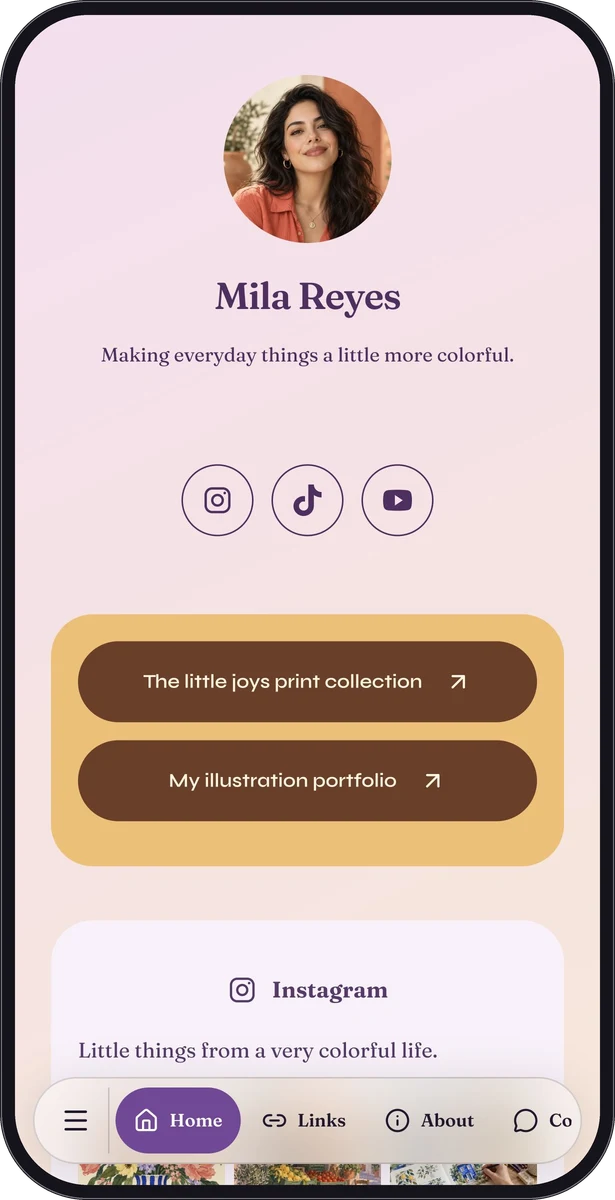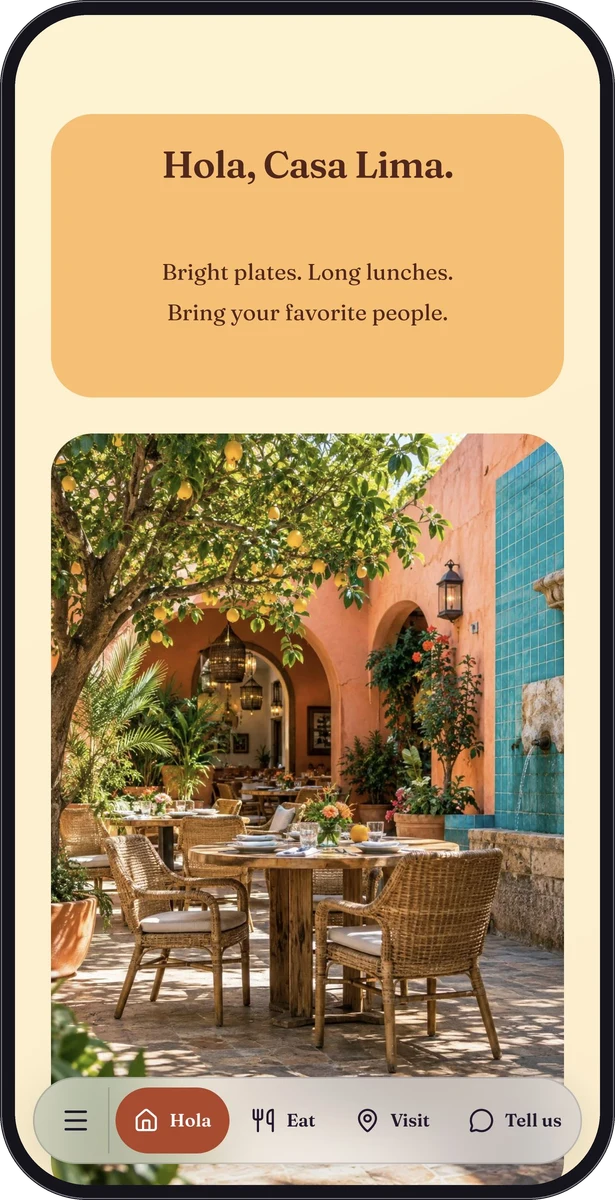
One clear purpose. Or a few useful things together.
Start with a single-purpose page when the job is simple: a business card, menu, form or text page. The structure is ready for that kind of content, so you can concentrate on the details people came for.
Choose a custom page when a visitor needs several things. Put a welcome above the Wi-Fi details, a menu beside directions, or your latest work above your social profiles. Arrange native blocks in the order that makes sense for your visitor.
Useful blocks, already built.
Text, photographs, social media strips and contact actions can form a simple page. Premium adds menus, general link lists, forms, audio, locations and calendar events. A custom page can combine eligible blocks without turning each placement into another standalone resource.
Menu items have their own photographs and details. Forms collect structured responses. A calendar block provides an event file visitors can add to a compatible calendar. These are purposeful pieces of a page, each with its own editing controls.
- Guest guide: welcome, Wi-Fi, house information and host contact.
- Creator page: portfolio images, social profiles and a release to listen to.
- Visitor page: a short introduction, directions and practical information.
- Campaign page: a clear message, a useful action and supporting details.
Your page should feel like your place.
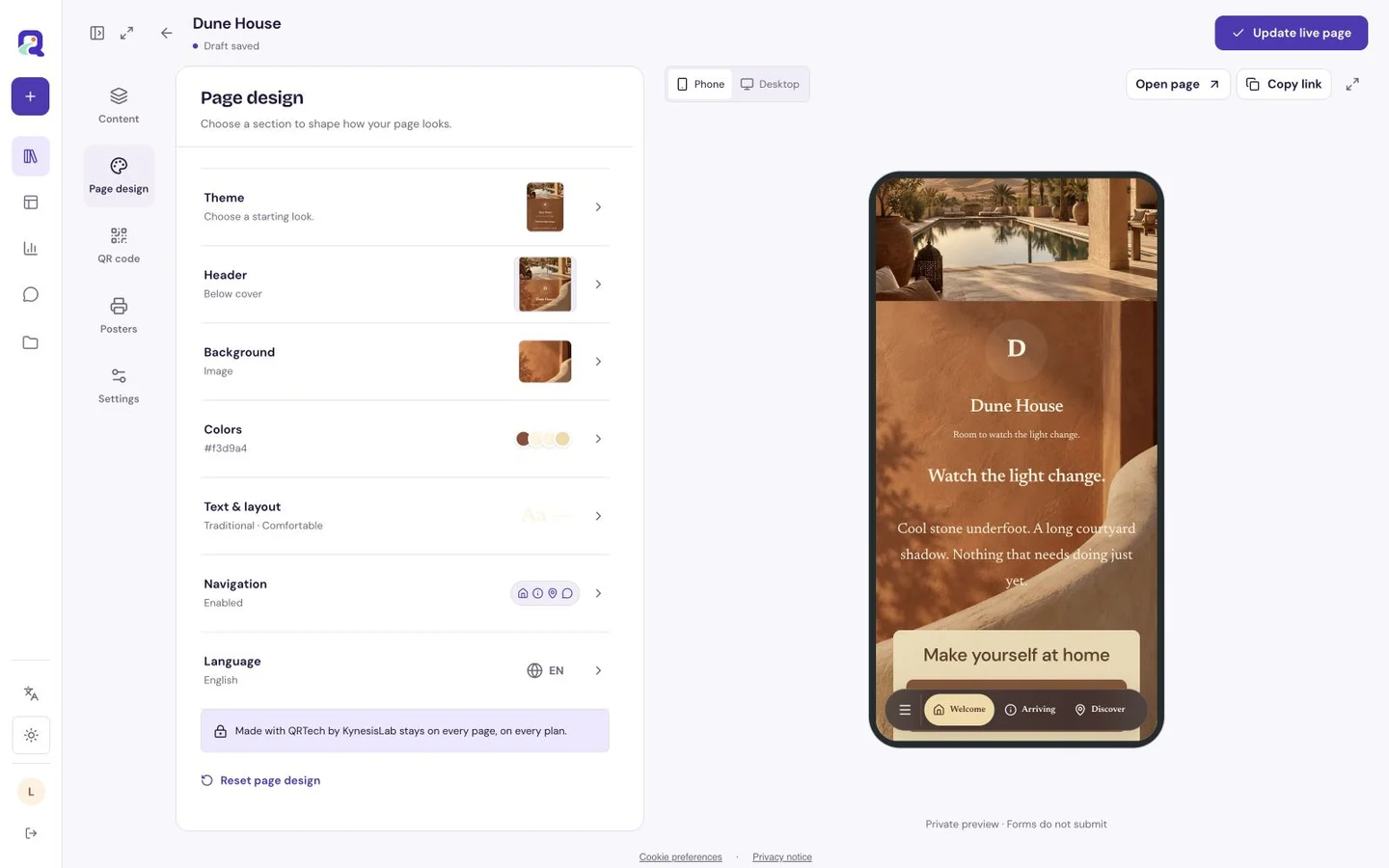
Set a shared design for a calm, consistent page, or give a particular block its own colors, spacing and border. Choose typography that suits your subject and stays readable on a phone. A heading can sit below a cover photograph or over it; you can also leave the header off and begin directly with your content.
Solid colors, gradients and background images give you very different starting points. Image controls let you soften a busy photograph, adjust lightness and frame the important area. On a longer custom page, optional floating navigation helps visitors move between sections. Its colors can follow the page or use a fixed or glass treatment.
From a few details to something worth opening.
Begin with the job your page needs to do. Add the most useful information first, make the design your own, then test the page on your phone before publishing.
- Choose a single-purpose page or an empty custom page.
- Add your text, images and the native blocks your visitors need.
- Adjust the design and check both content and navigation in the preview.
- Save and publish, then share your platform shortlink or download a QR code.
Questions, answered.
Can I make a page on Free?
Yes. Custom pages and eligible free blocks are available on Free. Premium blocks require Premium, including during the signup Premium trial. Your account still has resource and storage limits.
Is this a full website builder?
QRTech focuses on simple mobile-friendly pages and supported destinations. It is useful for a menu, guest guide, portfolio or focused campaign, rather than a large multi-page website or custom application.
Can I remove the QRTech footer?
QRTech attribution remains on every hosted page, on every plan.