What should happen when someone opens it?
An ordinary website QR code can open a URL you choose. A hosted text page can carry a concise message. A custom page can offer several next steps instead of sending everyone to the same external destination.
For a more specific job, choose the matching experience below. Provider actions depend on the visitor’s device, installed applications and the destination service.
A familiar code, with your personality.
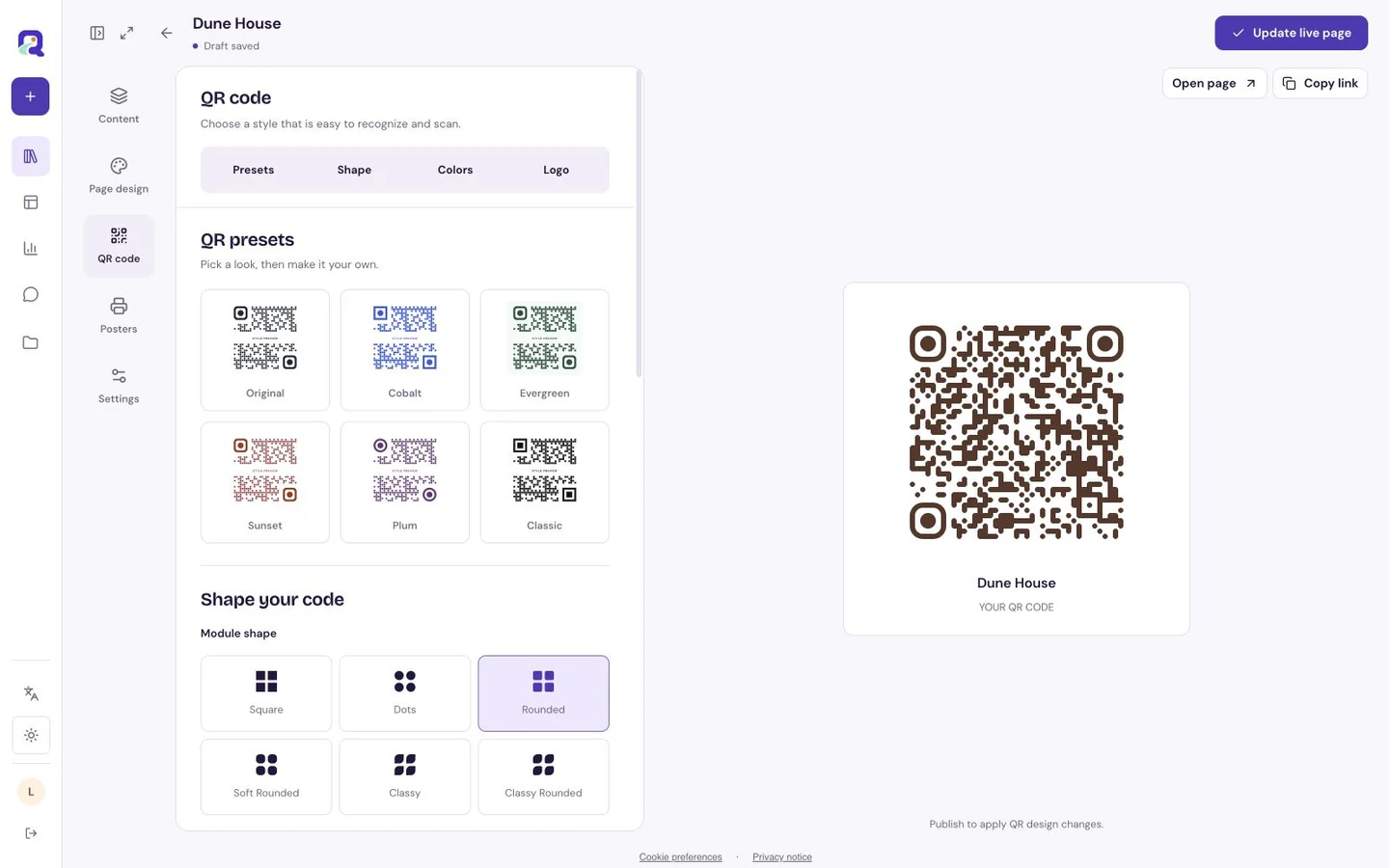
Use the built-in controls for modules, corner eyes, foreground and background colors, gradients and a logo. Pick the level of error correction and check the resulting code in the preview. These controls shape a real QR code; readability still comes first.
A dark code on a light, plain field is a dependable starting point. Keep a clear quiet zone around the code and test any logo, gradient or unusual color combination at the actual size you will use.
- Module shapes include square, rounded and dot-based choices.
- Corner eyes and center dots have separate controls.
- Linear and radial gradients are supported.
- PNG and SVG downloads work for different publishing needs.
Check the whole journey.
A technically readable code is only the first step. The page should open, the information should be current, and the visitor should understand the next action.
- Choose the destination and give the resource a recognizable name.
- Customize the QR appearance with contrast and breathing room.
- Open the exported code on another phone and test its destination.
- For print, test a physical proof at the intended distance and lighting.
One entrance can lead to more than one useful thing.
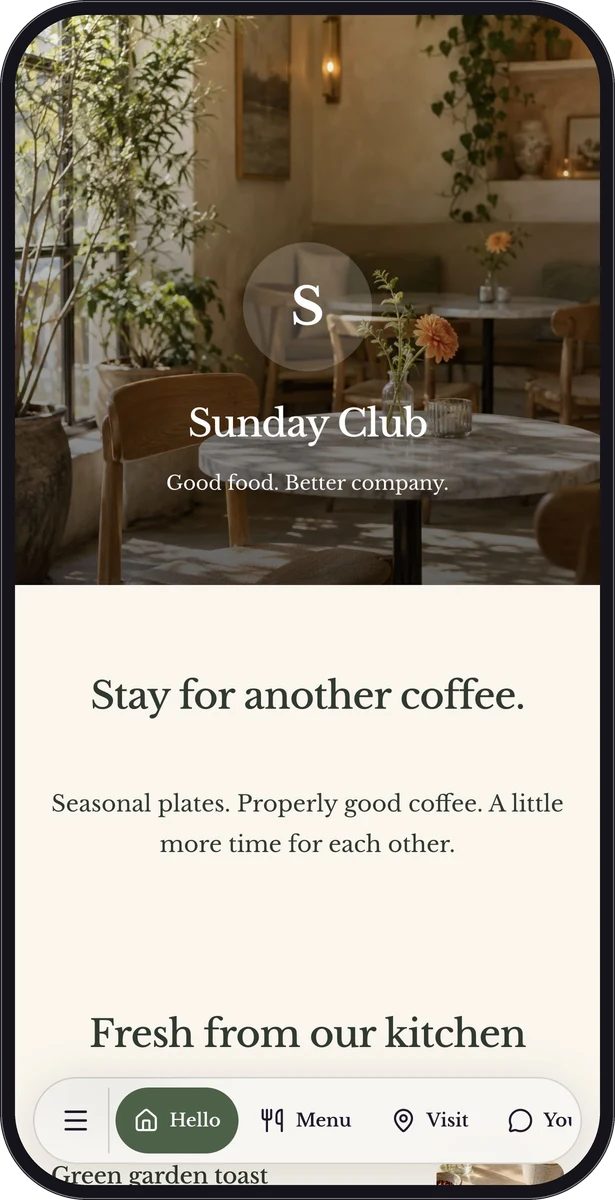
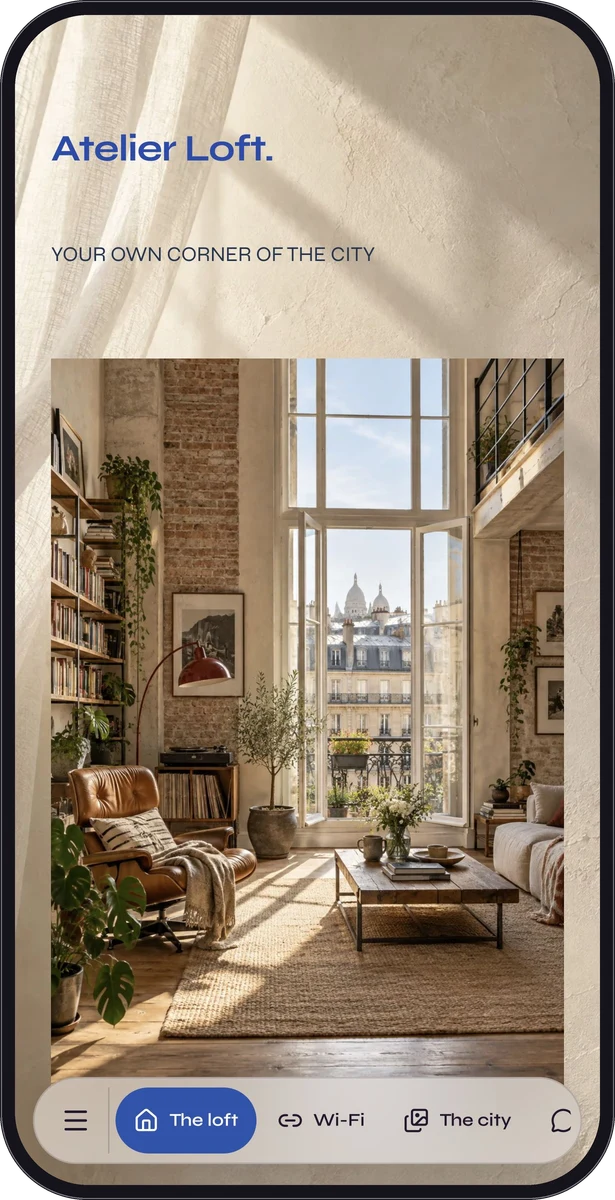
A restaurant page can contain a menu, directions and feedback. A guest guide can combine Wi-Fi with practical house information. Those are a single page with several blocks, so the visitor decides what they need next.
You do not need a separate landing page for every way people describe the same job. Explore the restaurant, guest-guide or creator examples to see a complete experience.
Questions, answered.
Is QR customization available on Free?
QR customization and eligible destinations, including ordinary URL codes, are available on Free. Premium destination types and blocks require Premium.
Do the statistics prove someone used a camera?
No. QR-channel visits identify the QR link channel. A forwarded QR URL can create the same channel visit, and visits are not necessarily unique people.
Will a code stay available forever?
Free QR codes do not expire, including after the Premium trial. Free includes up to 10 saved pages and codes; Premium features and excess content follow separate access and recovery rules.