
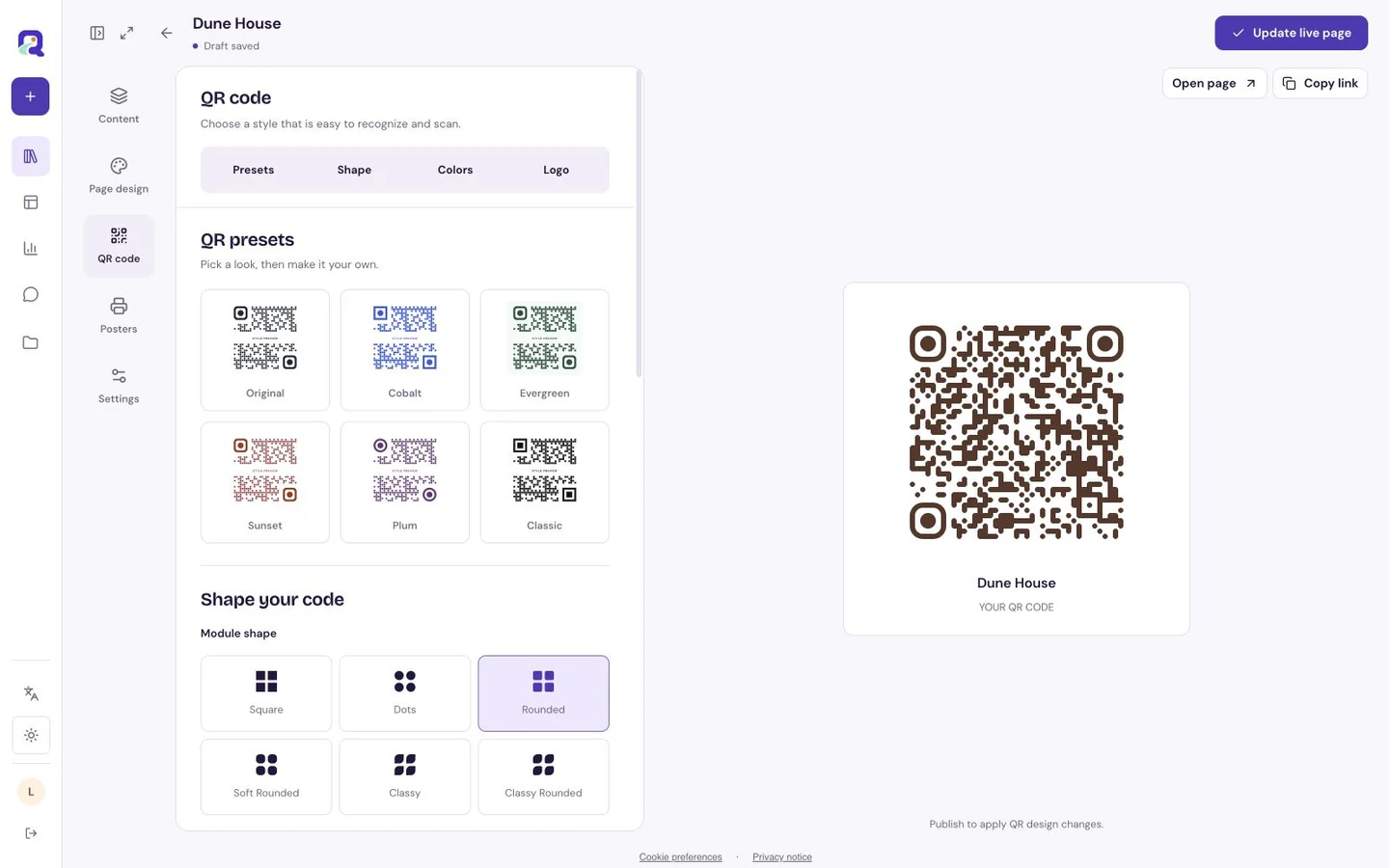
A practical example
A fictional bookshop could put one code on a reading-night flyer and send it to its current event page. If the event details move, it can update the saved website destination under its existing access rules.
Make the scan useful
Use the complete HTTPS address and a destination that works on a phone. Keep the printed caption specific: “Reading-night details” says more than “Scan me.”
- Enter the website address and preview it on a phone.
- Create and download the code after signing in.
- Scan a printed proof and check the final website, including its mobile layout.
What to check before sharing
A redirect cannot fix a broken or restricted destination site. A QRTech shortlink needs connectivity and an accessible saved resource; changing a destination does not change copies of a URL someone already opened.
Can I change the website after printing?
The QRTech shortlink can redirect to an updated saved destination, subject to the resource and account access rules. Test the printed code after every change.
Does scanning open the QRTech editor?
No. A visitor resolves the public shortlink and is redirected to the saved website. The editor remains private to the owner.