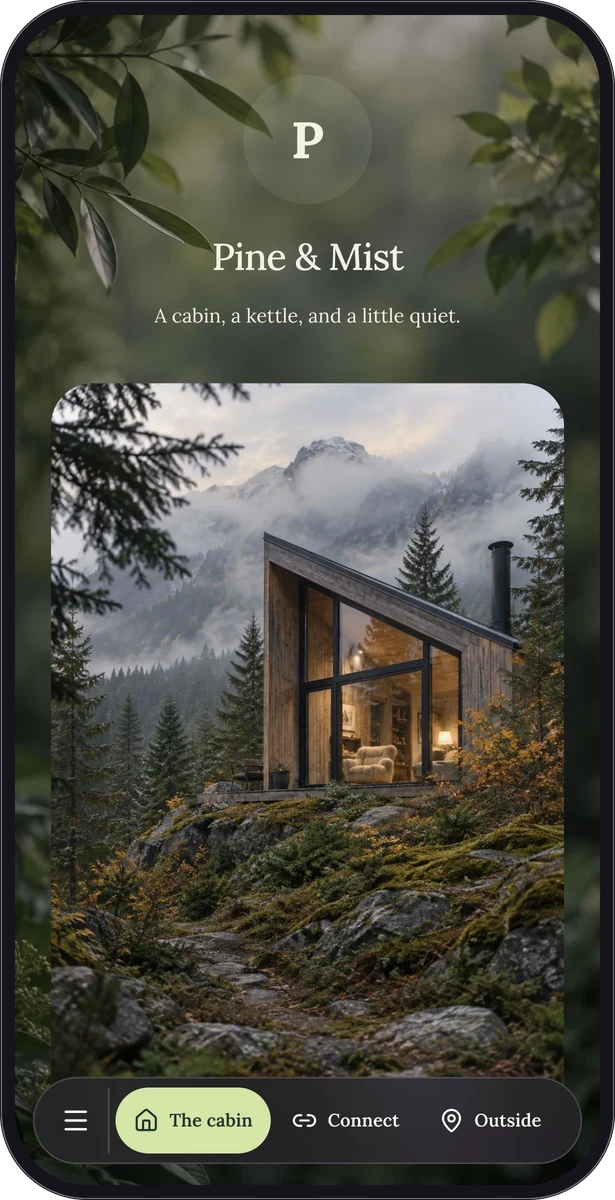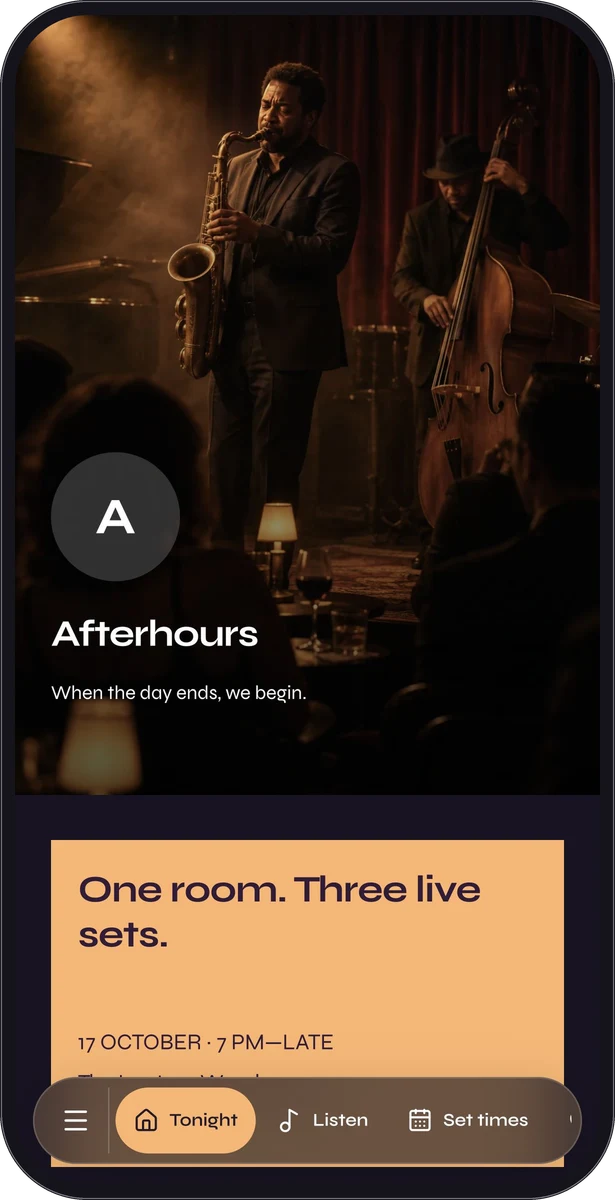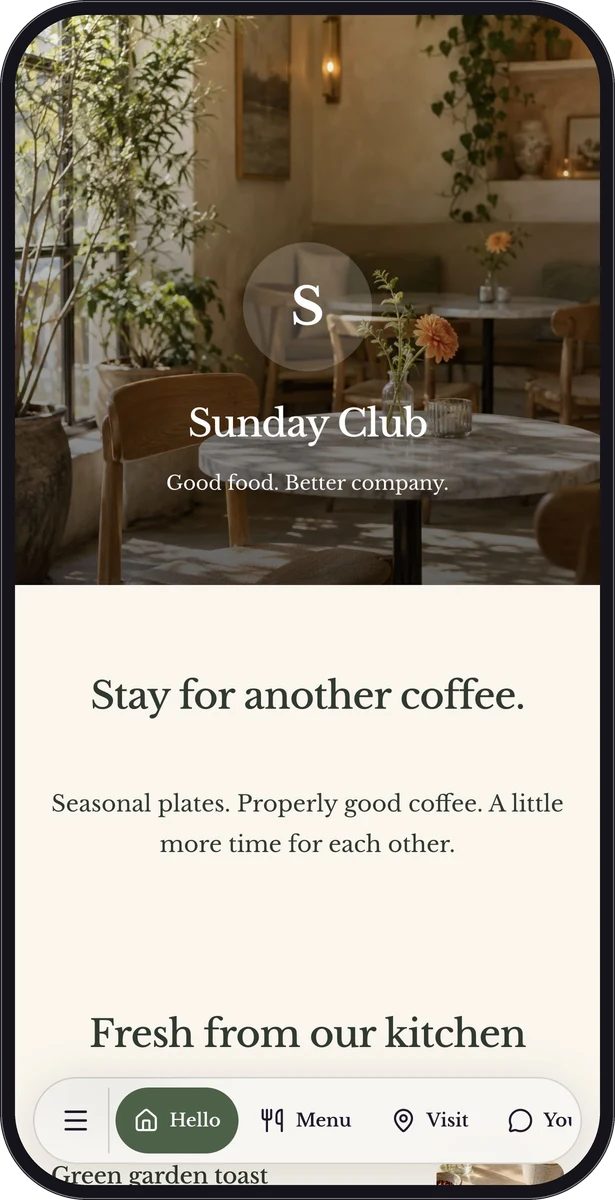
Design both sides of the invitation.
The sign gives people a reason to open something. The page delivers on that promise. A restaurant table sign can lead to a photographic menu; a welcome card can open a guest guide; an event poster can connect to the programme and directions.
A code without context makes the visitor do the guessing. Give the artwork a short, useful instruction such as “Open the menu” or “Make yourself at home,” then build the page around that same job.
Real design tools. Room to play.
Poster Studio works with editable text, photographs, logos, QR codes and shapes. Arrange and layer elements, adjust colors and sizes, and choose a format that suits the placement. Start with an existing preset or shape your own composition.
The current preset library includes restaurant table and bistro layouts, guest welcome and Wi-Fi signs, event artwork, creator portfolio and contact layouts, review notes and community invitations. Those are actual editable starting points in the studio.
- Change headlines, captions and typography.
- Place photographs and logos in the composition.
- Use shapes and layers to organize the artwork.
- Resize for supported named formats or custom dimensions.
From a saved page to a printable invitation.
Make the destination first so your artwork leads somewhere useful. Existing page and QR editing flows can open Poster Studio with the connected resource.
- Create and publish the page or destination.
- Open Posters from that resource or choose it in Poster Studio.
- Choose a preset, edit the artwork and keep the code readable.
- Download SVG or PNG and test a proof before producing your print run.
Download the artwork. Choose your own printer.
SVG keeps supported vector elements scalable. PNG is a raster image that works in many everyday publishing tools. Photographs remain raster content even inside an SVG, so start with an image that has enough detail for your intended size.
QRTech produces downloadable artwork, not physical print products. There is no native PDF poster export or printing and delivery service. Ask your chosen printer about their file, bleed, stock and finishing requirements. A table-tent layout still needs appropriate physical folding and assembly.
The right format for the moment.
Use a small sign when someone is already close enough to read it. Give an event poster enough hierarchy to work at a distance. A sticker needs a simple message and generous clear space around its code.
Wi-Fi signage deserves a special check: native Wi-Fi codes contain the network credentials. Replace that print when those details change. For online page destinations, updates can happen behind the existing code while the resource remains available.
Questions, answered.
Which plan includes Poster Studio?
Creating and editing posters requires Premium, including the signup Premium trial. Enterprise access is arranged with the team.
What happens to posters if I move to Free?
Existing posters can be viewed and downloaded during the applicable retention period, but cannot be edited on Free. Content outside the plan is subject to the platform’s dormancy and deletion rules.
Can QRTech print and ship my signs?
No. QRTech provides downloadable SVG and PNG artwork. You arrange printing, materials and fulfillment separately.