Write the destination before the promotion
Choose the one thing the campaign is inviting someone to do. The page might introduce a new collection, explain an open day or collect an enquiry. Write the opening headline and action first, then make the poster or social message promise that same experience.
Give the visitor enough context to decide: what the offer is, who it is for, relevant dates and what happens next. Put the primary action close to that explanation. Secondary background can sit further down the page for people who want to investigate.
Match the page to the amount of explanation
A Free URL code or shortlink can take people to an existing web destination when that already explains the campaign well. A custom page gives you control of an introduction built from eligible text, images and contact blocks.
Premium link lists can organise several related destinations, and Premium forms can collect a focused response. If the campaign involves a dated gathering, a Premium calendar block can sit inside a custom page. Keep each added block tied to a real visitor decision.
| Campaign need | A useful starting point |
|---|---|
| An existing landing page already does the job. | A URL destination with a shareable code or link. |
| A new offer needs a short explanation. | A custom page with text, images and a contact action. |
| The visitor needs to send an enquiry. | A custom page with a Premium form and clear expectations. |
Make the message travel across formats
Use the same recognizable image or color on the page and printed artwork, while allowing the page room for detail. A large poster headline needs only a short scanning invitation; the mobile page can explain conditions and the next step in readable text.
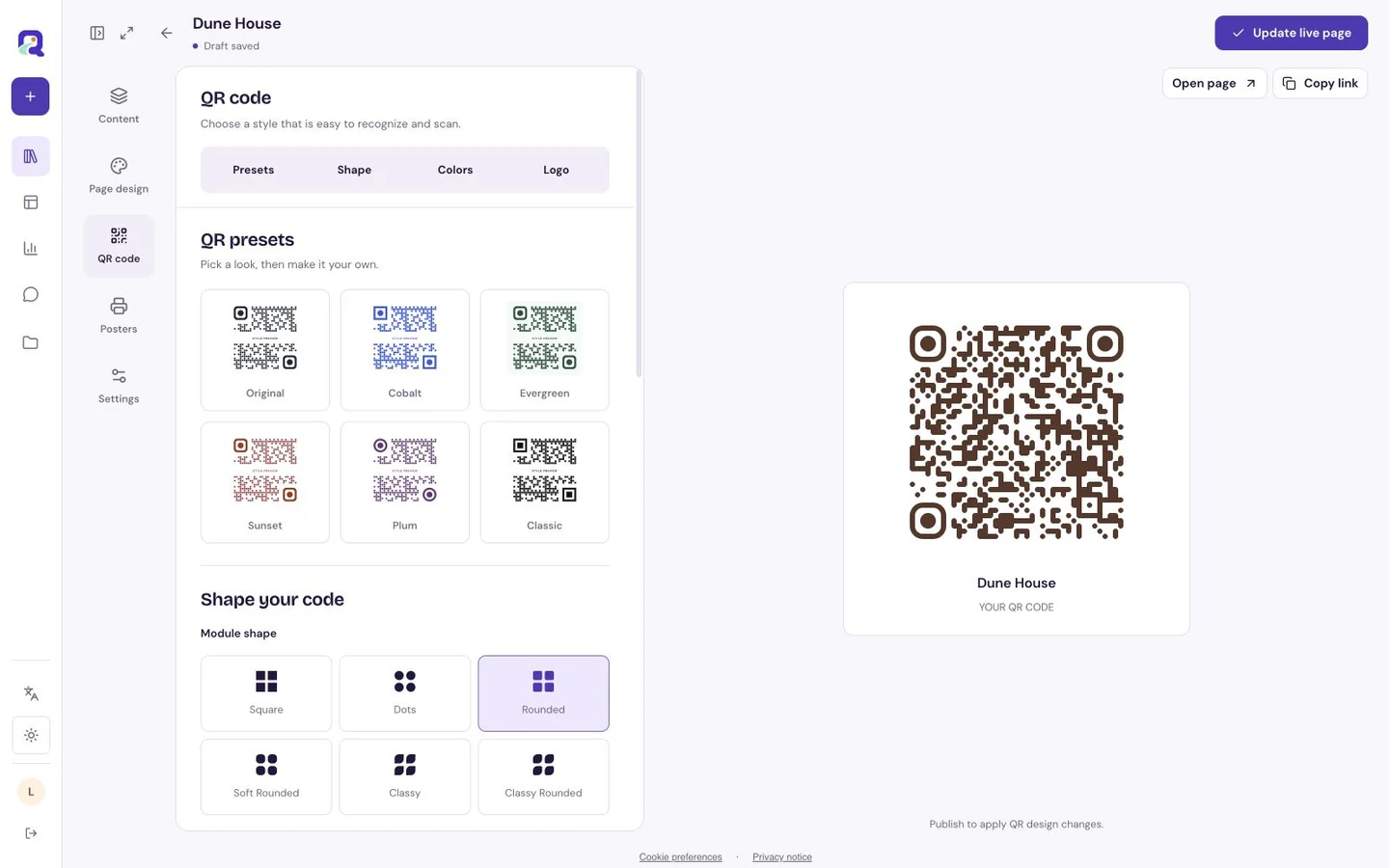
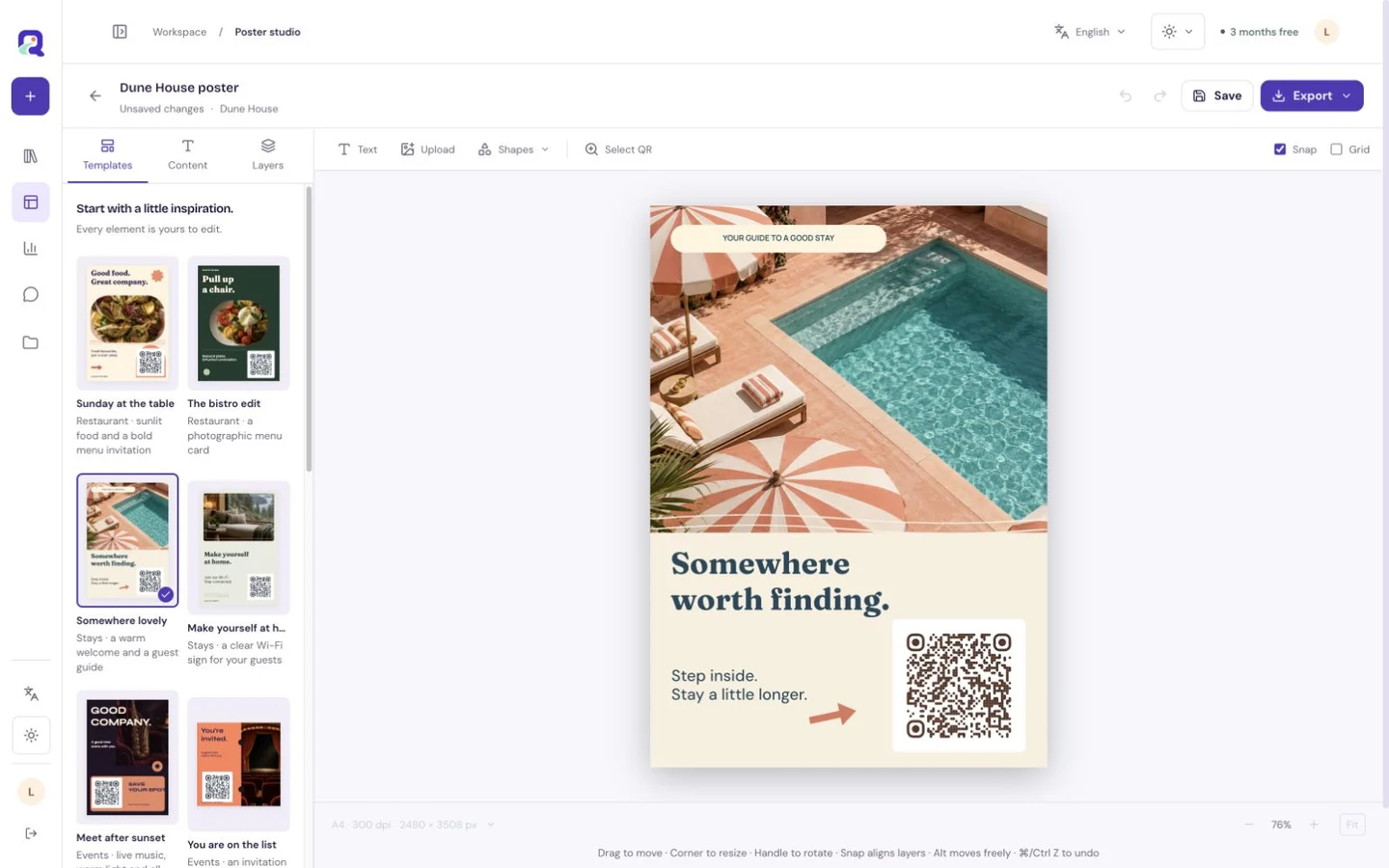
Premium Poster Studio produces downloadable SVG and PNG artwork. Print a proof at the intended size, scan it in context and keep a readable shortlink beside the code. Share the normal link in digital channels where people can tap directly.
Run through the whole journey before sharing
Open the shared link on a phone and scan the printed proof. Check that the opening promise matches the promotion, the contact or form action works as intended and external destinations are current. Confirm dates and any offer details with the person responsible for the campaign.
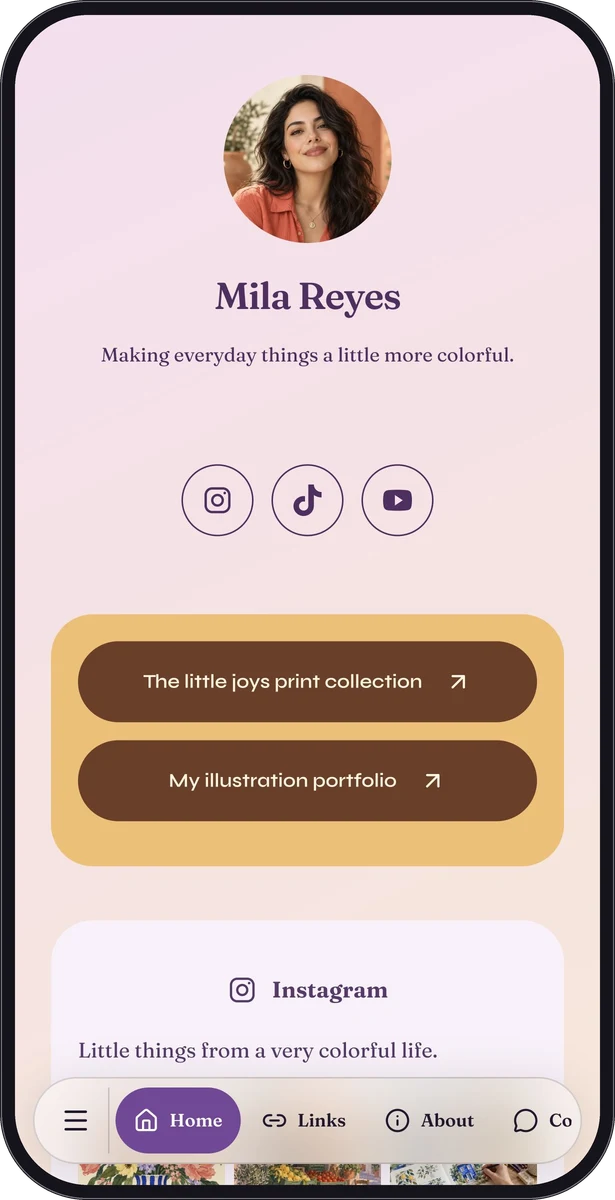
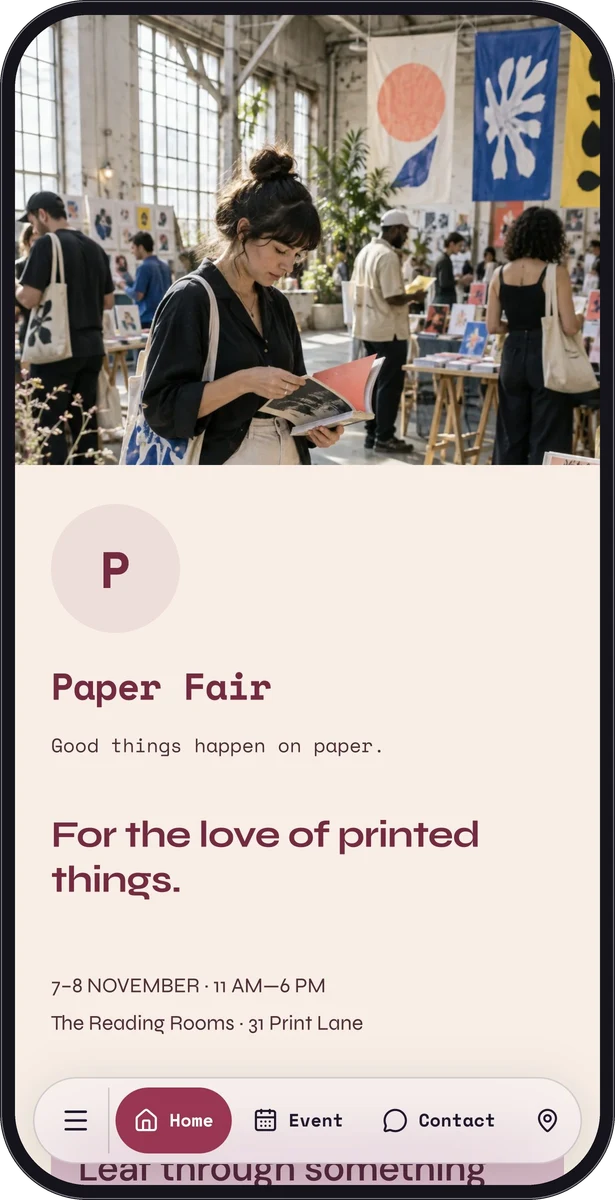
The fictional Mila Reyes and Paper Fair samples show two useful structures: a creator introducing work and an event explaining a visit. They are representative page demonstrations, not campaign case studies or evidence of conversion results.
Use activity to ask better questions
Available analytics can help you inspect page visits, recorded channels, outbound clicks and form activity. Compare what the measures actually record before drawing conclusions. A page visit is not proof of a purchase, and an outbound click does not confirm what happened on another website.
Review the page during the promotion and update the hosted content behind its existing link when details change. When the campaign ends, replace expired instructions with a clear ending or a relevant next step, then verify the destination still makes sense to someone holding older printed material.
Questions, answered.
Does QRTech measure campaign revenue or run advertisements?
No. Its available analytics describe supported page and link activity. Advertising delivery, purchases and revenue reporting belong to your advertising, shop or other connected destination services.
Do I have to print new codes after every edit?
Edits to a hosted page can appear behind its existing link. A static code containing information directly is different; changing its encoded contents requires a new code and updated print.