Skip to content
QRTech

Your world is bigger than one profile.

Give people a useful place to move between your work and the platforms where they can find you. Start with a social destination, or bring several profiles together on a page.

Create your social page
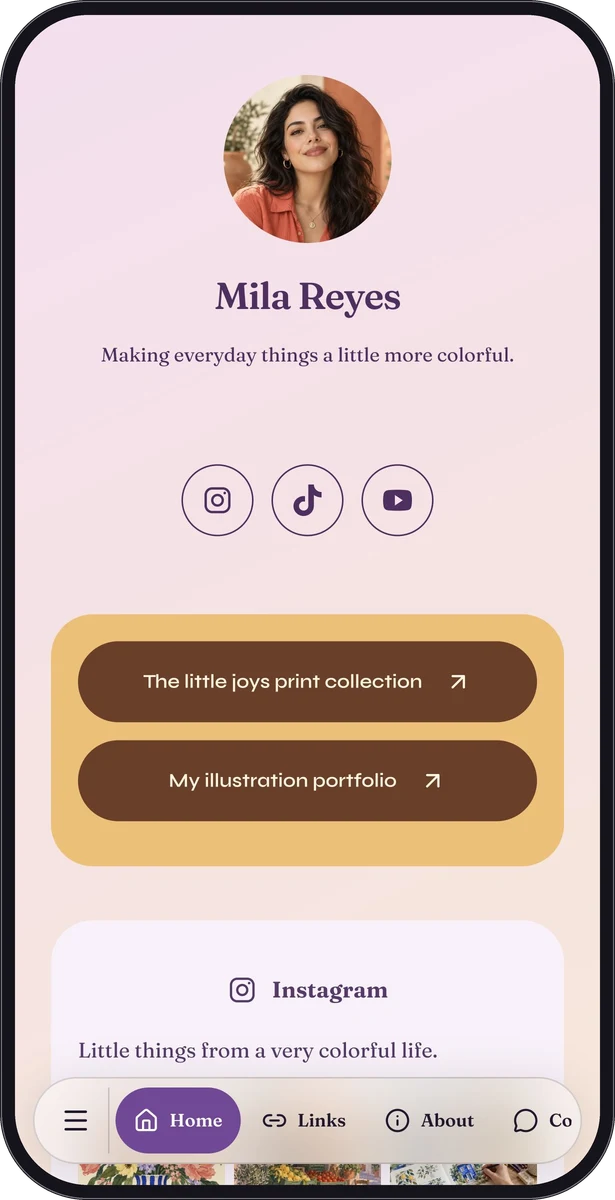
Mila Reyes, a fictional creator used to demonstrate portfolio and social page layouts

Start with the platform people need.

QRTech has creation flows for Instagram, Facebook, TikTok, LinkedIn and X. Use the one that matches your public profile or supported content. A visitor’s experience can involve the provider’s app, website or sign-in screen.

YouTube has its own supported page experience, and Spotify belongs with audio. A QR code can lead to these destinations, but the normal shortlink is equally useful in a bio, message or email.

A familiar row of social icons.

The free social media strip adds recognizable profile links inside a custom page. It is a compact way to let someone choose their preferred platform without making the page feel like a directory.

A social strip is different from a general-purpose list of links. Use Premium link blocks for named destinations such as a shop, release, newsletter or portfolio project. Use the free social strip for supported social profile links.

Give the links something worth surrounding.

Add a clear introduction and your own images. Supported native social presentations let you curate profile information and selected posts. That content is authored in QRTech, not automatically synchronized from a live social feed.

Official embeds depend on provider availability, privacy settings and visitor consent. Keep a useful description and destination link around the embed so the page still helps when external content cannot load.

Make a clear next step feel natural.

Lead with your most relevant work or current release, then place social profiles where visitors expect them. Choose a typeface and background that let the images lead while preserving readable links.

  1. Start a custom creator page or a supported social page.
  2. Add your introduction, images and accurate public profile links.
  3. Use a social strip or eligible link blocks for the right jobs.
  4. Test the destinations, then share the page in your bio or messages.

Questions, answered.

Does QRTech automatically import my latest posts?

No. Curated native social content is manually authored. Official embeds display content under the provider’s own availability and rules.

Are all link pages Free?

No. General link pages and link-list blocks are Premium. Supported social strips and eligible social page types remain Free.
See the idea in a real page.

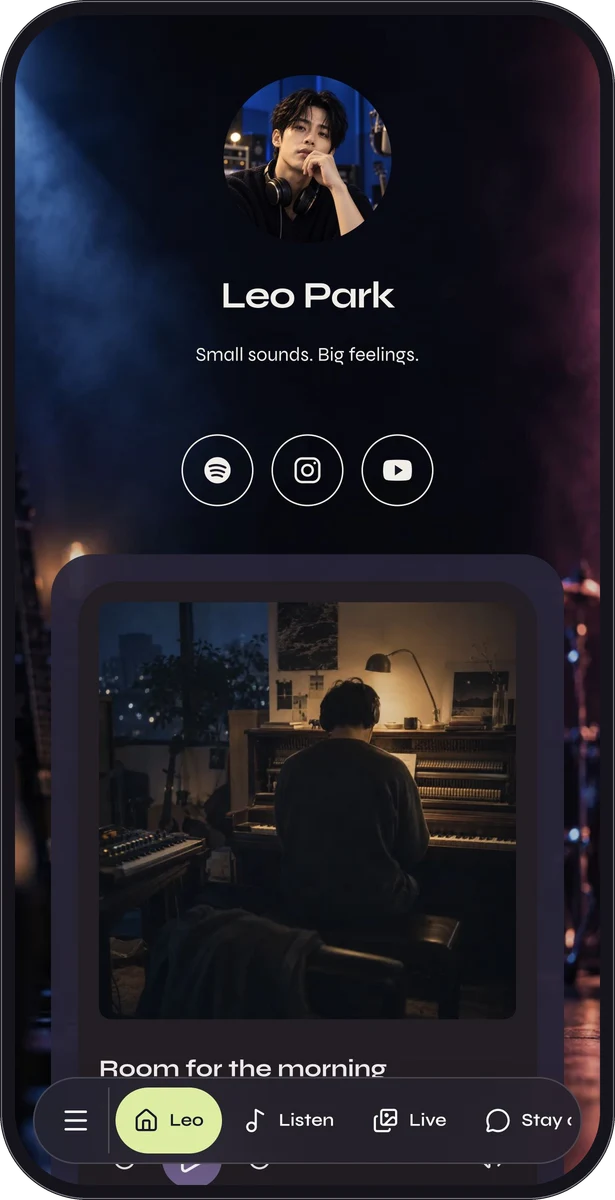
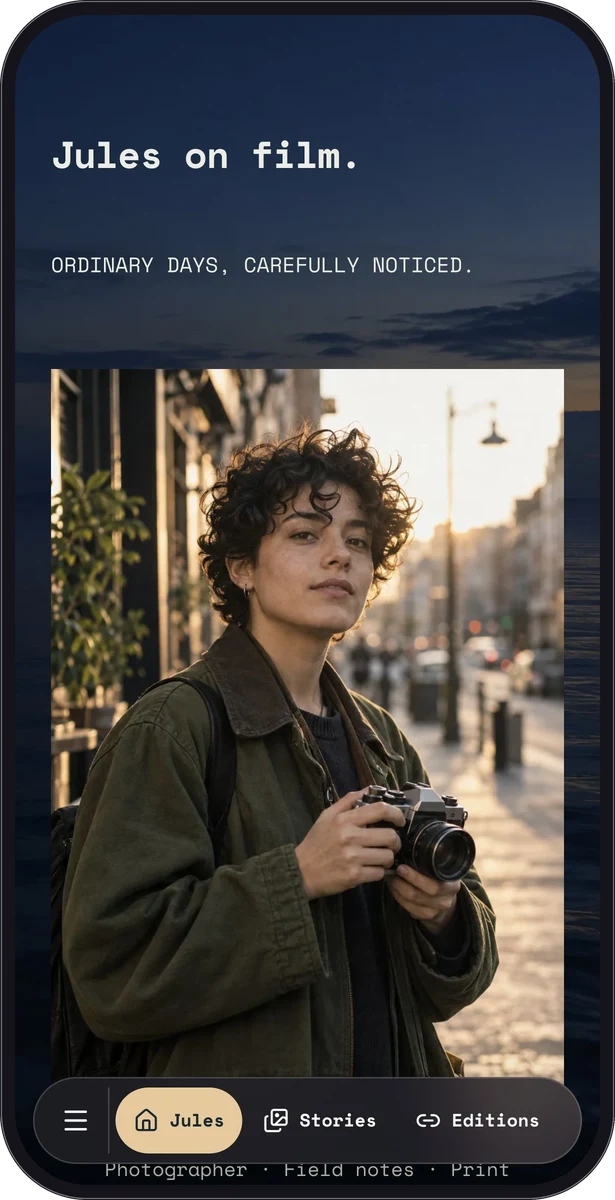
Fictional worlds. Actual QRTech blocks.

All examples

Start small. Make room for more.

Mix free blocks with Premium features when your page needs more. 3 months of Premium are included at signup, with no payment card required.

See all plan details

Free $0/ month

10 pages & codes · 20 MB storage

Eligible blocks, custom pages, URL codes, shortlinks and QR design.

Premium $6/ month

50 pages & codes · 100 MB storage

Premium blocks, Poster Studio, shared-password pages and MCP for your AI.

QRTech attribution stays on every page. After the trial, accounts move to Free unless covered by a paid or assigned plan. Content outside your plan becomes dormant; it can be recovered for 90 days before deletion under the retention policy. Storage overage blocks further uploads. Enterprise is available by agreement.

Make it your own.

A useful page starts with what your visitors need.

Create your social page

Keep exploring.

Every product, practical guide and page idea, in one place.