Start with the action you want to make easier
For a quick introduction, a business card can present contact information that someone can save. Include the name you use professionally, your role or company and the contact details you want to share publicly. A short description helps a new acquaintance remember why they wanted to speak with you.
A phone, email or WhatsApp action can give a visitor a more immediate route. Choose the channel you actually use for enquiries. Too many equally prominent actions can make a simple introduction harder to act on.
Choose the amount of context the work needs
A business card is a good starting point when the visitor already knows you. A custom page has more room for an introduction, selected images, service descriptions and contact blocks. That is useful when someone arrives through a recommendation and needs to understand your work first.
| A concise card | A fuller service page |
|---|---|
| Name, role and shared contact details. | An opening explanation of who you help and what you do. |
| A quick way to save your information. | A small selection of relevant work with context. |
| Suited to following up a meeting. | Suited to evaluating an introduction before making contact. |
Show enough to make the first conversation useful
Describe services in the language a prospective client would use. Instead of listing every tool or technique, explain what someone can come to you with and what information helps you respond. A few well-chosen photographs or project descriptions usually tell a clearer story than an exhaustive archive.
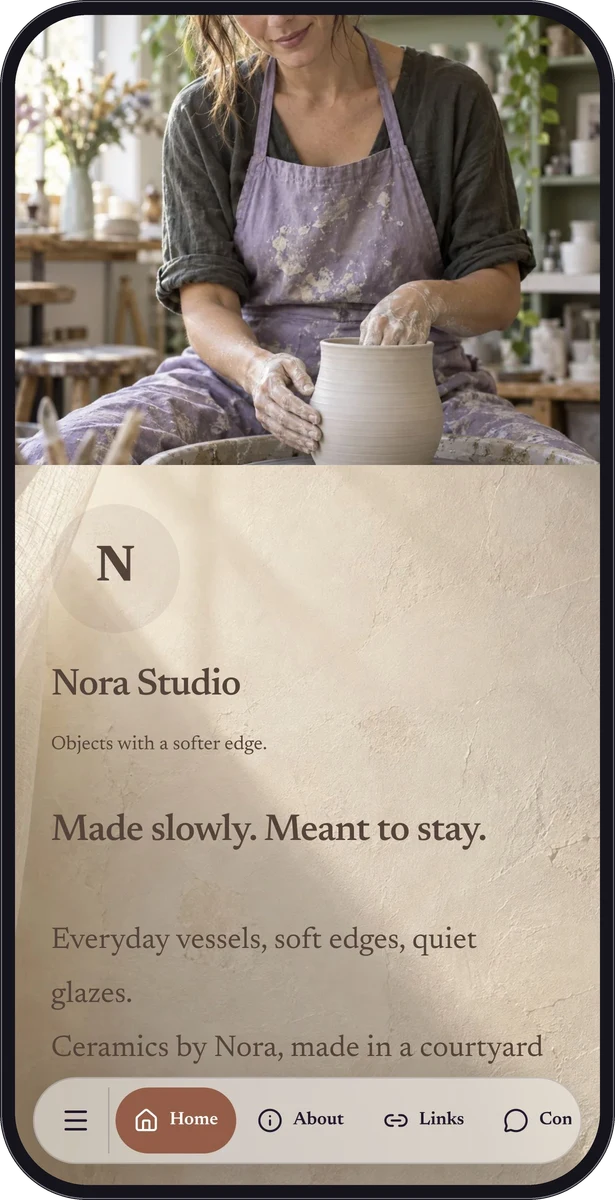
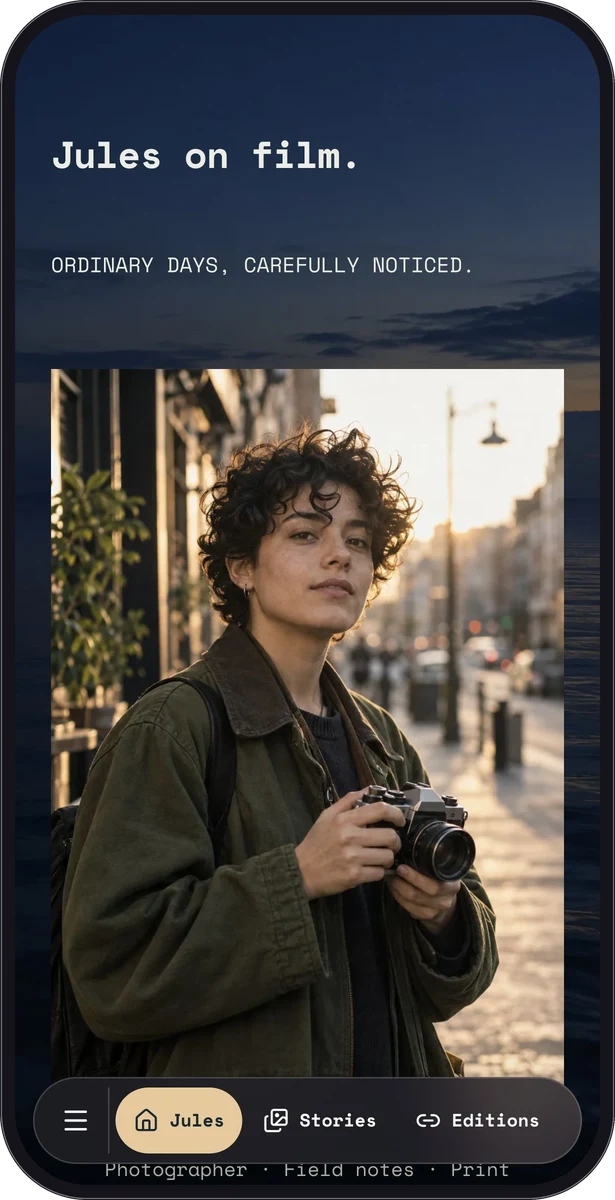
Nora Studio and Jules on Film are fictional creator samples, not dedicated business-card templates or professional customer case studies. Their introductions and selected work demonstrate how a service page can give contact details useful context.

Keep the printed introduction simple
Place the page or card QR code on a physical card, desk sign or portfolio handout. Print your name and a readable link alongside it so the object still makes sense before anyone scans. Use strong contrast and leave clear space around the code.
Use the normal link in your email signature and professional profile too. Preview the page on a phone, test the intended contact actions and scan a printed proof before producing a larger batch.
Keep shared details worth saving
Business cards, basic contact actions and eligible custom-page blocks are available on Free. Premium can add a structured enquiry form or link list to a fuller page. Keep forms focused on the information needed for an initial response, and review the submissions through your existing enquiry process.
Update your hosted page when your role, availability or contact details change. The shared page can present the latest information, but a contact someone already saved to their address book may be an older copy. Check your existing QR and link after important edits.
Questions, answered.
Does QRTech manage my clients or appointments?
No. It presents your introduction and supported contact or enquiry actions. Use your existing systems for appointments, client records, proposals and ongoing work.
Is there a ready-made professional customer example?
The library uses fictional samples. Nora Studio and Jules on Film provide relevant portfolio inspiration, while the business-card creation flow offers the actual contact format.